
BCXR28
Special Member
-
Joined
-
Last visited
Everything posted by BCXR28
-
-
Thankyou po! Nareset ka na po resolved na po ang problema ko sa cp. God bless po???
-
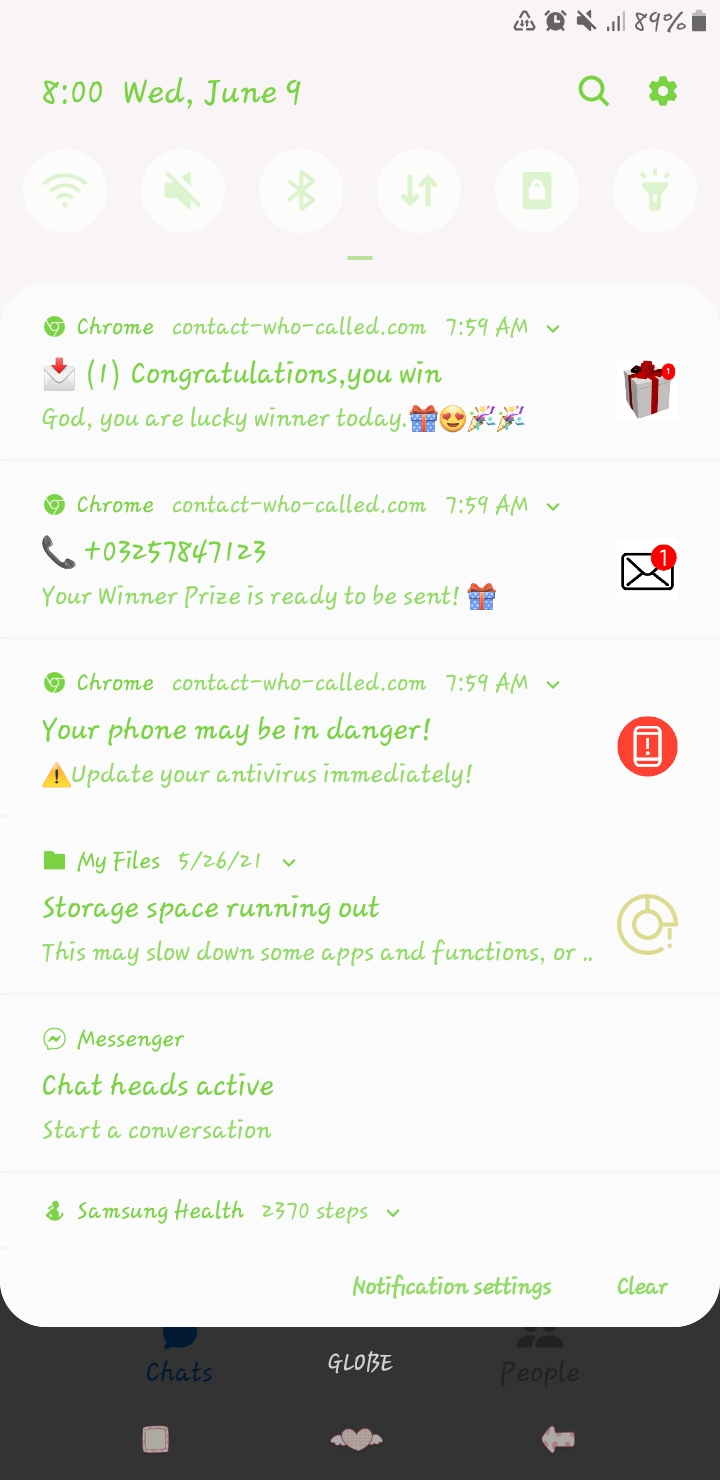
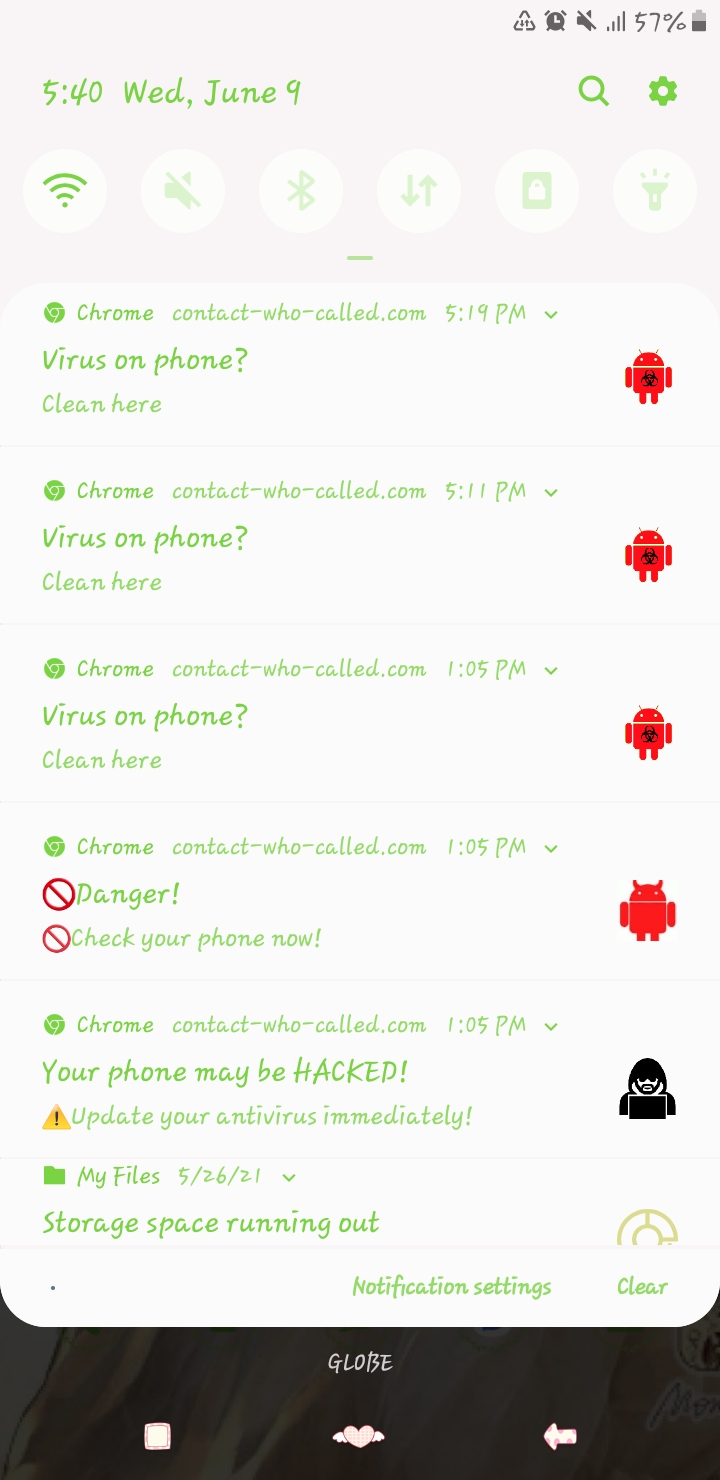
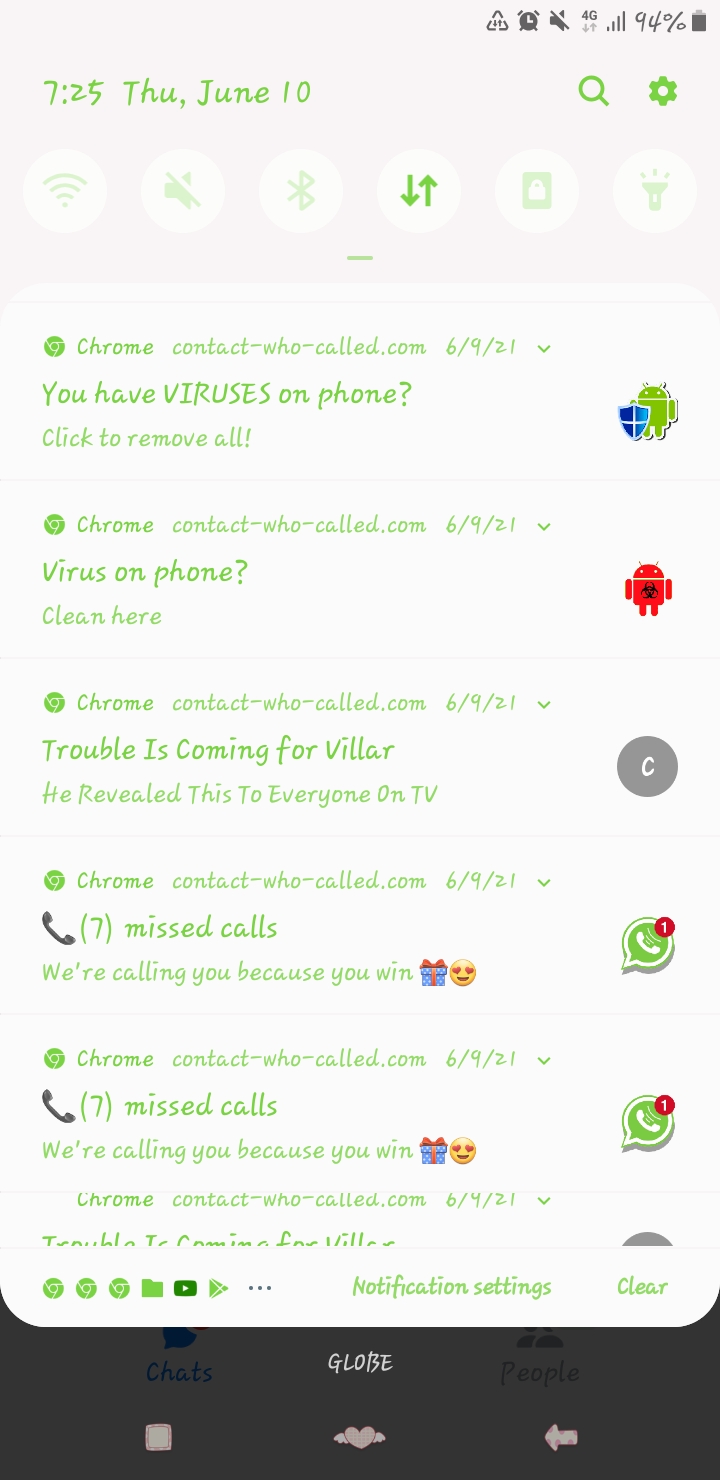
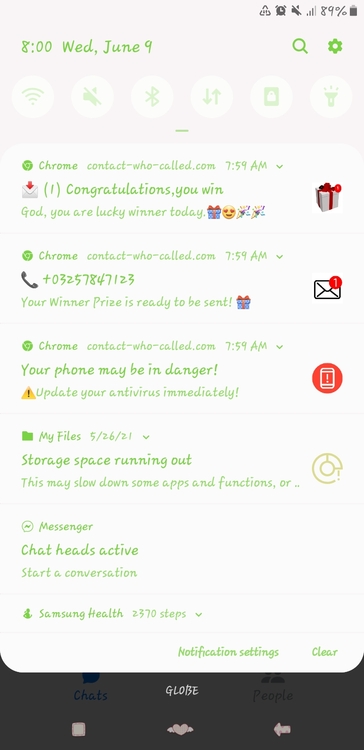
Salamat po sa inyo? itry ko nlng po ngayon.Possible po ba talaga na nahack ang phone ko? Anu po ang dapat kong gawin?
 Maraming salamat po?Interesting hope it is still working! Salamat po sa pagshare, keep sharing po!Interested mukhang need ko ito., may nagtangkang maghack ng fb ko at mag blackmail sakin pero d sya nagtagumpay! Salamat sa pagshare. God bless po?How po?? Interested ako, maraming salamat po for sharing!Pwede po sumali. Salamat po ng marami!Salamat po sa pagshare God bless???
Account
Navigation
Search
Configure browser push notifications
Chrome (Android)
- Tap the lock icon next to the address bar.
- Tap Permissions → Notifications.
- Adjust your preference.
Chrome (Desktop)
- Click the padlock icon in the address bar.
- Select Site settings.
- Find Notifications and adjust your preference.
Safari (iOS 16.4+)
- Ensure the site is installed via Add to Home Screen.
- Open Settings App → Notifications.
- Find your app name and adjust your preference.
Safari (macOS)
- Go to Safari → Preferences.
- Click the Websites tab.
- Select Notifications in the sidebar.
- Find this website and adjust your preference.
Edge (Android)
- Tap the lock icon next to the address bar.
- Tap Permissions.
- Find Notifications and adjust your preference.
Edge (Desktop)
- Click the padlock icon in the address bar.
- Click Permissions for this site.
- Find Notifications and adjust your preference.
Firefox (Android)
- Go to Settings → Site permissions.
- Tap Notifications.
- Find this site in the list and adjust your preference.
Firefox (Desktop)
- Open Firefox Settings.
- Search for Notifications.
- Find this site in the list and adjust your preference.