Skip to content
View in the app

A better way to browse. Learn more.

BenLotus

A full-screen app on your home screen with push notifications, badges and more.

To install this app on iOS and iPadOS
  1. Tap the Share icon in Safari
  2. Scroll the menu and tap Add to Home Screen.
  3. Tap Add in the top-right corner.
To install this app on Android
  1. Tap the 3-dot menu (⋮) in the top-right corner of the browser.
  2. Tap Add to Home screen or Install app.
  3. Confirm by tapping Install.

Cosmic

Moderator
  • Joined

  • Last visited

  1. Niel_01 started following Cosmic
  2. Spencer started following Cosmic
  3. paaleee started following Cosmic
  4. rrjaypatungan started following Cosmic
  5. kartik started following Cosmic
  6. AnnSherina started following Cosmic
  7. Nhalord started following Cosmic
  8. mrzaki started following Cosmic
  9. carla_meowk started following Cosmic
  10. Tani started following Cosmic
  11. Take note nalang, may reported post ka rin kasi.
  12. Tried some sites. Working! Tip: To get rid of ads, use Brave Browser to explore the sites.
  13. Welcome! Glad to see you all active in the forum.
  14. Welcome, pls feedback how it went for u or if u need any help
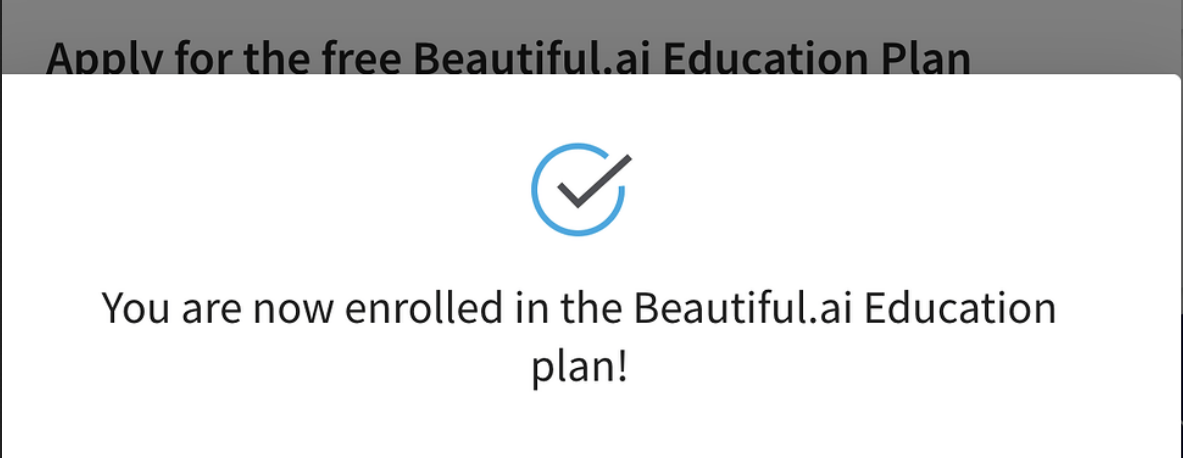
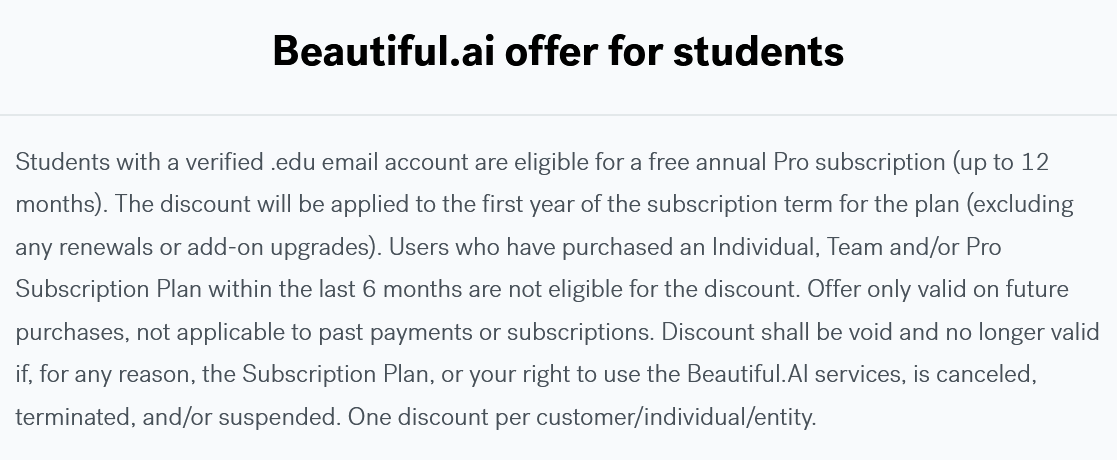
  15. Welcome, feedback kayo here if gumana sa ibang sites for edu plans. Tried on Notion and beautiful.ai, working
  16. Hi! Good to see you here. Feedback ka if napagana mo rin.
  17. Congrats! Try mo rin same method sa Notion.
  18. Thanks sa feedback, @tutskie
  19. Welcome, sana magstay active ka na ulit sa forum
  20. Welcome, feedback ka here if gumana sa ibang sites for edu plans
  21. Will do. Feedback ka if ever magamit mo yung apps.
  22. Welcome! It works for Canva edu (apply with teachers proof), notion and other sites.

Account

Navigation

Search

Search

Configure browser push notifications

Chrome (Android)
  1. Tap the lock icon next to the address bar.
  2. Tap Permissions → Notifications.
  3. Adjust your preference.
Chrome (Desktop)
  1. Click the padlock icon in the address bar.
  2. Select Site settings.
  3. Find Notifications and adjust your preference.