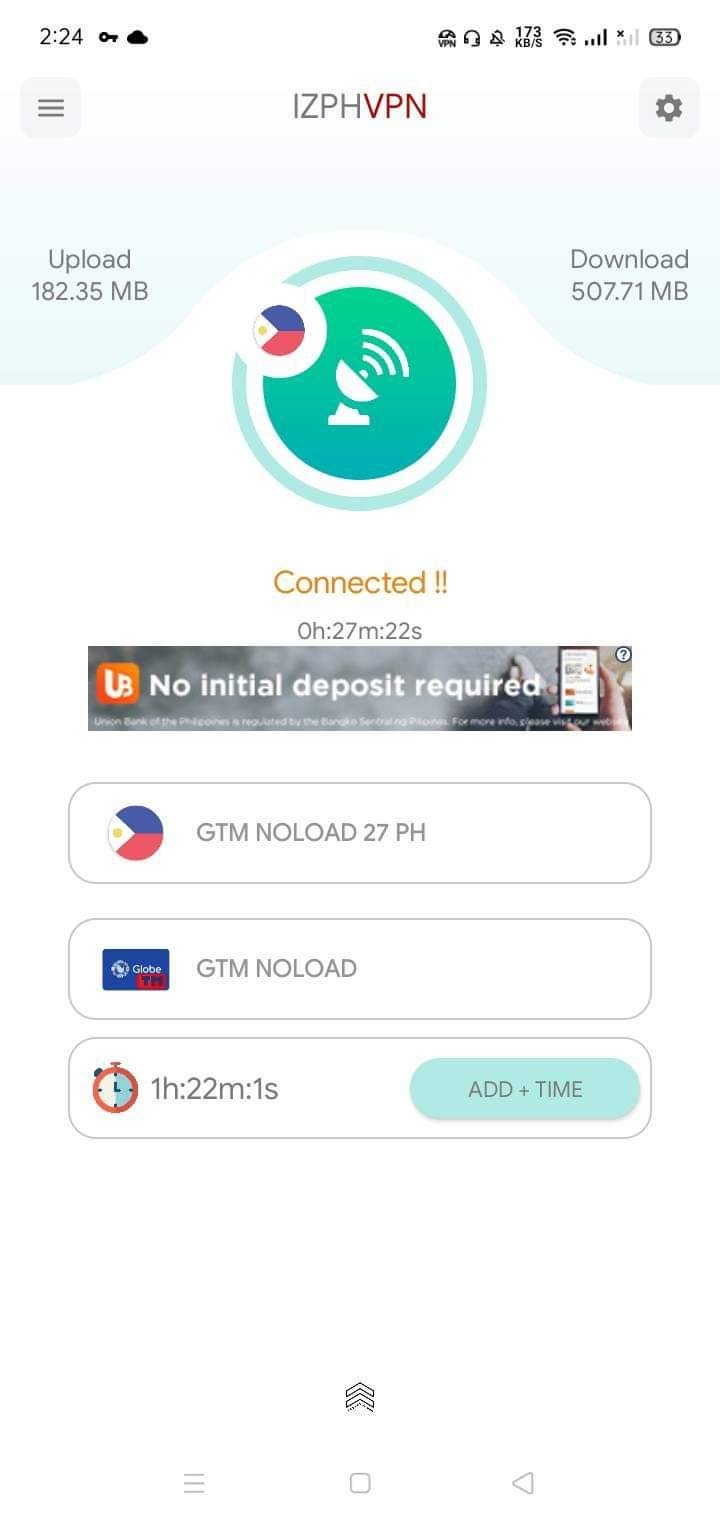
-
⭐ BEST PORN WEBSITE ALL TOP PREMIUM SITES FOR FREE⭐
nakakairita yung ads
-
⭐ BEST PORN WEBSITE ALL TOP PREMIUM SITES FOR FREE⭐
pasilip
-
Globe And TM Fast Working APN Settings
working pa kaya to until now?
-
How To Get YouTube Premium for FREE
pa try
-
WinRAR 6.0 FINAL + Key
pa try po salamat sa pag share
- open tunnel
-
open tunnel
- ×8 Windows 10 Pro Key and Microsoft Office Pro Plus Key
key activator is for one device only diba gagana pa kaya yan kahit ilan gagamit curious langMarkannie26 started following sgbarnz- Adobe Acrobat Reader: PDF Viewer, Editor & Creator v21.3.0.17414 (Pro)
activated na po ba ito- How To Get Free Product Keys For Any Software
pasilip lang working pa ba- tips para mapalakas ang signal
- free movie site
sana mag enjoy ang lahat, sharing is caring- vpn free net
- Abra Rewards 15$(pwede withdraw agad) and 25$
pwde ba to sa coinph transfer- Abra Rewards 15$(pwede withdraw agad) and 25$
sana may proofs ng withdrawal or transfer - ×8 Windows 10 Pro Key and Microsoft Office Pro Plus Key
Account
Navigation
Search
Configure browser push notifications
Chrome (Android)
- Tap the lock icon next to the address bar.
- Tap Permissions → Notifications.
- Adjust your preference.
Chrome (Desktop)
- Click the padlock icon in the address bar.
- Select Site settings.
- Find Notifications and adjust your preference.
Safari (iOS 16.4+)
- Ensure the site is installed via Add to Home Screen.
- Open Settings App → Notifications.
- Find your app name and adjust your preference.
Safari (macOS)
- Go to Safari → Preferences.
- Click the Websites tab.
- Select Notifications in the sidebar.
- Find this website and adjust your preference.
Edge (Android)
- Tap the lock icon next to the address bar.
- Tap Permissions.
- Find Notifications and adjust your preference.
Edge (Desktop)
- Click the padlock icon in the address bar.
- Click Permissions for this site.
- Find Notifications and adjust your preference.
Firefox (Android)
- Go to Settings → Site permissions.
- Tap Notifications.
- Find this site in the list and adjust your preference.
Firefox (Desktop)
- Open Firefox Settings.
- Search for Notifications.
- Find this site in the list and adjust your preference.