
PIKAPIKA
BenLotus Member
-
Joined
-
Last visited
Everything posted by PIKAPIKA
-
Thanks for sharing
-
-
-
Thank you sir. Keep sharing lng po ?
-
Thanks sir for sharing !
-
More power po master @JiroDavid ? Benlotus lang malakas!
-
Benlotus lng malakas ! Thanks po !
-
Thanks for sharing sir ?
-
-
paview namn sir thanks
-
ay oo nga talo pala mali intindi ko sa gameplay my bad ???
-
@Regsy oo panalo ba yon ? ??
-
NAKAISA KO YES ! Tama po ba sana 39 po yung isang number ko.
-
-
Pag gigitara kahit d namn ako magaling
-
James Bond classic songs
-
Ash gray siguro sir
-
try mo magbasa ng manga or kahit novel books
-
mukang dadami na lalo member
-
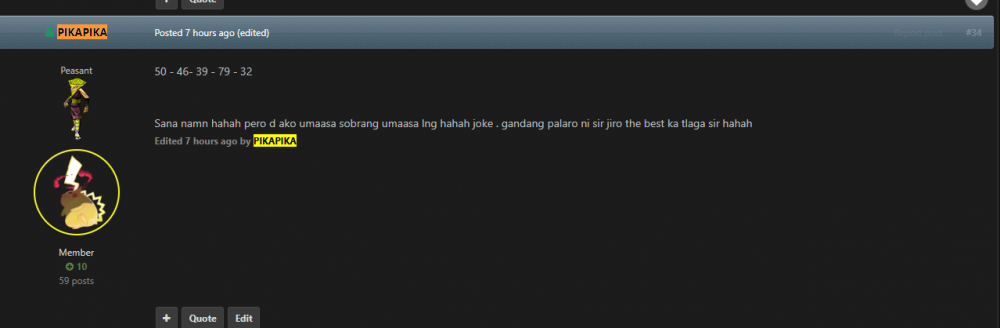
50 - 46- 39 - 79 - 32 Sana namn hahah pero d ako umaasa sobrang umaasa lng hahah joke . gandang palaro ni sir jiro the best ka tlaga sir hahah
-
Astig sa forum nato . Sana maka sali rin ako sa susunod . heheh gagaling nio mga kaforum heheh ?
-
Patry sir hehe thanks po
-