olivia
Special Member
-
Joined
-
Last visited
Everything posted by olivia
-
payaman tayo dito sa forum Sir! hahaha
-
congrats on reaching 300 post and becoming a special member!
-
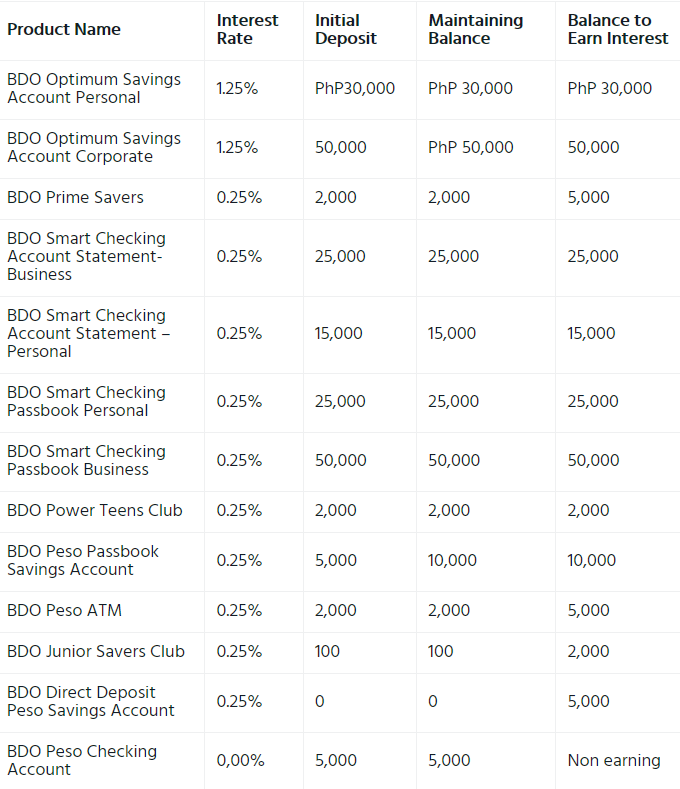
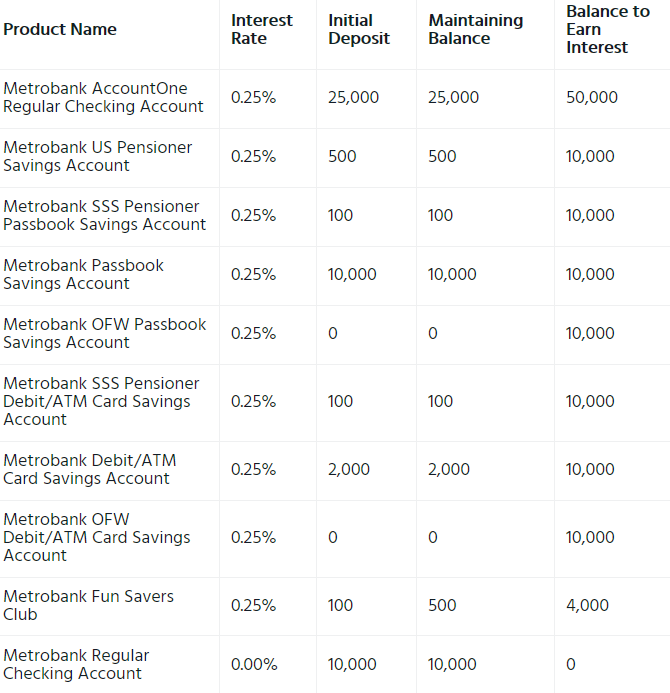
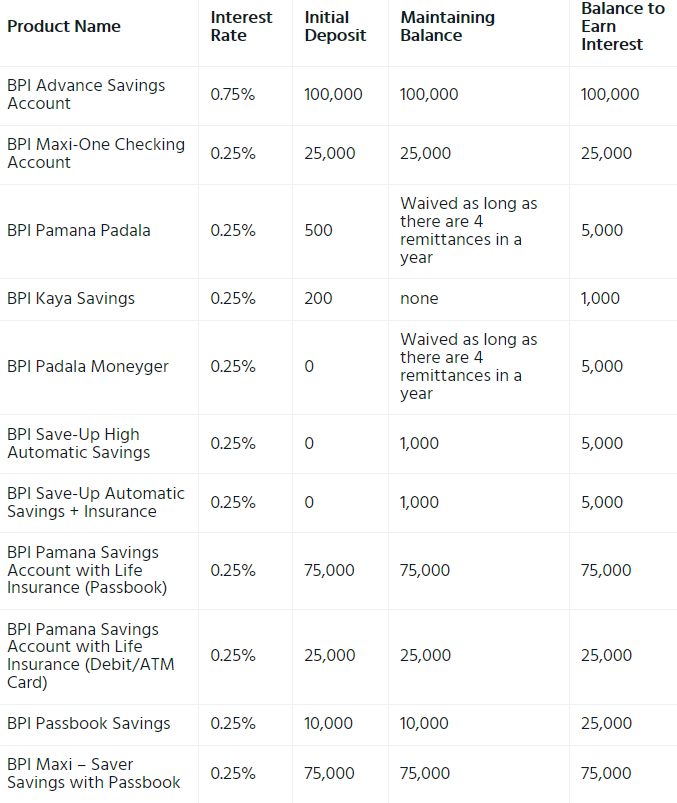
oh. okay. But I suggest you save money earlier and while you are young. unlike me. i started saving at an old age already.
-
apologies but where are you from? maybe banks in your country have better offers than the banks here in Ph.
-
punta ka sa profile then click mo ung Cover Photo sa upper right.
 anong ISP yan?ako kahit gusto kong mamasyal, pagkatapos ng pandemic mapupunta pa din ako sa trabahograbe talaga dito sa BenLotus! thank you very much poooo !walang problema Maam basta hindi nakakawasak ng utak hahahhahasana nga all hahahahhahasorry Maam kelangan ata may entry HAHAHAHAHHA pero subukan nyo pa din. baka malakas kayo kay Boss Jiro hahahaahaasayang 300 ka sana Maam ! ahahahhahhanggang sa huling sandali ng BenLotto, hindi pa din ako nanalo jk hahaha Thank you po dito Sir Jiro!ayyy hahaha okay okay. di ko nabasa na June lang ???79 75 63 25 12 bakit pala last benlotto na to Sir Jiro? pwede ba malaman or confidential ung reason? ??dapat cinoconsider mo din procie mo. baka mapabili ka ng graphics card na mag hindi mo ma-mamaximize ung capabilities. search mo kung mag bobtottle neck cla.di na ko nanalo sa mga gamesung sa pagkick ng naka connect, tama ung sinabi ni Sir Sucre. paltan mo nalnag ng pass. ang alam ko nasa settings lang din ung pipili ka ng device na mabibigyan mo ng access ewala pa din hahahhahi. try hi. try mo to admin:Converge@zte123 user:user ClearOne:RAV clearone:converge 1admin0: ltecl4r0Mukang madami mananalo ngayon a hahahaha chamce na natin to mga guys ! 1 11 21 31 41