




Fire_Candy
Epic Member
-
Joined
-
Last visited
-
I chose 15, 38, 45, 61, 79. Thanks, Jiro
-
Woah. So generous of you Jiro. Thanks for this. 😇
-
Alright. Thanks Jiro.
-
Oh. sure. Will that account be deactivated after the trail is completed?
-
Well, In that case, I would wanna try YouTube Premium. Would that be fine ?
-
Well, I'm sure I know this. 😅 ALL THE BEST guys. 🤞
-
-
Nice. po. check closely. Still missing po. @Tracer All the best.
-
HI. Thank You very much. Glad, I could complete it correctly. 😀 Thanks for the BCASH too. [hide] I've been wanting to have a trusted VPN. I've seen that Express VPN offers a 3-month free offer. kinda thing. [/hide] I'd grateful if that could be fulfilled. 🙌
-
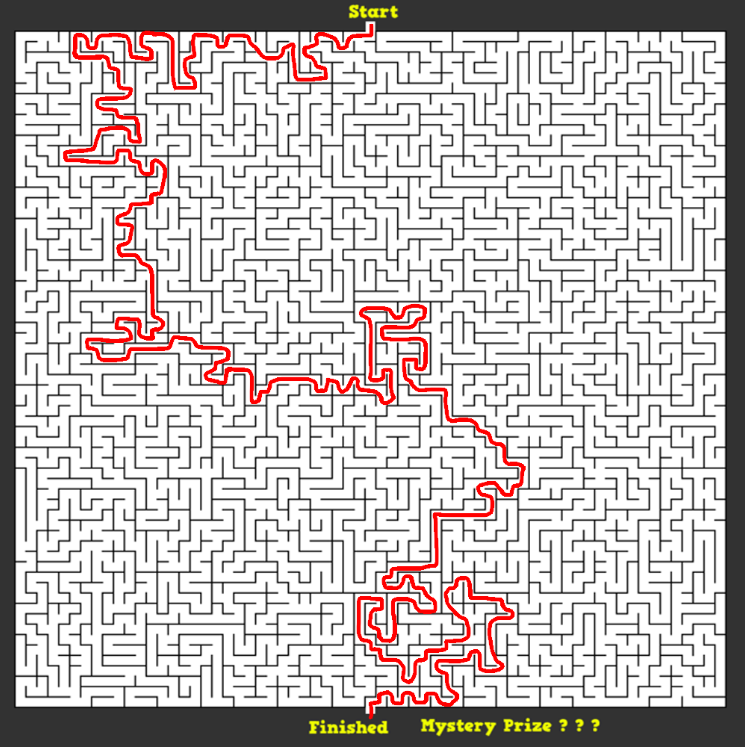
Hi... I hope this the correct. 🤞
-
Cool. Cool. Thanks for sharing more new games. ❤️🔥 All the best guys. 🤞🙌
-
Thanks Jiro. I choose this 1. Two months of Scribd.
-
The Sound Of Music (1965)
-
Well, Right. I would answer. 1. MAXIMUS 8. KBOT
-
Hi. I know it only 2 answers. But You can choose any 2 answers I guess. If one goes wrong. 1. MAXIMUS 3. FILIPINO 8. KBOT



