




Sauce
Special Member
-
Joined
-
Last visited
Everything posted by Sauce
-
Wow working nga. Hahahahahahah Phub triny ko. HahahaThanks for sharingThanks for sharingThanks for sharing lodsTry nyo rin to mga lods Surf Only:(84 pesos) (15 days-5gb) GOSURFBE34+Go50 send to 8080 "Pwede mo pa dagdagan ng Go50 pag naubos na ang data kase nag papatong patong lang sila. "Thanks for sharingWow, thanks for sharingMag crecreate pa pala. Hehe. Gumana na lods. Salamat sa pag sagotBtw, kaninong emails yung 2 na unclaimable? Na decline ba kayo? Tutulungan ko. Comment lang
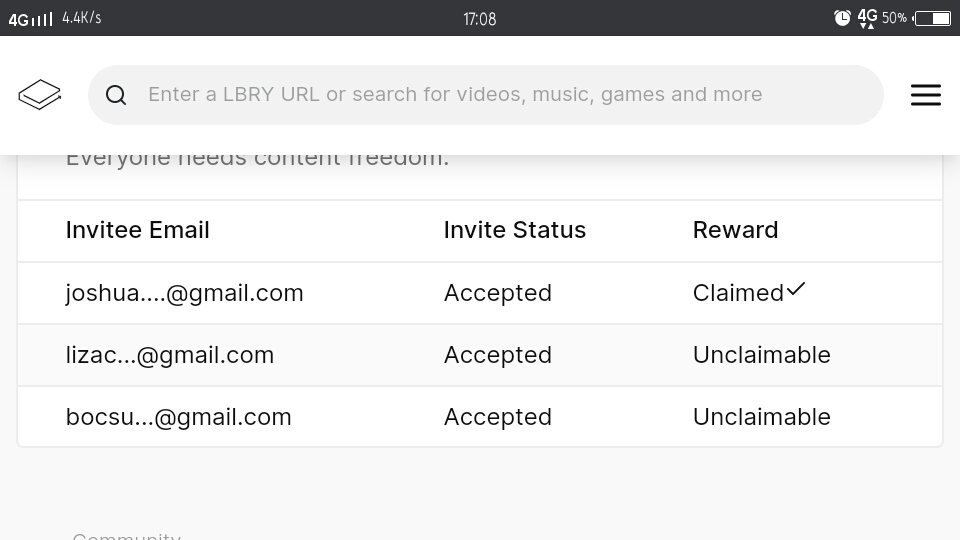 Wow, andami. Salamat lods. Patuloy sa pamimigayHehe welcome mga lods, change pass nyo agad pag nakita nyong na leak ang emails nyoV, I, N, C, E Lucky name?@Mae salamat sa paghagi lods, nilagay ko nlang po sa thread hehe @ArKeiSalamat lods. Hehe di ko pa kase alam kung san yung spoiler option Welcome mga lods@MrX01 hehe sensya po kung tinag kita?special member daw eh



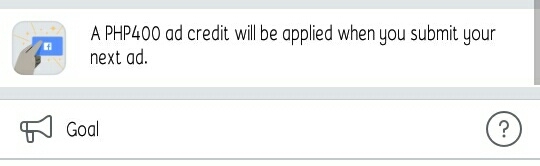
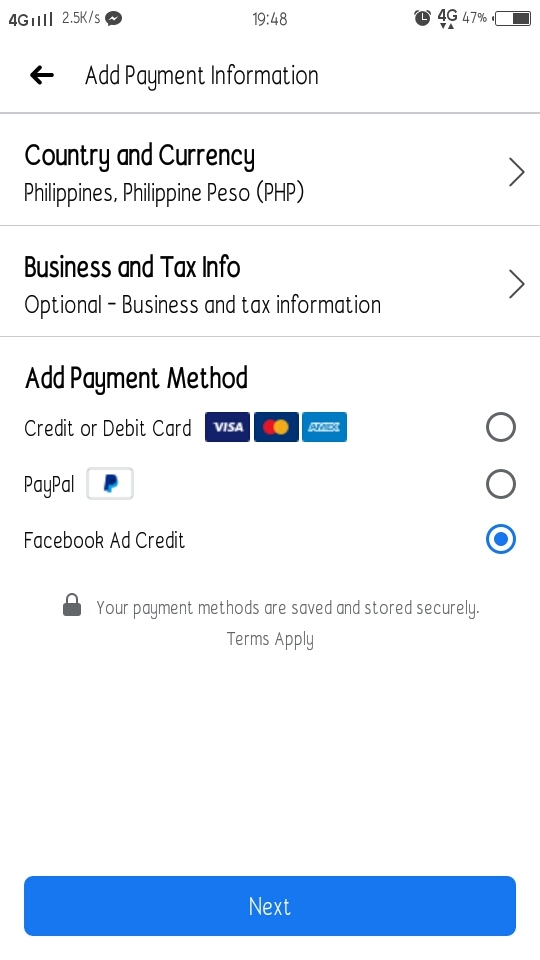
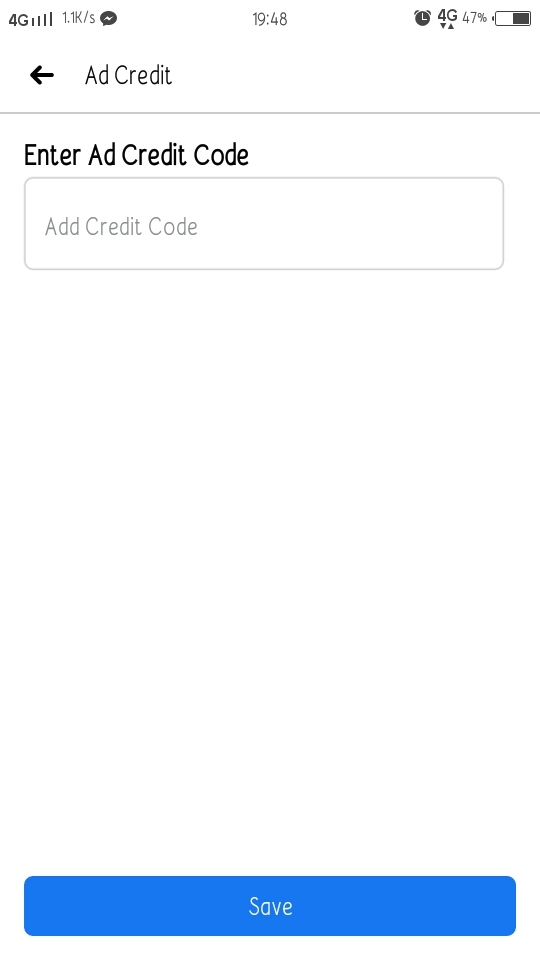

Account
Navigation
Search
Configure browser push notifications
Chrome (Android)
- Tap the lock icon next to the address bar.
- Tap Permissions → Notifications.
- Adjust your preference.
Chrome (Desktop)
- Click the padlock icon in the address bar.
- Select Site settings.
- Find Notifications and adjust your preference.
Safari (iOS 16.4+)
- Ensure the site is installed via Add to Home Screen.
- Open Settings App → Notifications.
- Find your app name and adjust your preference.
Safari (macOS)
- Go to Safari → Preferences.
- Click the Websites tab.
- Select Notifications in the sidebar.
- Find this website and adjust your preference.
Edge (Android)
- Tap the lock icon next to the address bar.
- Tap Permissions.
- Find Notifications and adjust your preference.
Edge (Desktop)
- Click the padlock icon in the address bar.
- Click Permissions for this site.
- Find Notifications and adjust your preference.
Firefox (Android)
- Go to Settings → Site permissions.
- Tap Notifications.
- Find this site in the list and adjust your preference.
Firefox (Desktop)
- Open Firefox Settings.
- Search for Notifications.
- Find this site in the list and adjust your preference.