Skip to content
View in the app

A better way to browse. Learn more.

BenLotus

A full-screen app on your home screen with push notifications, badges and more.

To install this app on iOS and iPadOS
  1. Tap the Share icon in Safari
  2. Scroll the menu and tap Add to Home Screen.
  3. Tap Add in the top-right corner.
To install this app on Android
  1. Tap the 3-dot menu (⋮) in the top-right corner of the browser.
  2. Tap Add to Home screen or Install app.
  3. Confirm by tapping Install.

Sauce

Special Member
  • Joined

  • Last visited

Everything posted by Sauce

  1. Salamat lods malaking tulong to, eto nalang gagawin ko as website portfolio? God Bless po
  2. Opo ganyan po lodi. Sorry na late reply naputulan kase dito
  3. "The promotion code you entered has been applied to your cart but no items qualify for the discount yet - please check the promotion terms" Pano to lodi?
  4. Yung parang sariling website po na dun na nakalagay yung resume at portfolio po
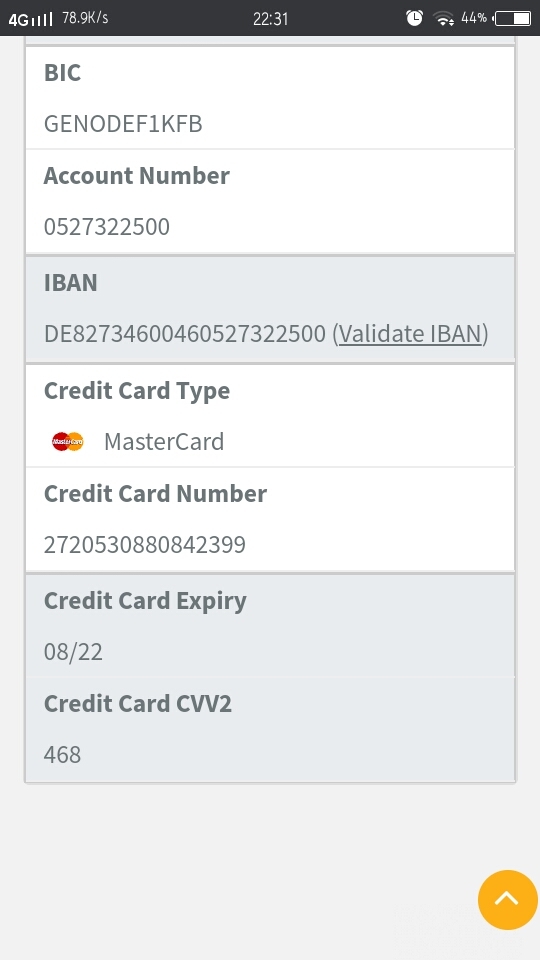
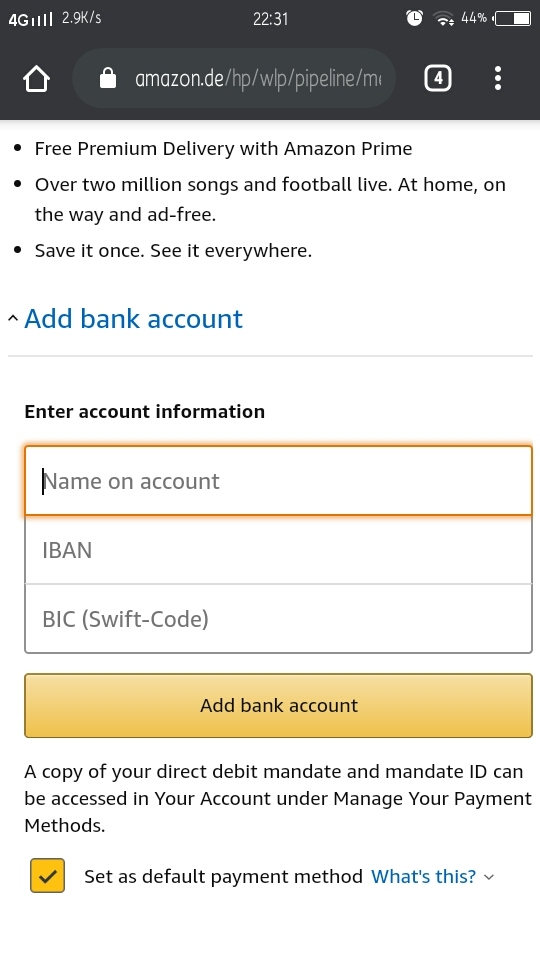
  5. Boss? Pano po ilagay? Saan dito yung swift code? Bakit sinabi mo BIC ang i papaste...

Account

Navigation

Search

Search

Configure browser push notifications

Chrome (Android)
  1. Tap the lock icon next to the address bar.
  2. Tap Permissions → Notifications.
  3. Adjust your preference.
Chrome (Desktop)
  1. Click the padlock icon in the address bar.
  2. Select Site settings.
  3. Find Notifications and adjust your preference.