Skip to content
View in the app

A better way to browse. Learn more.

BenLotus

A full-screen app on your home screen with push notifications, badges and more.

To install this app on iOS and iPadOS
  1. Tap the Share icon in Safari
  2. Scroll the menu and tap Add to Home Screen.
  3. Tap Add in the top-right corner.
To install this app on Android
  1. Tap the 3-dot menu (⋮) in the top-right corner of the browser.
  2. Tap Add to Home screen or Install app.
  3. Confirm by tapping Install.

Arkei

Epic Member
  • Joined

  • Last visited

Everything posted by Arkei

  1. Pasight. Thank you for sharing
  2. Salamat dito keep sharing po
  3. Salamat bebe. Keep sharing po
  4. Thank you for sharing po
  5. Thank you dito. Keep sharing
  6. Sige paps. Abang ako haha salamat
  7. Not working na lahat paps
  8. Wala pa maglleak ngayon kasi unti palang sila haha pero malay natin haha
  9. Sana all diba hahaha. 6-10pm ngayon random invite nila.
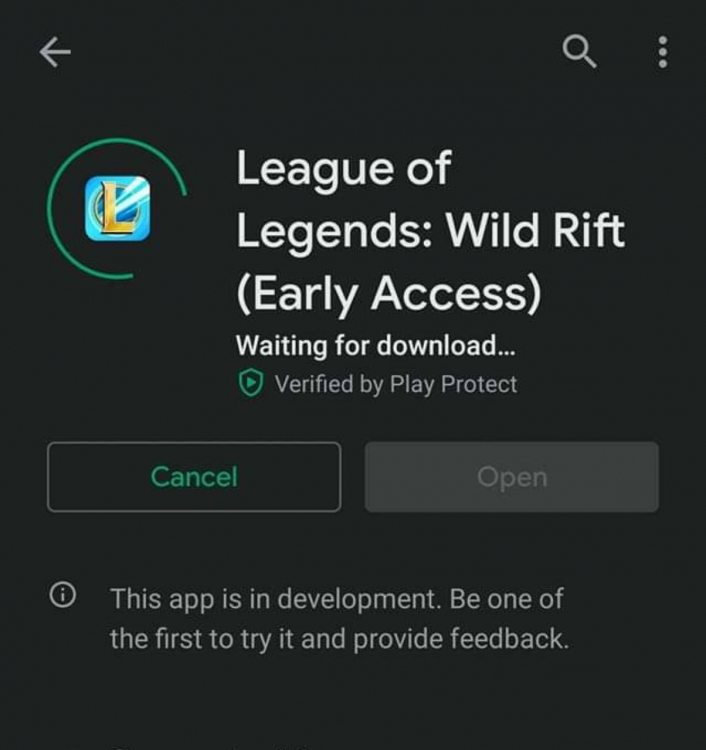
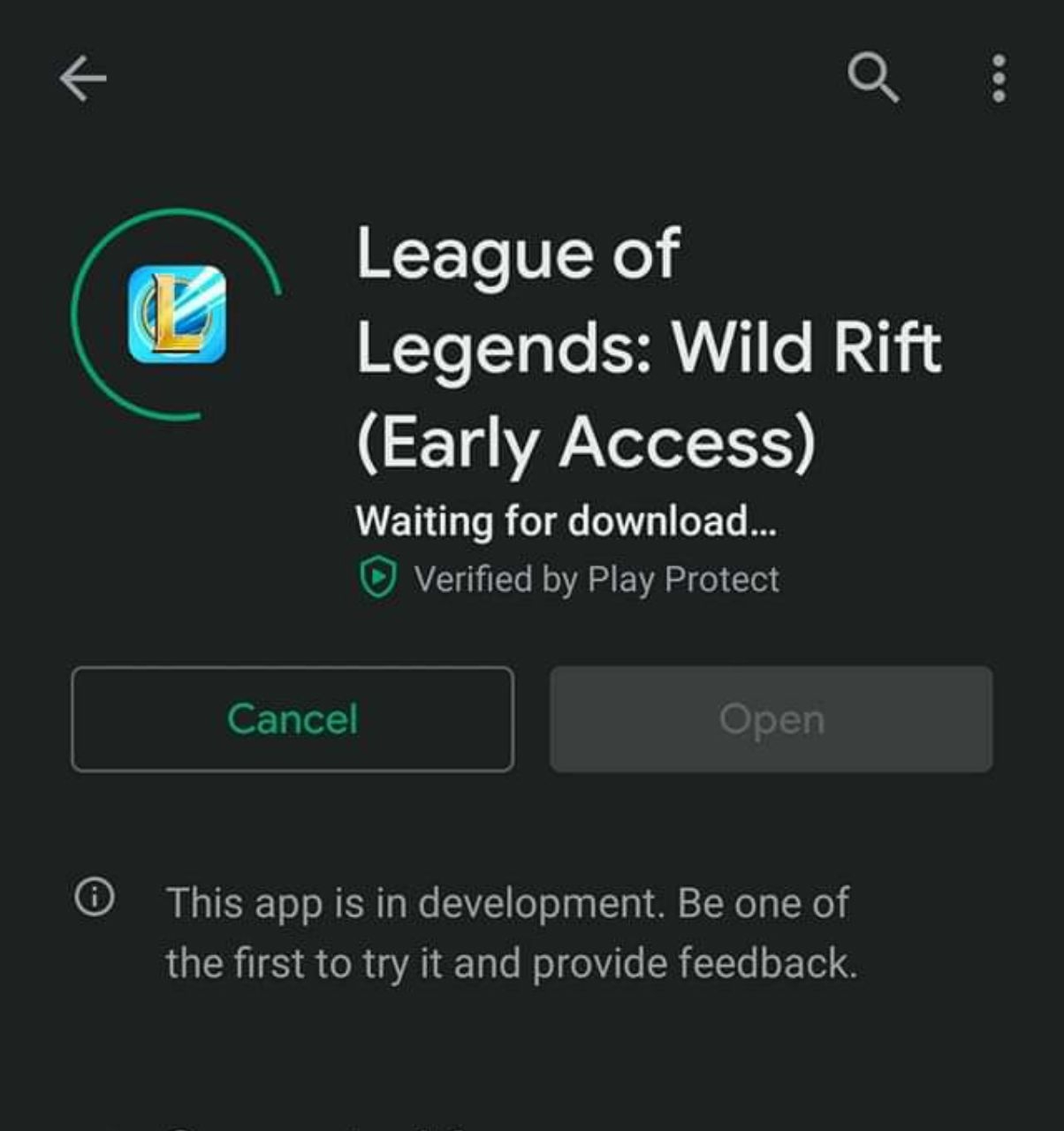
  10. Yep ngayon po pero limited palang gang 26
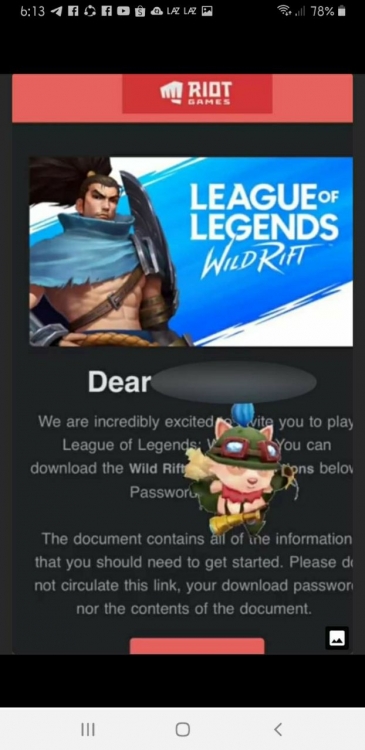
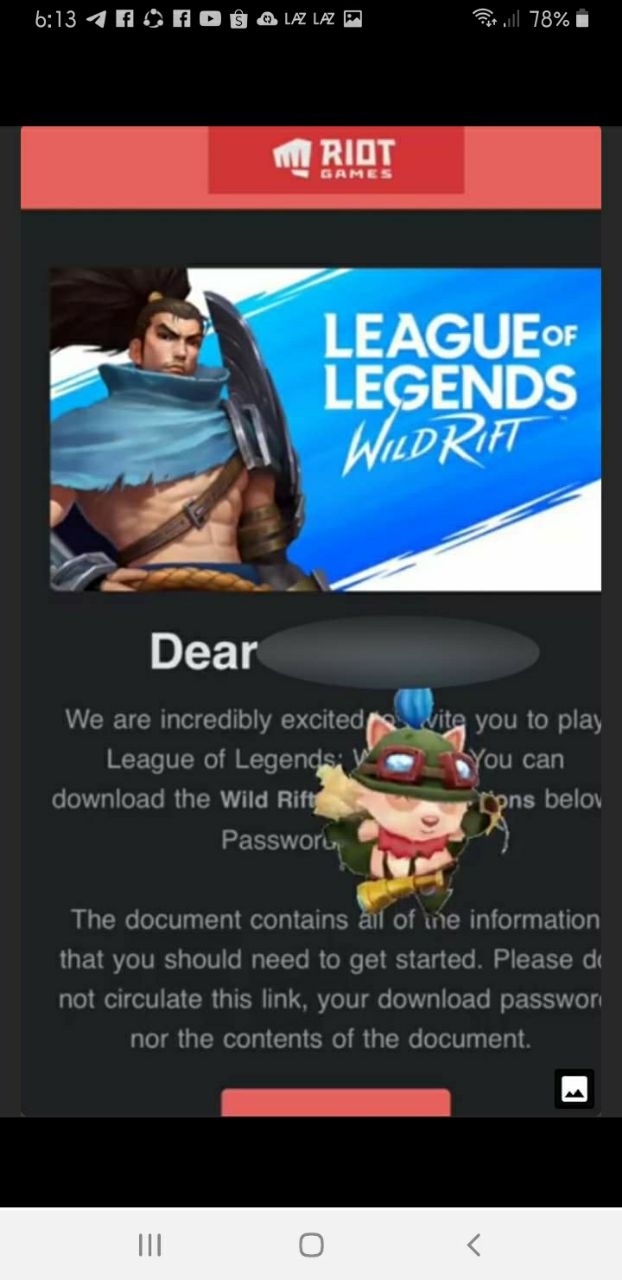
  11. Eto sample mail oh. Sana all HAHAHA
  12. Thank you for sharing po
  13. Gary Valenciano
  14. Thank you sa paulan na neflix haha
  15. Hello. Welcome ka dito, visit and read the rules please. Enjoy!

Account

Navigation

Search

Search

Configure browser push notifications

Chrome (Android)
  1. Tap the lock icon next to the address bar.
  2. Tap Permissions → Notifications.
  3. Adjust your preference.
Chrome (Desktop)
  1. Click the padlock icon in the address bar.
  2. Select Site settings.
  3. Find Notifications and adjust your preference.