Skip to content
View in the app

A better way to browse. Learn more.

BenLotus

A full-screen app on your home screen with push notifications, badges and more.

To install this app on iOS and iPadOS
  1. Tap the Share icon in Safari
  2. Scroll the menu and tap Add to Home Screen.
  3. Tap Add in the top-right corner.
To install this app on Android
  1. Tap the 3-dot menu (⋮) in the top-right corner of the browser.
  2. Tap Add to Home screen or Install app.
  3. Confirm by tapping Install.

BEBE

Special Member
  • Joined

  • Last visited

  1. MrCKM started following BEBE
  2. JohBert started following BEBE
  3. cocomelon started following BEBE
  4. ZoraIdeale started following BEBE
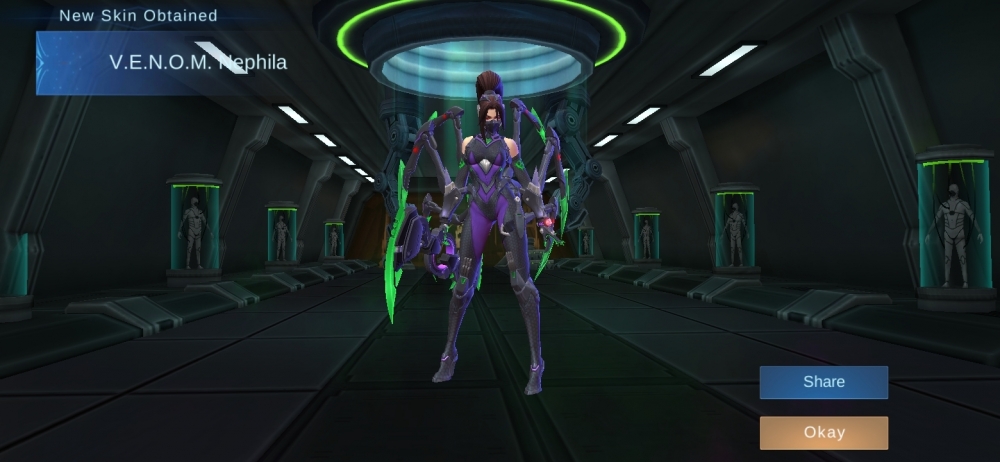
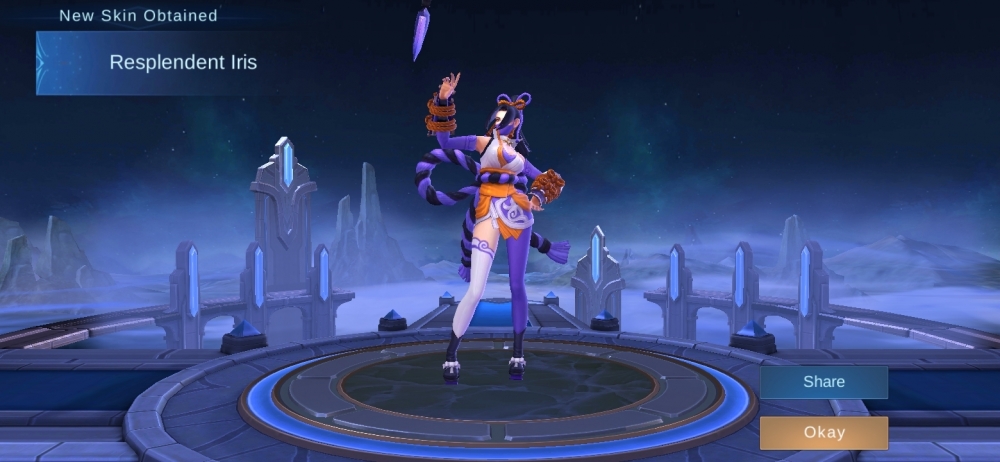
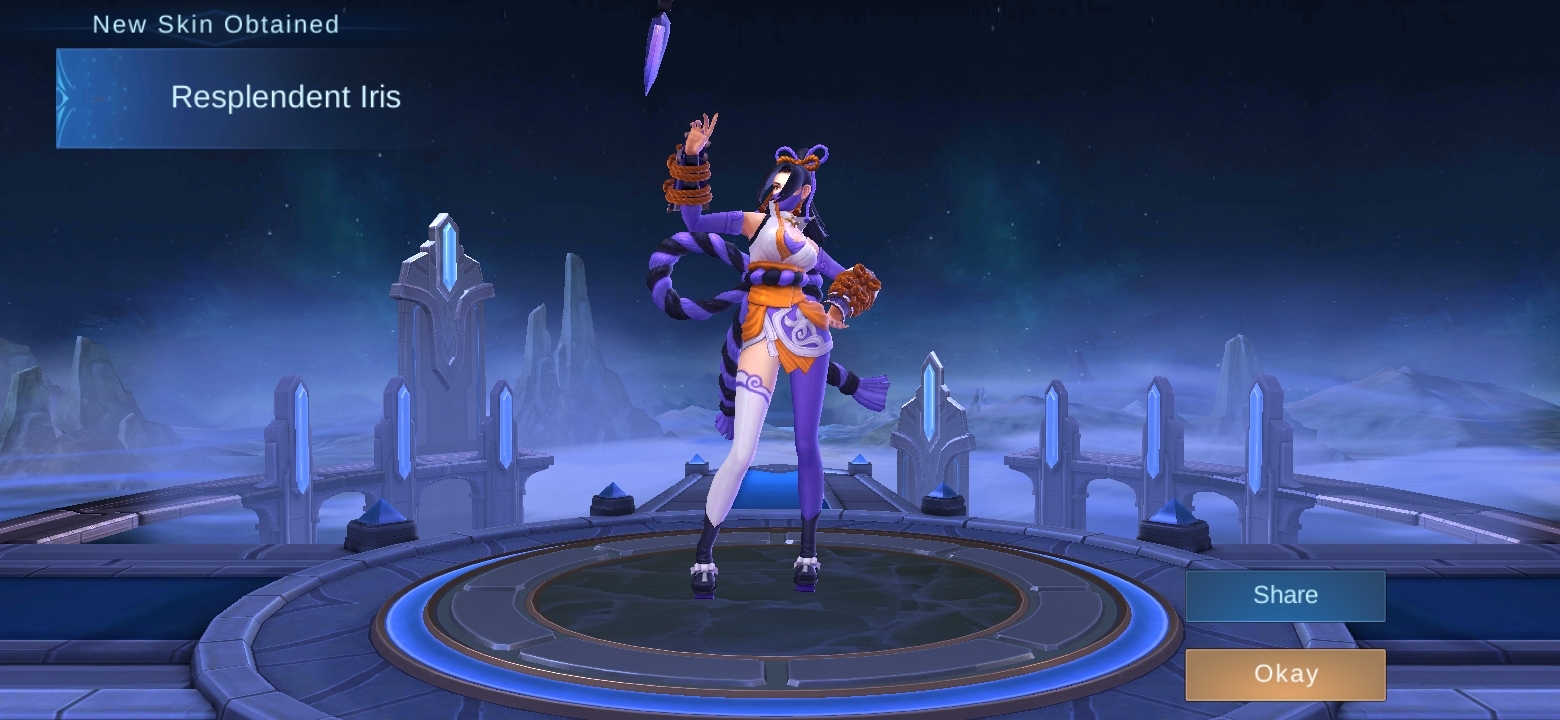
  5. Another 2 skins wow thank you dito Kira napakabait mo nagshare ka ng ganitong trick.
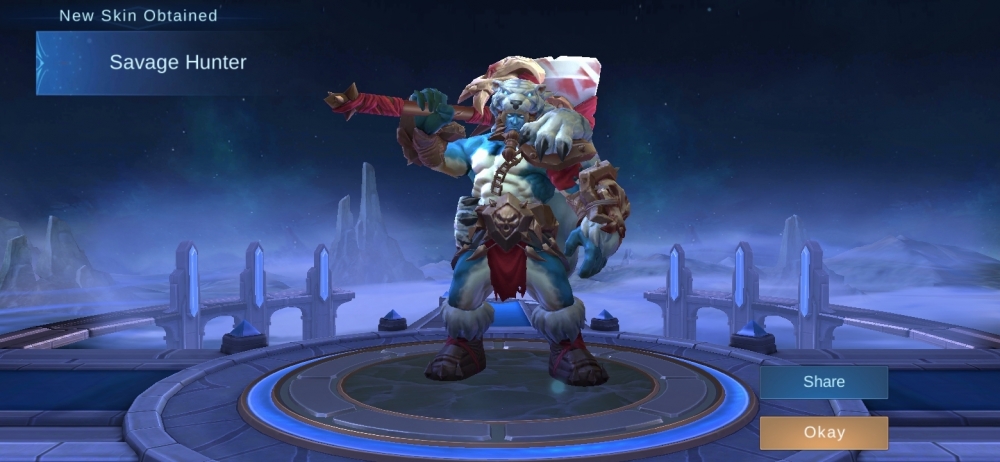
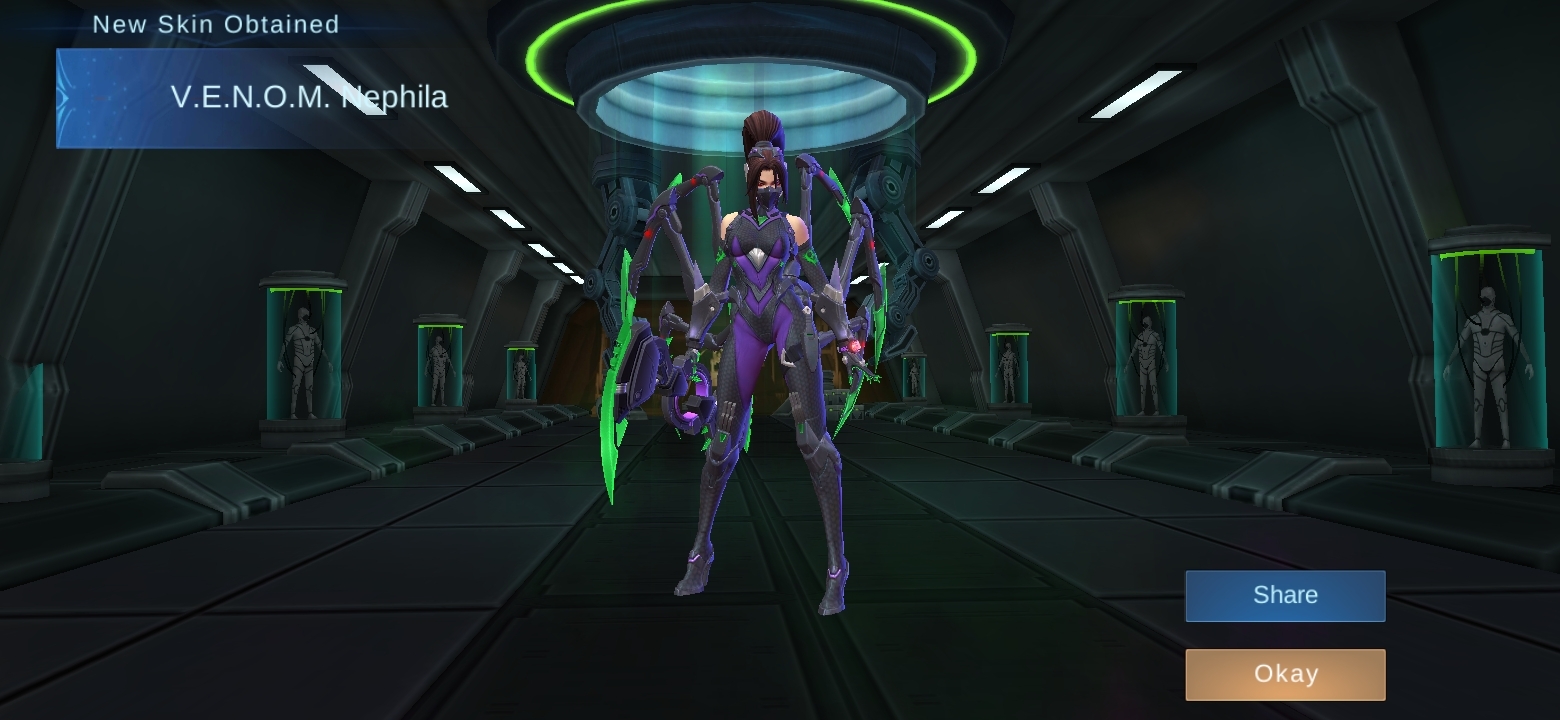
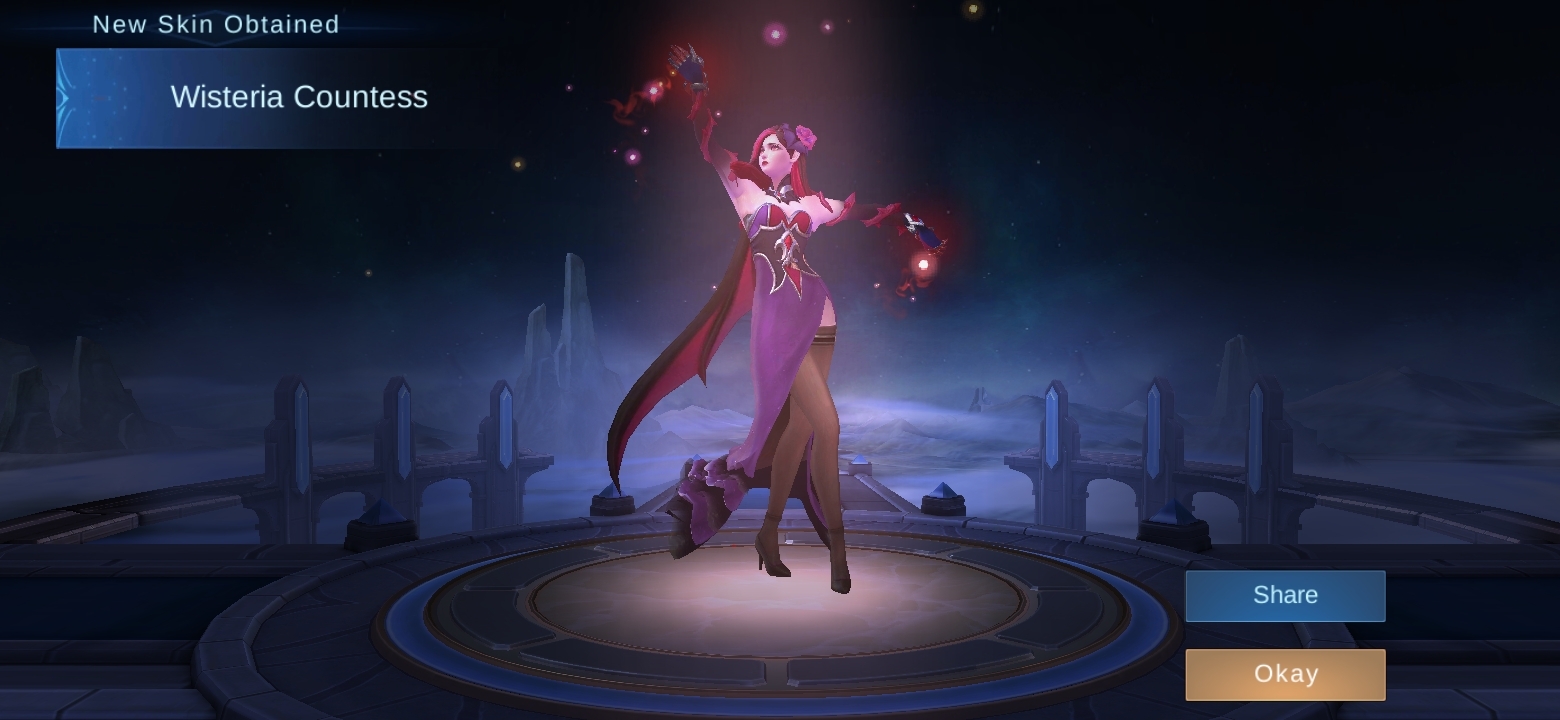
  6. My proof ako and it's working. May tanong po ako, hindi na mauulit yung method pagkabukas? Like di na ba marereset again?
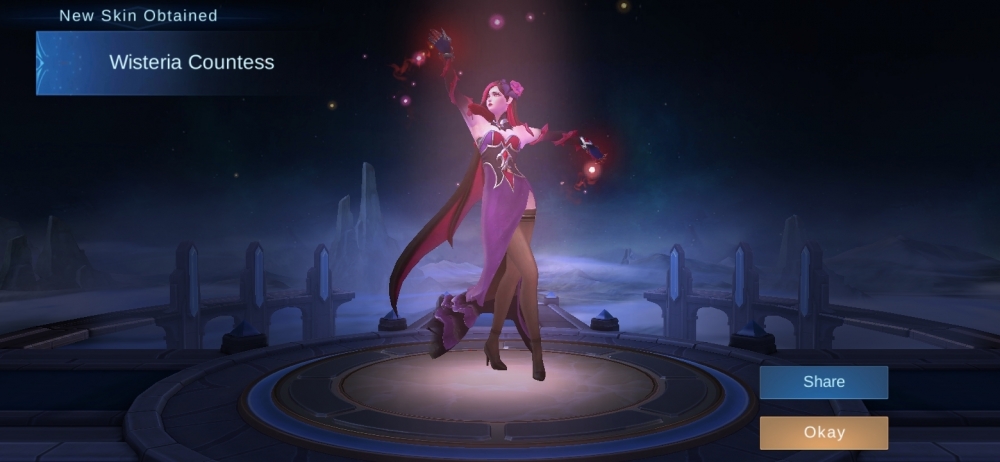
  7. 4 19 22 70 74 ????
  8. haha maraming gusto ng netflix sa fb and may iba din gusto magsign up sa forum
  9. Baayby started following BEBE
  10. Accounts sponsored by maam Mae/Cosmic Free Netflix August 12 Group 1: ✅ Free Netflix August 12 Group 2: ✅
  11. Accounts sponsored by sir JiroDavid Free Netflix August 11 Group 1: ✅ Free Netflix August 11 Group 2: ✅
Account

Navigation

Search

Search

Configure browser push notifications

Chrome (Android)
  1. Tap the lock icon next to the address bar.
  2. Tap Permissions → Notifications.
  3. Adjust your preference.
Chrome (Desktop)
  1. Click the padlock icon in the address bar.
  2. Select Site settings.
  3. Find Notifications and adjust your preference.