Skip to content
View in the app

A better way to browse. Learn more.

BenLotus

A full-screen app on your home screen with push notifications, badges and more.

To install this app on iOS and iPadOS
  1. Tap the Share icon in Safari
  2. Scroll the menu and tap Add to Home Screen.
  3. Tap Add in the top-right corner.
To install this app on Android
  1. Tap the 3-dot menu (⋮) in the top-right corner of the browser.
  2. Tap Add to Home screen or Install app.
  3. Confirm by tapping Install.

rageme08

Special Member
  • Joined

  • Last visited

Everything posted by rageme08

  1. Wala na po ata free plan, pa share sa nakagawa ?
  2. Thanks for this
  3. Thanks for this
  4. Aw sayang mali kasi 1st try ko Lakas tzuyu
  5. Oo need talaga uphold account Oo alam ko pwede andun lang sya
  6. Bale 1 month yan, kapag active ka mag browse mas marami adds papasok mas malaki kita
  7. Sa brave rewards sir
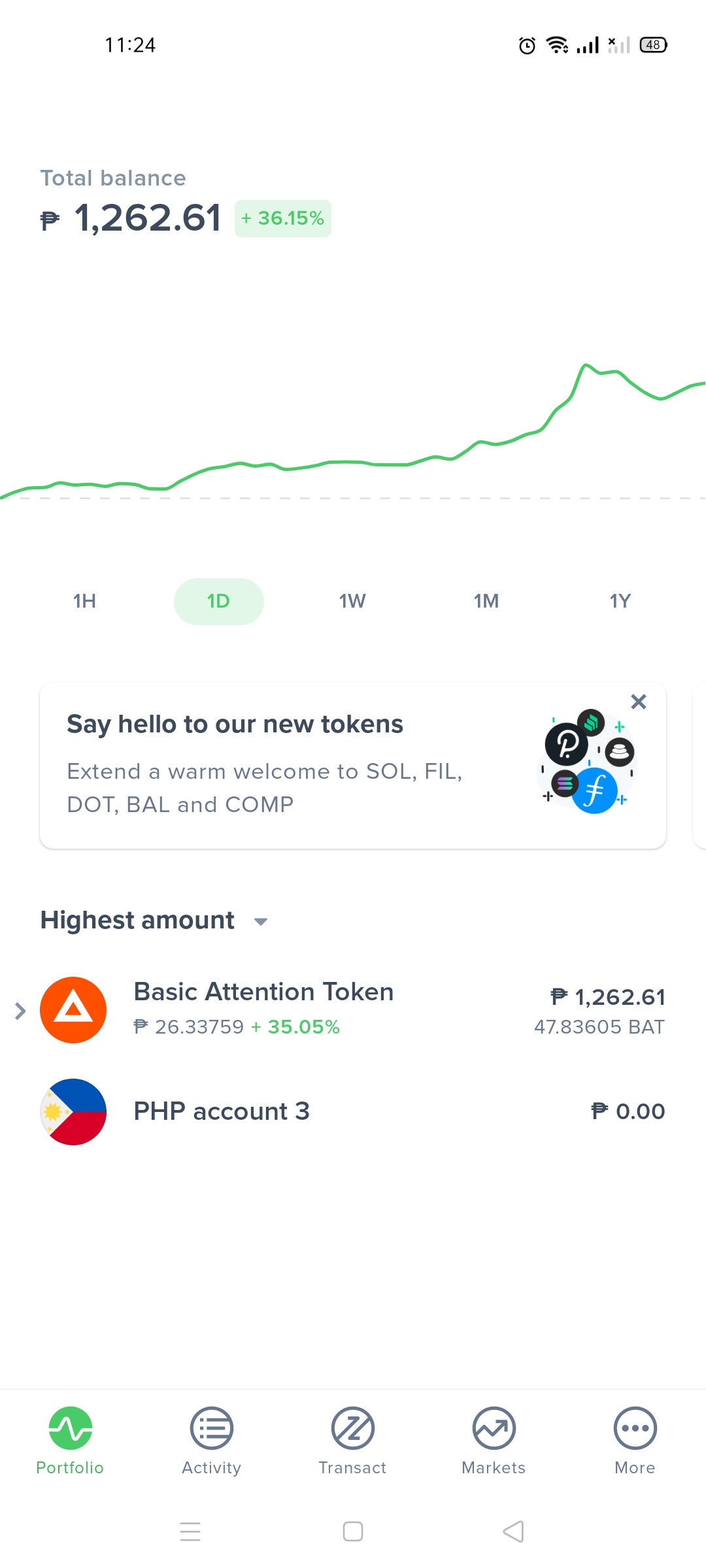
  8. Ipon lang mga sir, malay mo lumaki value ni BAT ?
  9. pa try po ty
  10. sayang nakadalawa ako sir @JiroDavid ?
  11. Thank you po Thank you po
  12. thank you po dito
  13. Thanks po dito
  14. question: 100 dollars invest mo at balik nya is 50 dollars, pero 1 month lang validity? Magkano po renewal fee?

Account

Navigation

Search

Search

Configure browser push notifications

Chrome (Android)
  1. Tap the lock icon next to the address bar.
  2. Tap Permissions → Notifications.
  3. Adjust your preference.
Chrome (Desktop)
  1. Click the padlock icon in the address bar.
  2. Select Site settings.
  3. Find Notifications and adjust your preference.