


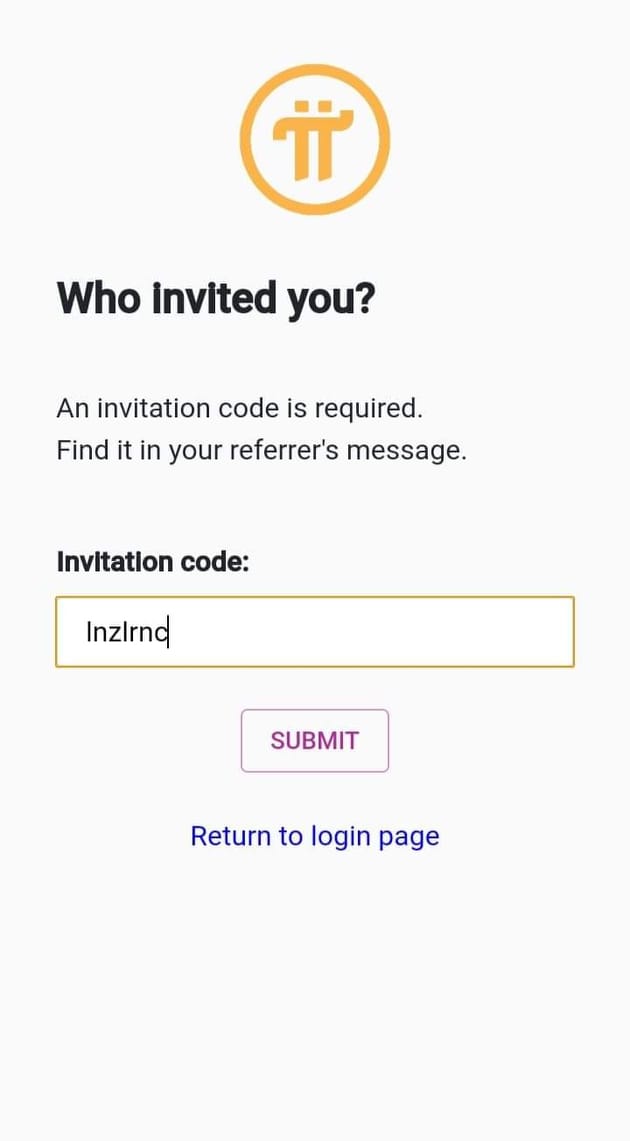
lnzlrnc
BenLotus Member
-
Joined
-
Last visited
-
thanks for sharing
-
thank you poThank you for sharing po!Yung axie infinity po? or yung hiring scholars? Yung axie infinity po totoo base sa mga video na napapanuod ko at base sa mga kilala ko. Pero yung mga managers po di ko din sure, nagtatry lang din po hirap maghanap ng scholarship hahaha.Thank you for sharing pooo.Everyday mo lang open sir/maam kasi kada click mo ng kidlat na icon 24 hours yung mining nun kaya kailangan click araw araw. Isang beses sa isang araw lang tas wala ka na gagawin, hintay na lang.Not sure po pero dami din pong umaasa, nagtatry lang din pero sa tingin ko, legit ito.Sabi nila by end of 2021 daw e.Thank your for sharing po, laking tulong nito.Thank you for sharing sir! 2 - 19 - 23 - 28 - 43Thabk you for sharing po.


Account
Navigation
Search
Configure browser push notifications
Chrome (Android)
- Tap the lock icon next to the address bar.
- Tap Permissions → Notifications.
- Adjust your preference.
Chrome (Desktop)
- Click the padlock icon in the address bar.
- Select Site settings.
- Find Notifications and adjust your preference.
Safari (iOS 16.4+)
- Ensure the site is installed via Add to Home Screen.
- Open Settings App → Notifications.
- Find your app name and adjust your preference.
Safari (macOS)
- Go to Safari → Preferences.
- Click the Websites tab.
- Select Notifications in the sidebar.
- Find this website and adjust your preference.
Edge (Android)
- Tap the lock icon next to the address bar.
- Tap Permissions.
- Find Notifications and adjust your preference.
Edge (Desktop)
- Click the padlock icon in the address bar.
- Click Permissions for this site.
- Find Notifications and adjust your preference.
Firefox (Android)
- Go to Settings → Site permissions.
- Tap Notifications.
- Find this site in the list and adjust your preference.
Firefox (Desktop)
- Open Firefox Settings.
- Search for Notifications.
- Find this site in the list and adjust your preference.