
Biya
Epic Member
-
Joined
-
Last visited
Everything posted by Biya
-
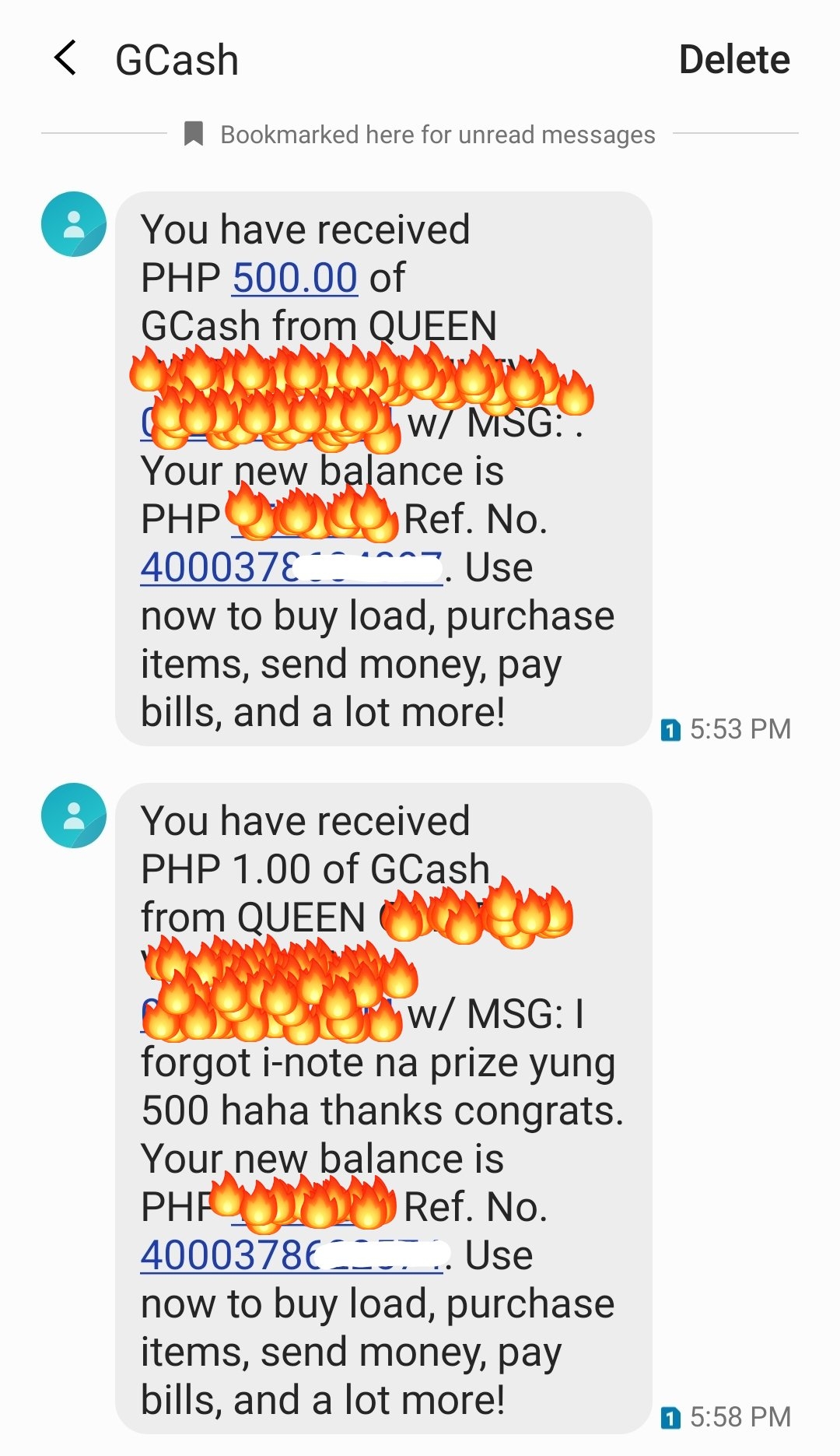
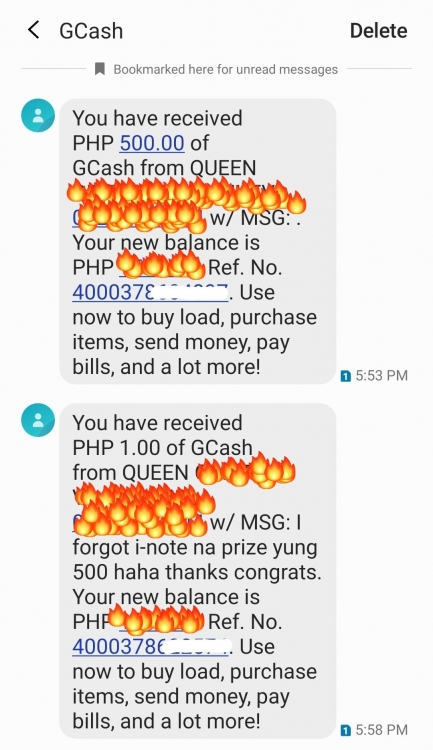
Thank you ma'am @Cosmic supportive mo always love youuu ?❤Thank you so much ma'am @Regina at sa mga sponsor sir @JiroDavid @pR1s0n3r at sa mga nag support thank you so much po ❤ Recieved na po yung prize sobrang thankful ako sa Benlotus at sa mga members. I love you all! ?❤
 Thank you sa mga nag support at sa lahat ?❤06-77-55-48-67 thanks bhieeeHAHAHAHAHAHA research2 lang tay @ramoeld HOPEFULLY MAGKAKAVACCINE NA ???Thank you senator ❤ 05-45-69-77-29We'll do our best para ibabalik yung accounts. Those people na nagchchange sila din kawawa. Salamat sir!You're welcome sainyo ❤You're welcome Bumabalik na bh13 ? thank uuuuYown thanks bh13 ?79-77-56-27-02Yes bh13 ?❤?#teambokya❤ Bawi tayo bh13 surebol jackpot ?❤Nagawa nyo HAHAHAHAHA BENLOTUS DUTDUT LANG MALAKAS ?❤05-67-79-41-506-80-39-60-27Thanks for sharing nath!HAHAHAHAHAHA yiiiii sa sunod jackpot nayaannn tayyyyGaling mo tay ? proud anak here ❤05-66-49-13-20Salamat ma'am! Magandang gabi po

.gif.2dc33a38a757779d74be339e4cd6f71f.gif)