Skip to content
View in the app

A better way to browse. Learn more.

BenLotus

A full-screen app on your home screen with push notifications, badges and more.

To install this app on iOS and iPadOS
  1. Tap the Share icon in Safari
  2. Scroll the menu and tap Add to Home Screen.
  3. Tap Add in the top-right corner.
To install this app on Android
  1. Tap the 3-dot menu (⋮) in the top-right corner of the browser.
  2. Tap Add to Home screen or Install app.
  3. Confirm by tapping Install.

KING

Epic Member
  • Joined

  • Last visited

  1. Heyow123 started following KING
  2. Thank you for this❤️
  3. Dububoi started following KING
  4. snorlax started following KING
  5. SANAOl30 started following KING
  6. LifeSpan started following KING
  7. Frenz started following KING
  8. Thank You dito lodss, magagamit ko to sa Assignment ko❤️?
  9. Janssen started following KING
  10. Jen started following KING
  11. Babotskii started following KING
  12. Good Evening, This game is about me, expressing my adoration towards science. Science explains existency of everything and i also love mathematics so i decided to make a Math Games here but not very well good to it HAHAHA. BTW hindi na ako masyadong nakakapag-online because i am currently studying first year college with BSED. Pero syempree natambay parinn HAHAHA. Salamat sa mga LODI ko dyan at mga masisipag na CONTRIBUTORS❤️? Thank you Ma'am @Cosmic!
  13. mushoku started following KING
  14. Have a time to read this and reply if you understand. Thank you ❤️
  15. NAKA TYAMBAAAA HAHAHAHA Thank Youuu
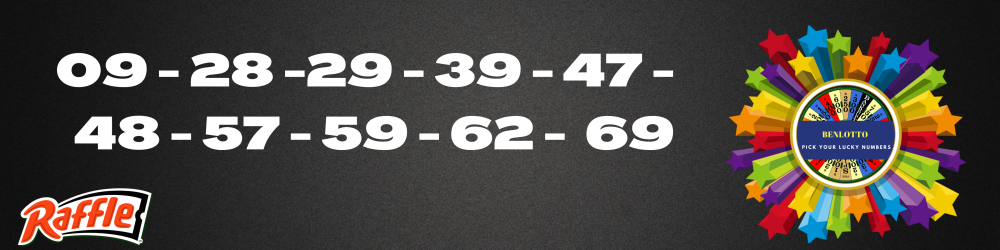
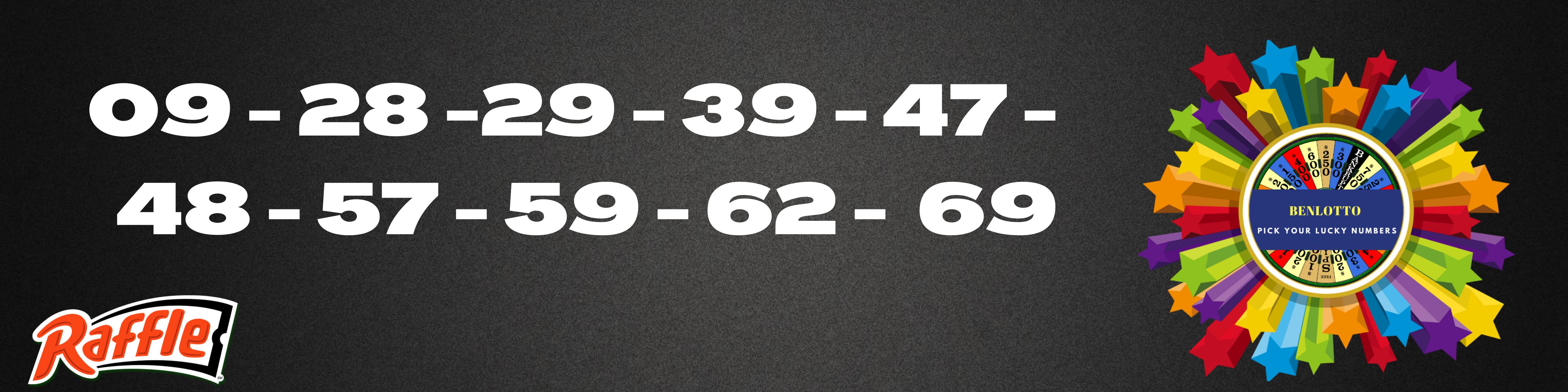
  16. 02 - 11 -36 - 63 - 80 R E N
  17. 04, 21, 44, 67, 80
  18. ⏩ You must send the following information before 7PM Philippines time if you won. ✅Gcash Number and provider (SMART,GLOBE,SUN) ✅Your complete 5 entry

  19. Saklap namn, bawi bukas HAHAHA
  20. 08 - 15 - 41 - 62 - 80
  21. PAHABOLLLLLL ulit ako, HEHE baka swertehin. ? 03 - 15 - 24 - 61 - 80
Account

Navigation

Search

Search

Configure browser push notifications

Chrome (Android)
  1. Tap the lock icon next to the address bar.
  2. Tap Permissions → Notifications.
  3. Adjust your preference.
Chrome (Desktop)
  1. Click the padlock icon in the address bar.
  2. Select Site settings.
  3. Find Notifications and adjust your preference.