ShishikuraSan
Special Member
-
Joined
-
Last visited
Everything posted by ShishikuraSan
-
Congrats po sa nanalo
-
●Netflix 4 Winner - @KESH Sponsor - @pR1s0n3r https://forums.benlotus.com/index.php?/topic/8919-completed-netflix-giveaway-4-win-solo-netflix/ ●Netflix 5 Winner - @NorielJohnInhog Sponsor - @KING https://forums.benlotus.com/index.php?/topic/8950-completed-netflix-giveaway-5-win-solo-netflix/ (EXTRA)●Netflix 6 Winner - @PIKAPIKA Sponsor - @Cosmic https://forums.benlotus.com/index.php?/topic/8990-completed-netflix-giveaway-6-win-solo-netflix/
-
Try lang po 100
-
Thanks for sharing po lods
-
-
Netflix 1 - https://forums.benlotus.com/index.php?/topic/8858-completed-netflix-giveaway-1-win-solo-netflix/ Netflix 2 - https://forums.benlotus.com/index.php?/topic/8867-completed-netflix-giveaway-2-win-solo-netflix/ Netflix 3 - https://forums.benlotus.com/index.php?/topic/8873-completed-netflix-giveaway-3-win-solo-netflix/
-
Pasilip po
-
Pwede po any kinds of game?
-
Pa bookmark muna neto lods. Try ko pag may time
-
Mamaw ni @jesuisMoi. Paturo idol kung pano magsagot hahaha
-
Congrats po sa nanalo
-
TAMA PO! CONGRATS PO SA ATING WINNER NA SI @jesuisMoi Paki-pm nalang po ng gcash number nyo. Thanks
-
Kahit wala po welcome po
-
Need po complete answer
-
Nag add na po ako ng bagong clue
-
Mag add nalang po ako ng clues after 1hour ng post ko. yes po magkakaibang tao sila
-
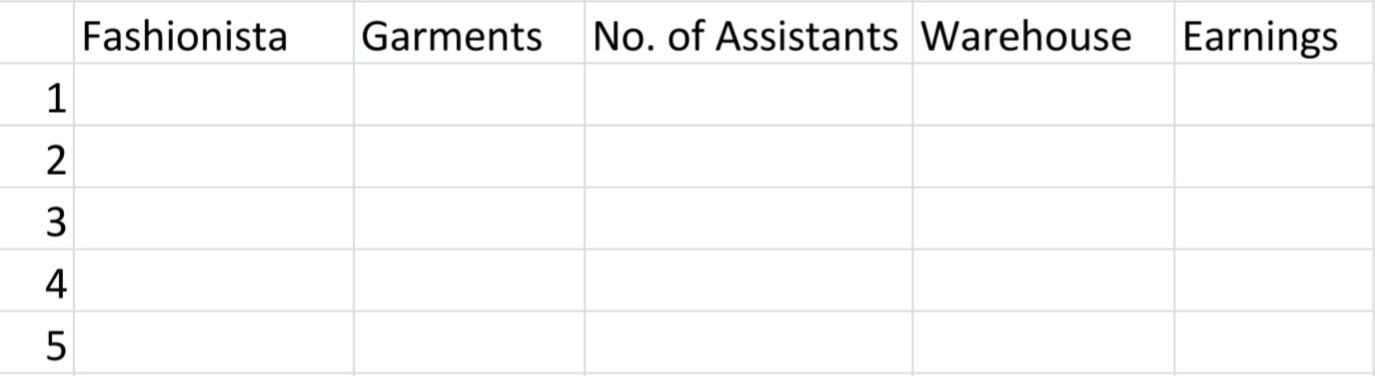
15 po. It means there are 15 assistants in Warehouse D and E. 15 = D + E
-
Welcome po! After 1hour po, if wala parin makasagot, mag add nalang po ako ng clues.
-
Pwede po both. The more, the merrier! ?
-
Welcome po mga ma'am / sir
-
Thanks po sa pag share nito sir Jiro. Try ko po gumawa ngayon. Pwede po ipacheck ko muna sayo bago ko i-post? Thanks po ulitPasilip po lods, tnx for sharingpasili po, thanks po sa pag sharehello po, nag rerequest din po ako ng acc