


taym3
LifetimeStreamer
-
Joined
-
Last visited
Everything posted by taym3
-
This is it bro less hassle than making laptop hotspot
-
mas maganda tong smart DNS bro, sure na sure
-
Last bro, my nkita kasi akong site na pwdng pgawan ng smartDNS, d ko lng muna pinost kasi 14 days trial lng ehh.. Kaya nung nkita post ni @yesyesyo, ginawan ko na pra magamit natin
-
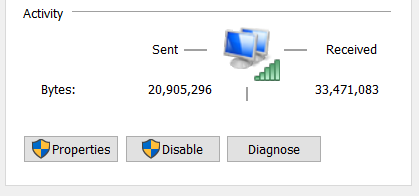
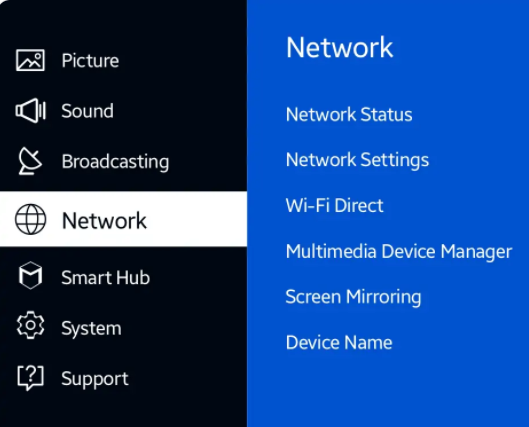
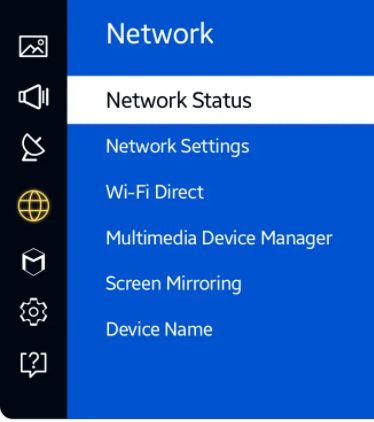
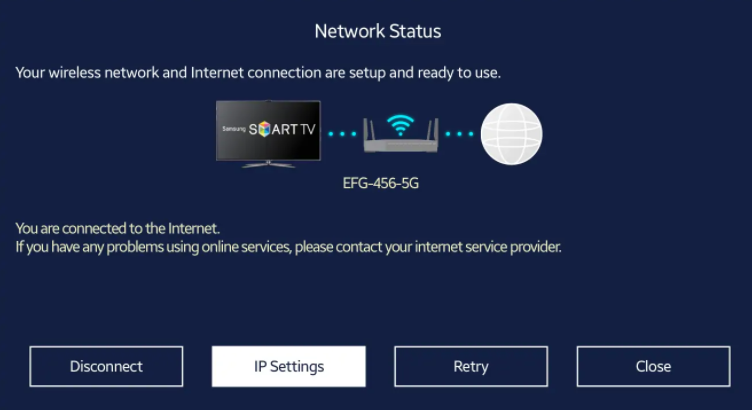
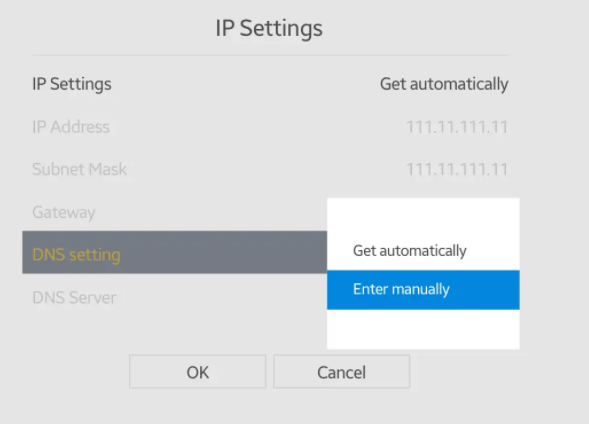
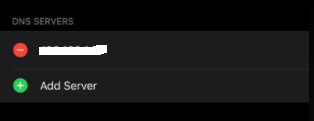
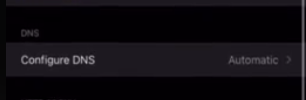
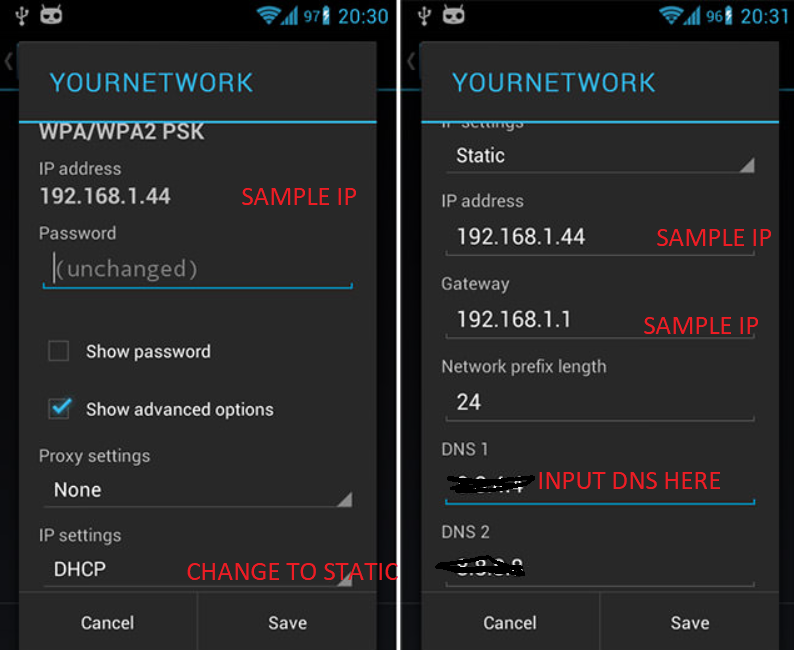
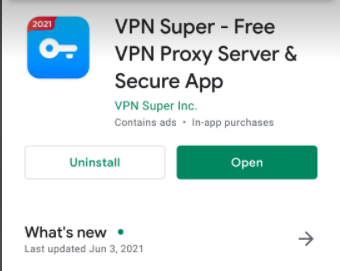
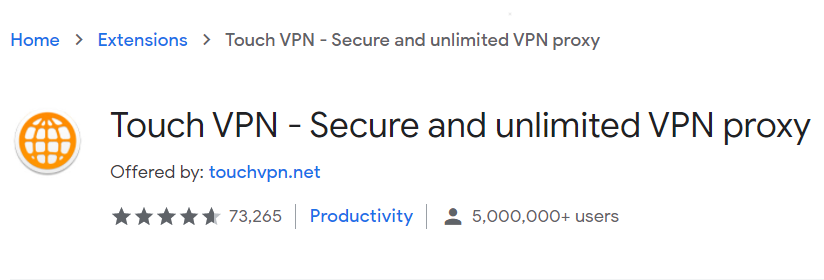
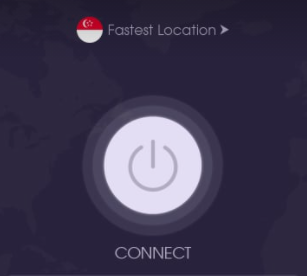
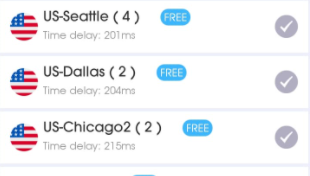
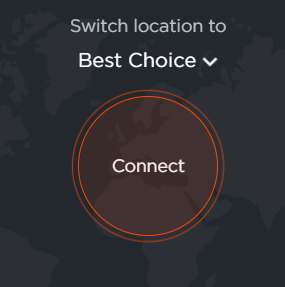
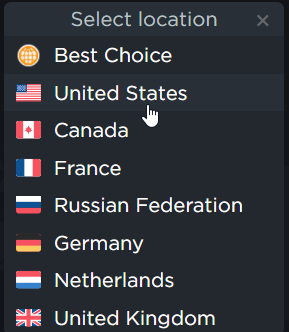
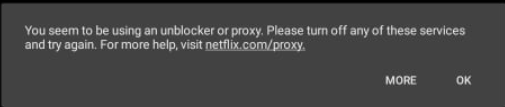
welcome po sa inyung lahat..sana po makatulongwelcome po sa inyu.. hanap ako para makaconnect ng mas mbilis sa smart tv brotnx.. trying to find an easier way to solve it hope i can find betteryup, tested on my friend's samsung smart tvu need to connect your laptop to vpn and then set up a hosted network from your laptop to make your laptop a wifi hotspot.. then connect your smart tv to the hosted network youve created from your laptopyour welcome po..sana nakatulong








Account
Navigation
Search
Configure browser push notifications
Chrome (Android)
- Tap the lock icon next to the address bar.
- Tap Permissions → Notifications.
- Adjust your preference.
Chrome (Desktop)
- Click the padlock icon in the address bar.
- Select Site settings.
- Find Notifications and adjust your preference.
Safari (iOS 16.4+)
- Ensure the site is installed via Add to Home Screen.
- Open Settings App → Notifications.
- Find your app name and adjust your preference.
Safari (macOS)
- Go to Safari → Preferences.
- Click the Websites tab.
- Select Notifications in the sidebar.
- Find this website and adjust your preference.
Edge (Android)
- Tap the lock icon next to the address bar.
- Tap Permissions.
- Find Notifications and adjust your preference.
Edge (Desktop)
- Click the padlock icon in the address bar.
- Click Permissions for this site.
- Find Notifications and adjust your preference.
Firefox (Android)
- Go to Settings → Site permissions.
- Tap Notifications.
- Find this site in the list and adjust your preference.
Firefox (Desktop)
- Open Firefox Settings.
- Search for Notifications.
- Find this site in the list and adjust your preference.