




majorbaluga
Elite Member
-
Joined
-
Last visited
Everything posted by majorbaluga
-
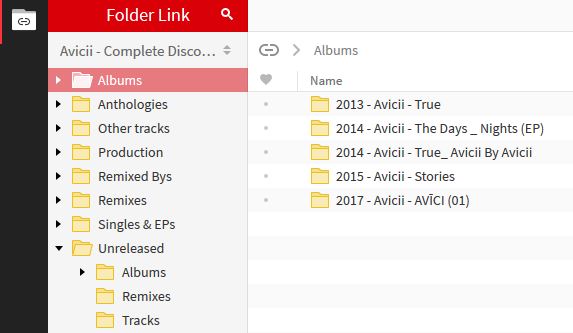
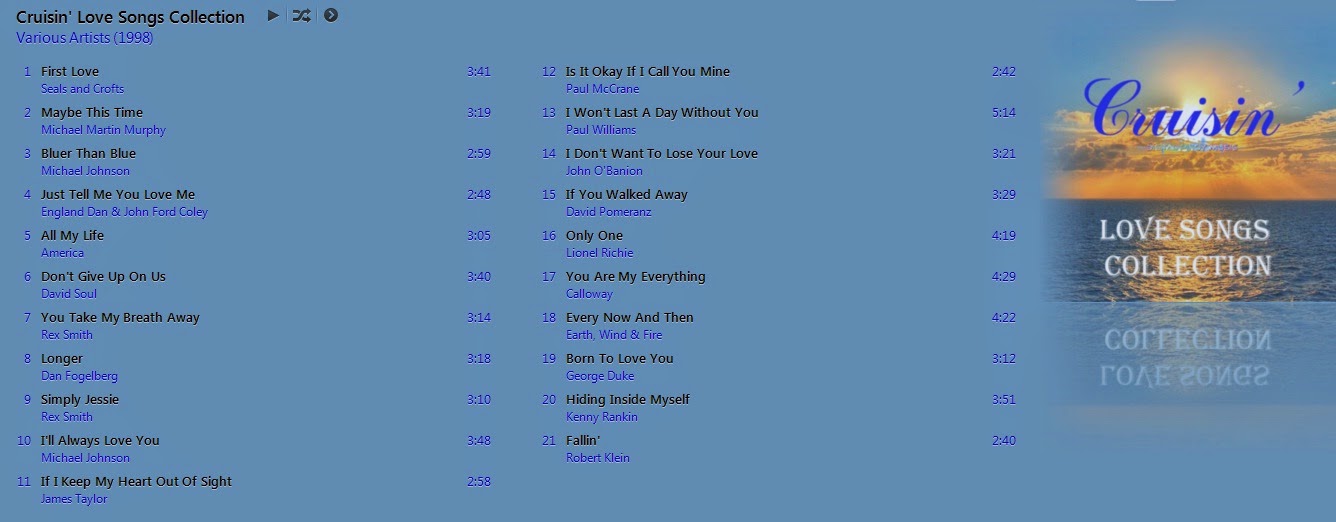
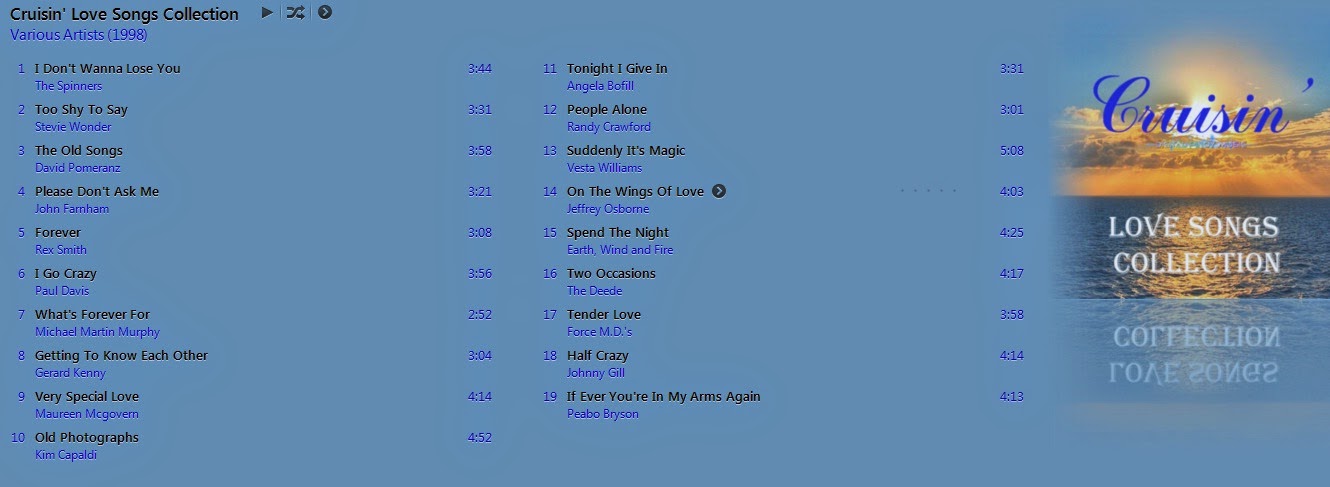
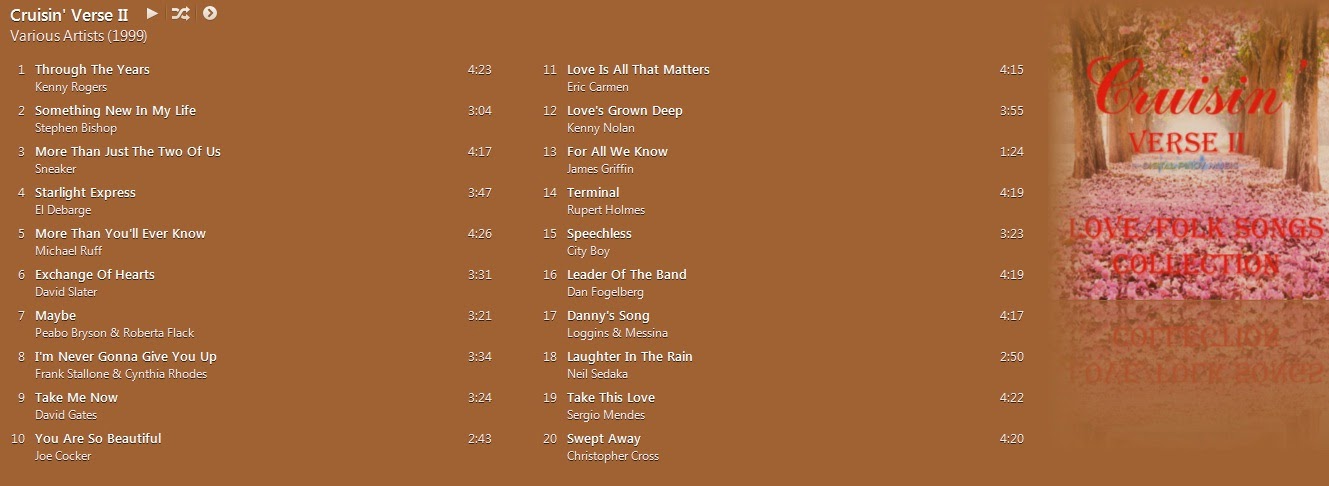
welcome dito sa forumsreply2 na tayo pre.. umamin na yung mga iba dyan hahaha !!sa dulo na ako bro !!sige lang po. no problem.. Enjoytry ko din !!hahaha thank you!! pag pasensyahan mo na yung mga matatanda !!pre ito yung link paki inform na lang pag na-download mo na ha.. limited lang kasi yung mediafire storage ko.. @clonedarkman http://www.mediafire.com/?b3r636nucgzvqpa help.. pakilipat sa Media Request itong post ko @Makadudahi nakapag post ako sa wrong forum.. paano i-move yung post ko? instead of general media request, dun ko nailagay sa loob ng ebook posts.











Account
Navigation
Search
Configure browser push notifications
Chrome (Android)
- Tap the lock icon next to the address bar.
- Tap Permissions → Notifications.
- Adjust your preference.
Chrome (Desktop)
- Click the padlock icon in the address bar.
- Select Site settings.
- Find Notifications and adjust your preference.
Safari (iOS 16.4+)
- Ensure the site is installed via Add to Home Screen.
- Open Settings App → Notifications.
- Find your app name and adjust your preference.
Safari (macOS)
- Go to Safari → Preferences.
- Click the Websites tab.
- Select Notifications in the sidebar.
- Find this website and adjust your preference.
Edge (Android)
- Tap the lock icon next to the address bar.
- Tap Permissions.
- Find Notifications and adjust your preference.
Edge (Desktop)
- Click the padlock icon in the address bar.
- Click Permissions for this site.
- Find Notifications and adjust your preference.
Firefox (Android)
- Go to Settings → Site permissions.
- Tap Notifications.
- Find this site in the list and adjust your preference.
Firefox (Desktop)
- Open Firefox Settings.
- Search for Notifications.
- Find this site in the list and adjust your preference.