


HIRAN
BenLotus Member
-
Joined
-
Last visited
Everything posted by HIRAN
-
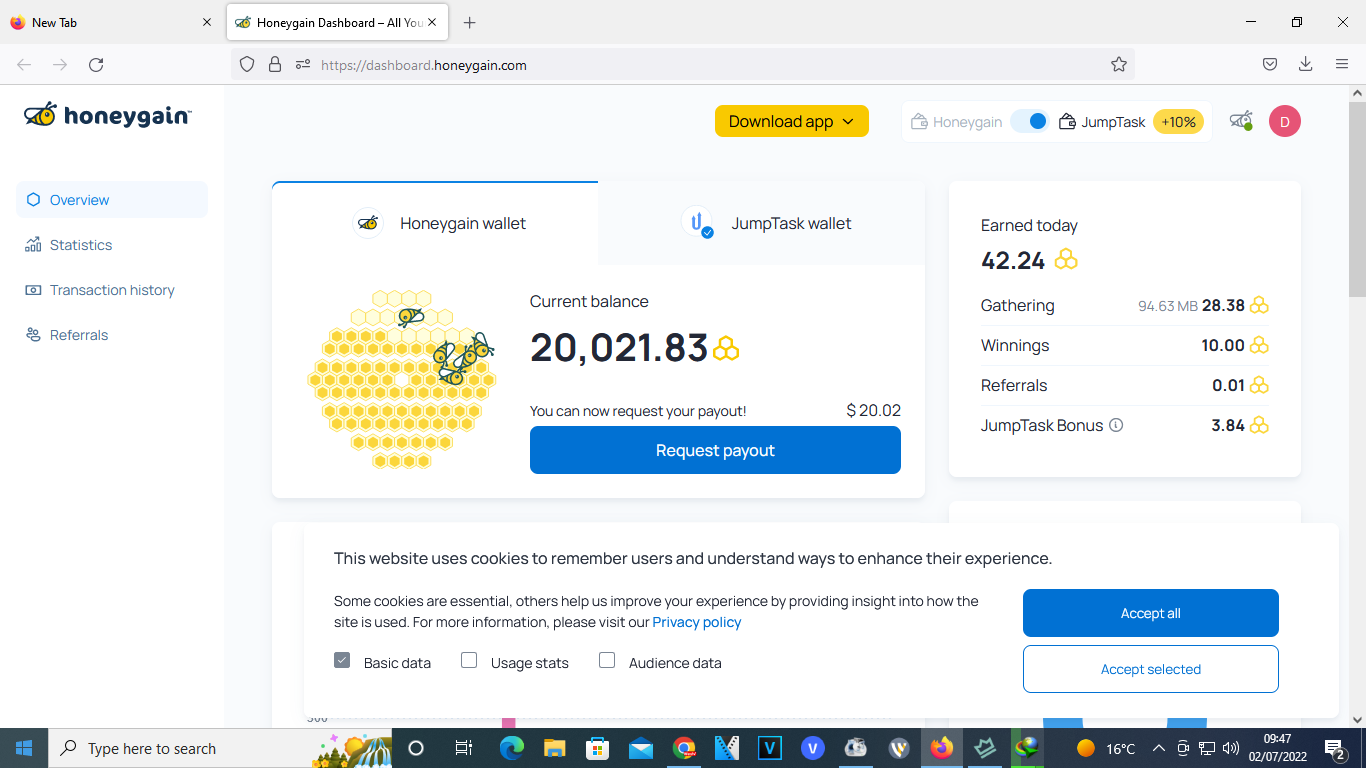
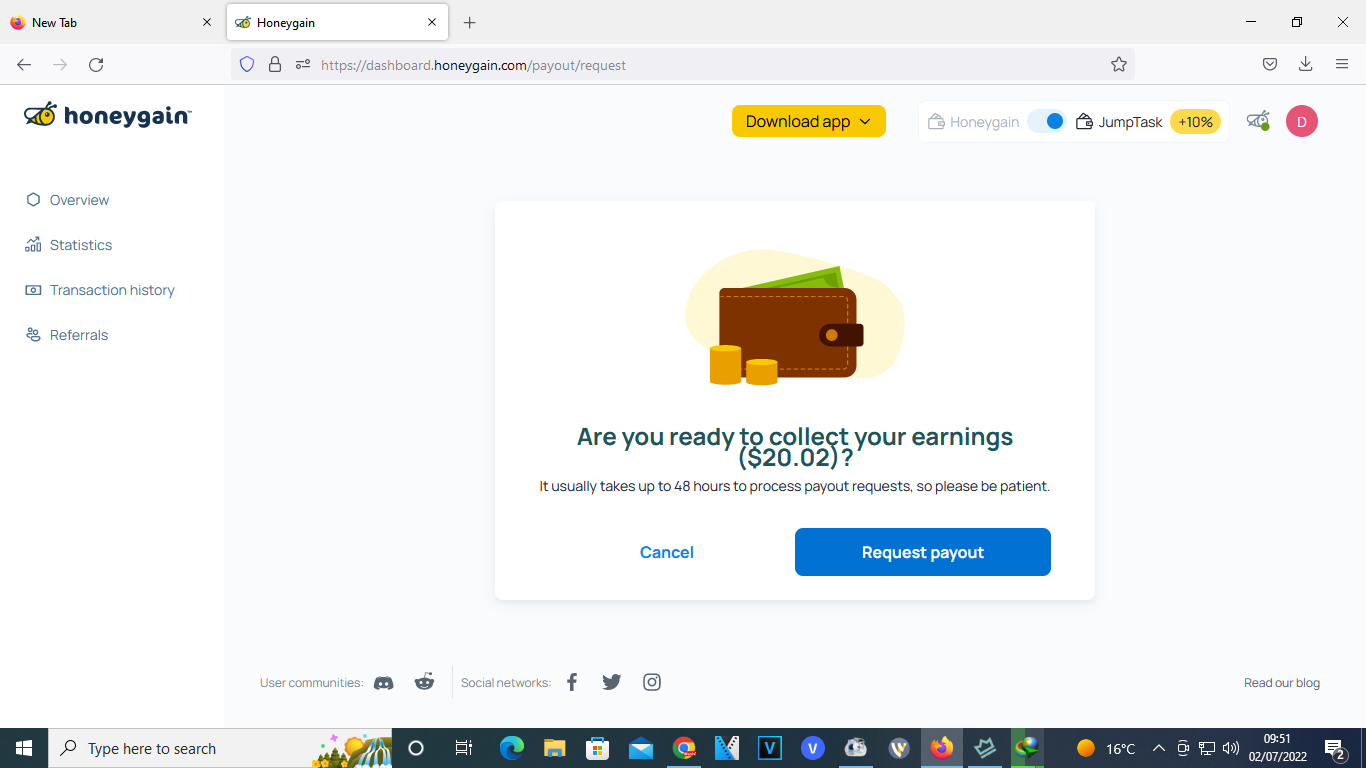
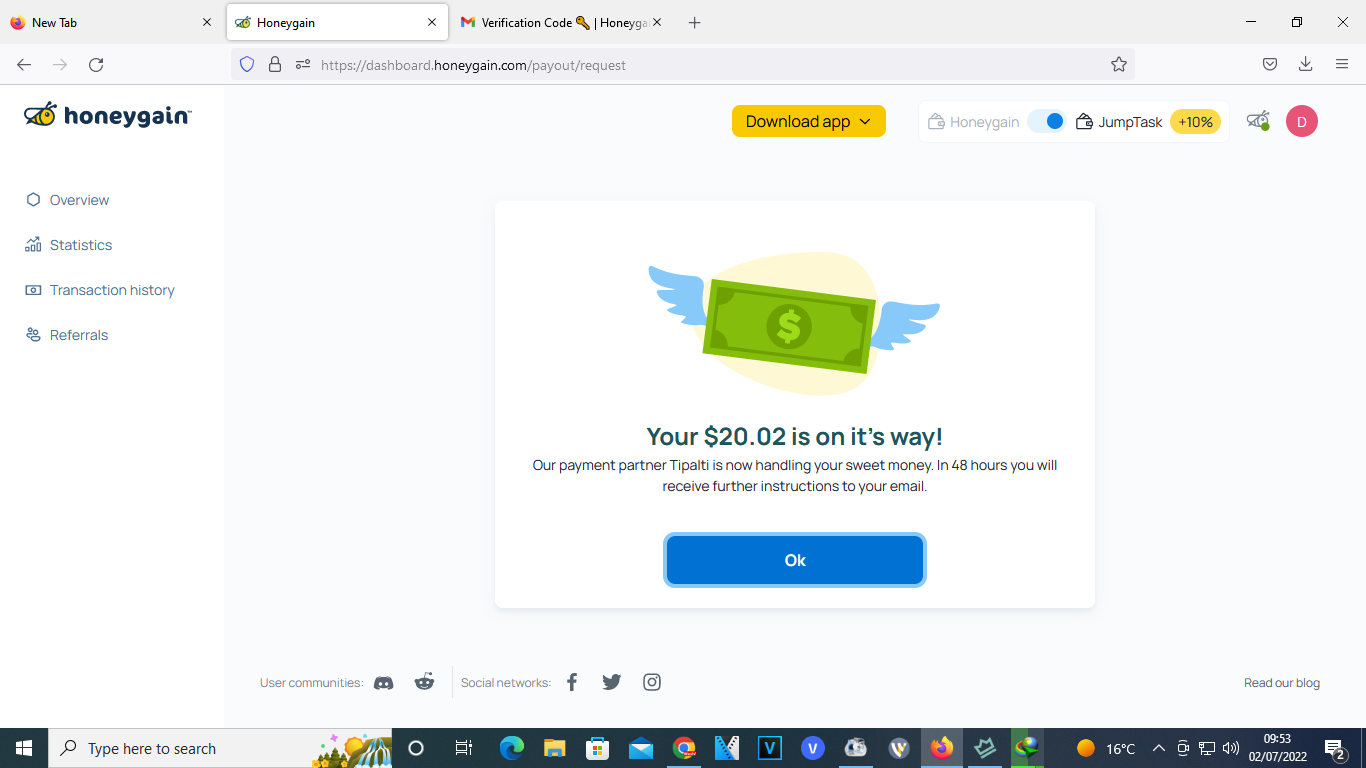
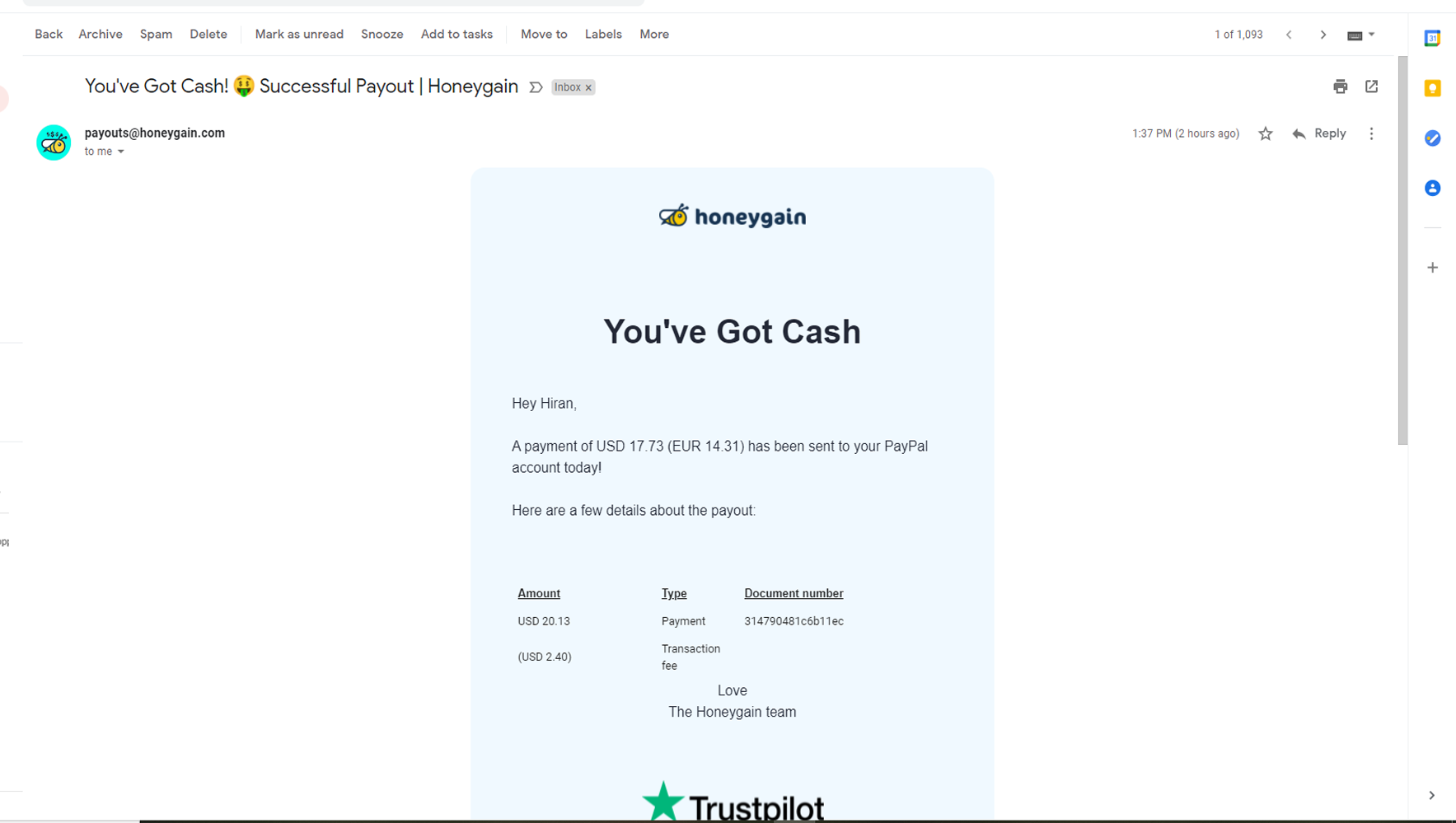
wonderfulHi @-KHAN-sorry for late reply. I have been offline for a while. It took months to get to 20$ . I observed when I visited forex exchange sites the app records higher data gained. Also I have installed the app on only two devices on my network. My desktop and phone. I have tried searching for tricks on how to earn faster but nope, gotten nothinglets seegood to get thustime to make moneyfor movies and short clips?let me try thiswonderful...good to find this heregood to have this templateWow its a good software. the first key is working...kudosthis might work for me... checking it outI am trying this right nowI think the best way is just to stay out of Internet...!!let me check this outGreat for this info

Account
Navigation
Search
Configure browser push notifications
Chrome (Android)
- Tap the lock icon next to the address bar.
- Tap Permissions → Notifications.
- Adjust your preference.
Chrome (Desktop)
- Click the padlock icon in the address bar.
- Select Site settings.
- Find Notifications and adjust your preference.
Safari (iOS 16.4+)
- Ensure the site is installed via Add to Home Screen.
- Open Settings App → Notifications.
- Find your app name and adjust your preference.
Safari (macOS)
- Go to Safari → Preferences.
- Click the Websites tab.
- Select Notifications in the sidebar.
- Find this website and adjust your preference.
Edge (Android)
- Tap the lock icon next to the address bar.
- Tap Permissions.
- Find Notifications and adjust your preference.
Edge (Desktop)
- Click the padlock icon in the address bar.
- Click Permissions for this site.
- Find Notifications and adjust your preference.
Firefox (Android)
- Go to Settings → Site permissions.
- Tap Notifications.
- Find this site in the list and adjust your preference.
Firefox (Desktop)
- Open Firefox Settings.
- Search for Notifications.
- Find this site in the list and adjust your preference.