
L-Kira
Forum Adept
-
Joined
-
Last visited
Everything posted by L-Kira
-
Need nyo po ba? Or mamimigay kayo? Hindi ko gets. Hehe
-
Patingin Master.
-
Actually animixplay is so much better. No Ads with fast server.
-
Salamat master
-
Thanks po maam Mae.
-
Salamat master.
-
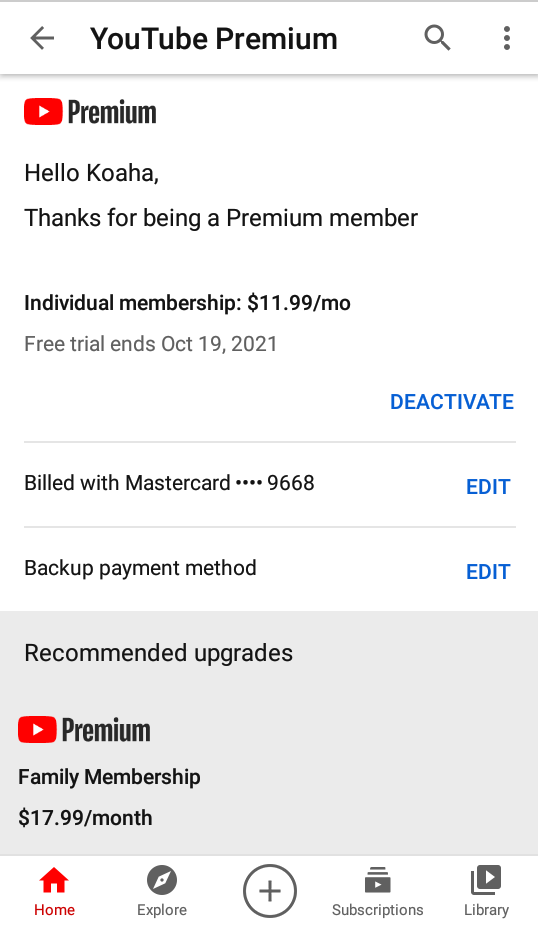
It's 3 months individual. The 1 month is for family and students.
-
Yes .. Need cc .. but it's totally free.
-
Yes. .. Need po US cc.
-
ahaha.. dahil sayo yan master.
-
Sorry guys. I don't have giveaways YTPremium for now. I can't make gmail account. I'm having trouble on OTP verification.
-
Salamat master.Salamat masterSalamat masterThank you masterWow.. Salamat master.Salamat masterNever Give Up In LifeNakalimutan nyo yong screenshot ng main topic. Yong Gcash mismo.Salamat master .. Paupdate rin po for smart.tnt/sun.Hindi ko magets ang question. Mahirap po magcreate ng account lalo na sa pagtransfer ng data na hindi maglalog-in. HEHE Kung sa pc pwede kasi kukunin mo lang yong cookies.