
L-Kira
Forum Adept
-
Joined
-
Last visited
Everything posted by L-Kira
-
Try nyo na lang po. Kung ayaw nyo maniwala sa proof ko.
-
Sana maganda skin makuha nyo. hehe
-
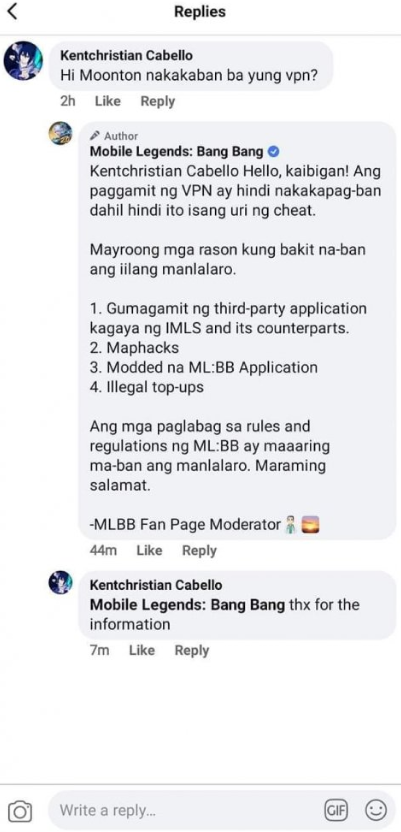
Updated na po ang sagot. Nasa post ko na po. Ang mismomg Moonton ang nagsabi na hindi nakakaban.
-
Opo .. Pwede yan Location lang naman binago. Walang ban yan.
-
Sa mexico at brazil lamg working
-
Hindi po yan mababan. location lang naman binago mo.
-
7-10-17-30-31
-
Salamat po sa feedback. Cge po.. Grab now. Hehe
-
Yes po.. working na working
-
sa mexico at brazil lang gumana sakin.
-
Opo .. Tyaka australia.
-
Updated na po May VPN na para sa lahat.
-
congrats po.. Try nyo po maghanap ibang vpn.. Nakasurf shark kasi ako. Di pwede ishare. Hehe
-
Nakuha mo na skin sa brazil?
-
Thank you po sa feedback. Hehe
-
pafeedback na lang po Hehe
-
Cge po. pafeedback na lang para may proof ako. Gusto ko kasi ang mismong nagtry magbigay ng proof. Hehe
-
Hindi na po need..
-
Pafeedback na lang po. HEHE
-
7-10-17-30-317-10-17-30-317, 10, 17, 30, 317 10 17 30 317-10-17-30-31