



L-Kira
Forum Adept
-
Joined
-
Last visited
Everything posted by L-Kira
-
10-17-18-30-31
-
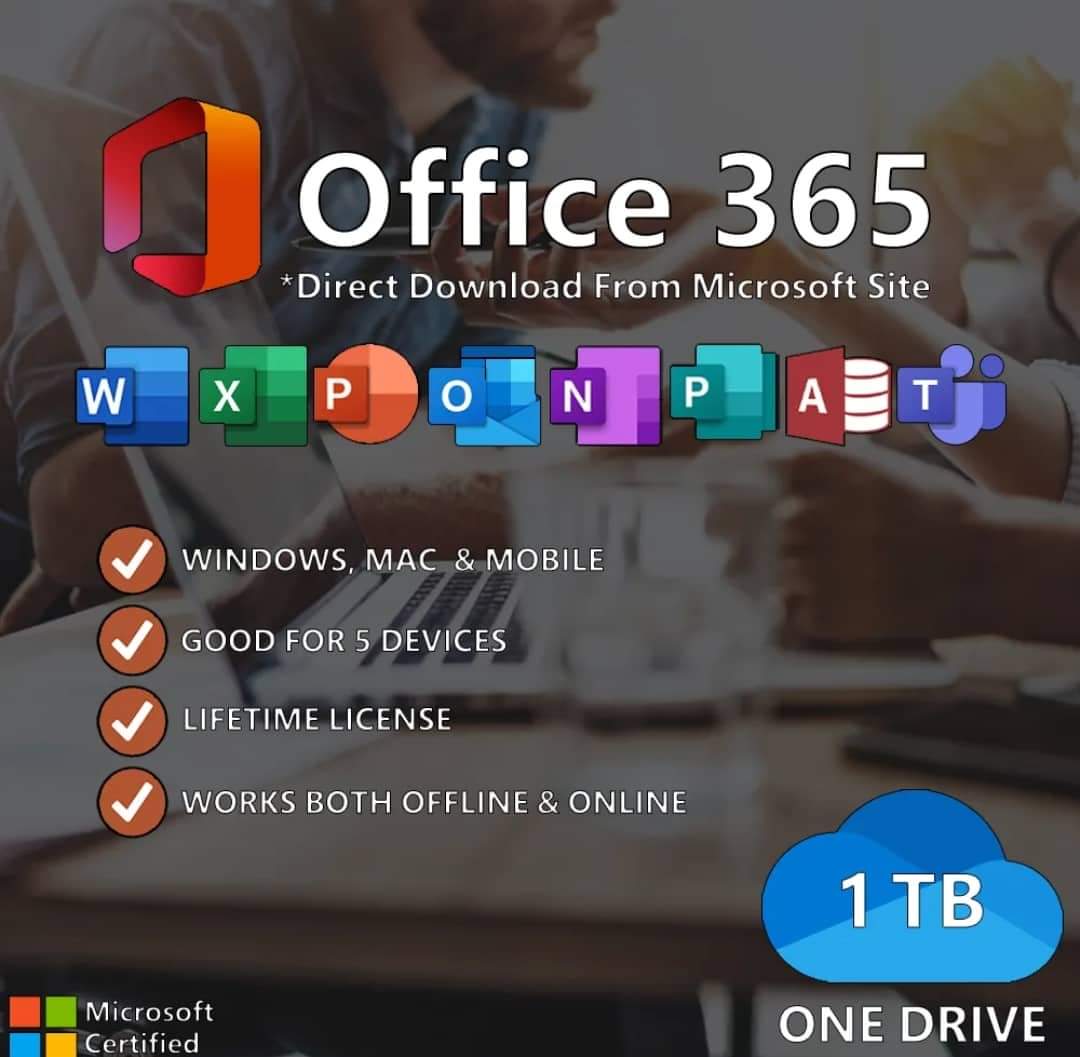
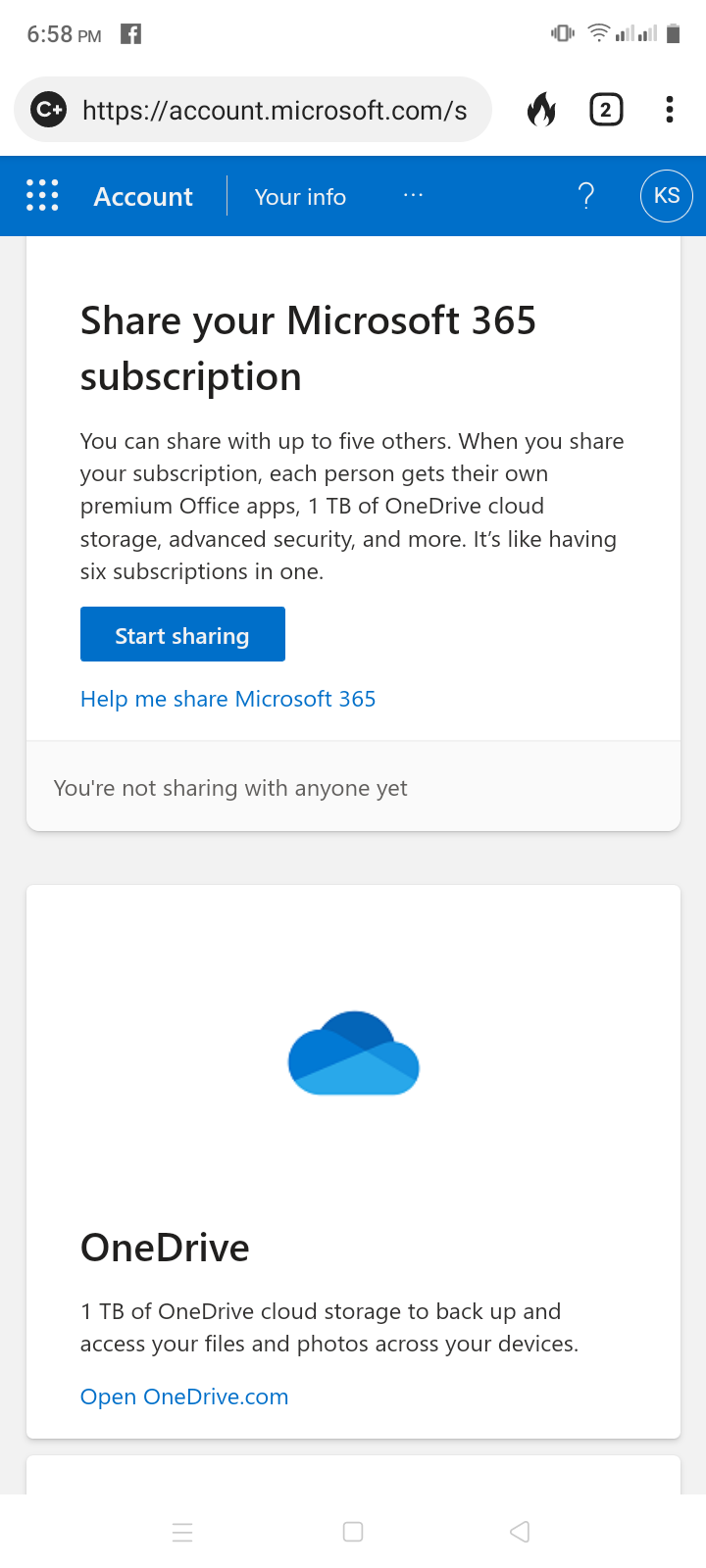
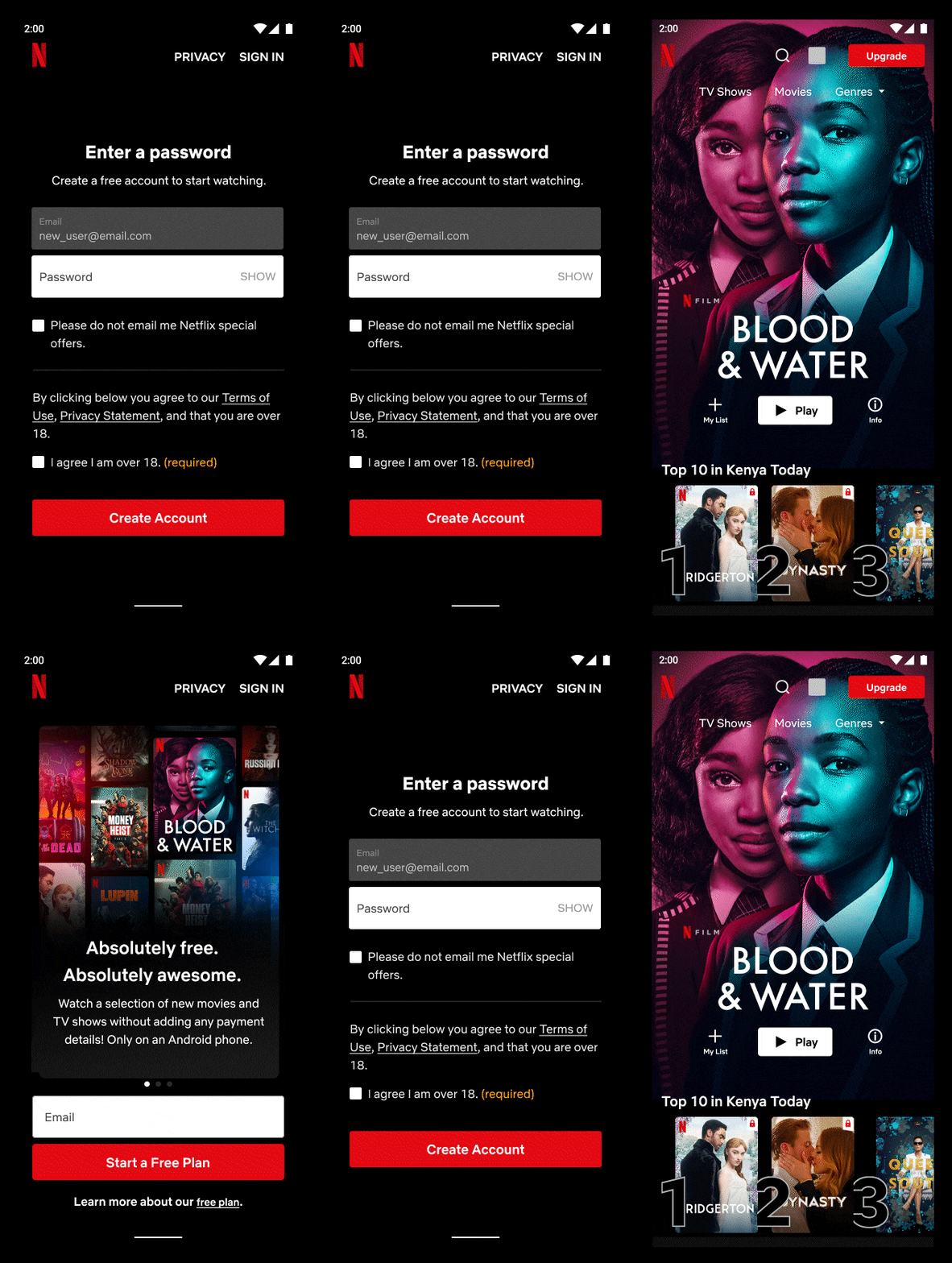
Youtube Auto Renew to your Chegg. Game?Thank you boss.Pabili ako boss. Check pm.Pwede farm?Okay po maam. Thank you.No need vpn po ba to maam?Wala na to tawad boss? ?Ahh, kailangan pa pala may internet para magakainternet. ?Wala bang banning sa DITO boss?Wow.. patingin. Ahh . Ito pala yon sabi ng pinsan ko. Kumikita habang nagjajogging.Oh my God ! Thank you for this.Saan po yong proof of cashout?Grabi sa lahat ng sumubok. Ikaw lang nagfeedback. HahhahaaAng lakas... Thank you.Try it before it expires.Paupdate po master if makacashout ka. Interested po ako.



.jpeg.268ae43510619c077722726fb412947e.jpeg)

.jpeg.6a4977a2b239be0024076e3d74c0451e.jpeg)
Account
Navigation
Search
Configure browser push notifications
Chrome (Android)
- Tap the lock icon next to the address bar.
- Tap Permissions → Notifications.
- Adjust your preference.
Chrome (Desktop)
- Click the padlock icon in the address bar.
- Select Site settings.
- Find Notifications and adjust your preference.
Safari (iOS 16.4+)
- Ensure the site is installed via Add to Home Screen.
- Open Settings App → Notifications.
- Find your app name and adjust your preference.
Safari (macOS)
- Go to Safari → Preferences.
- Click the Websites tab.
- Select Notifications in the sidebar.
- Find this website and adjust your preference.
Edge (Android)
- Tap the lock icon next to the address bar.
- Tap Permissions.
- Find Notifications and adjust your preference.
Edge (Desktop)
- Click the padlock icon in the address bar.
- Click Permissions for this site.
- Find Notifications and adjust your preference.
Firefox (Android)
- Go to Settings → Site permissions.
- Tap Notifications.
- Find this site in the list and adjust your preference.
Firefox (Desktop)
- Open Firefox Settings.
- Search for Notifications.
- Find this site in the list and adjust your preference.