


.gif.b65da9b86688ff919ccb9ca11f1f34cd.gif)
sgbarnz
Special Member
-
Joined
-
Last visited
Everything posted by sgbarnz
-
pwde ba to sa android 11
-
mukhang maganda to pa try nga idol
-
alin sa dalawa
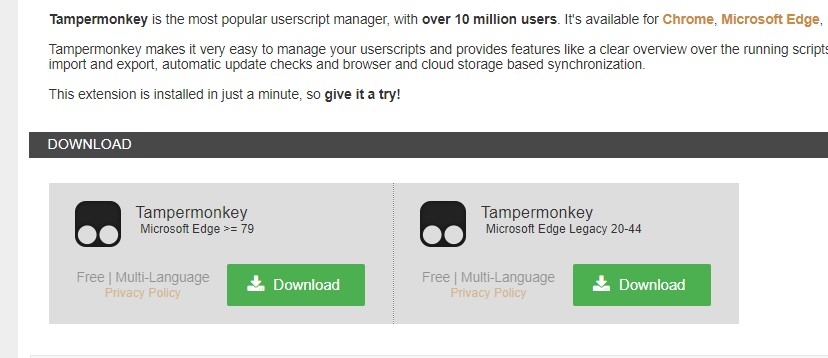
-
nice one salamat dito, pa try kung working
-
activation failed naman
-
pa try nito salamat
-
ang mahal ng bili mo sa pc mo sakin laptop 8gig ram intel i5 1Tb storage intel hd grapics 2.6ghz 4cores 8k
-
-
-
wala ako narecieve na pm, sure ba to hindi ba ito scam ilang days lang wala na
-
pabili shared ilang days ba to ( 1month pala)
-
-
-
-
wala akong payload sa smart idol penge muna YouTube premium hehehe joke welcome enjoy mga repasana may pang AndroidSalamat ditonot working sakinhave a nice day your welcome enjoy watching
.thumb.gif.a605a6607860a07308b406d475b1ef18.gif)

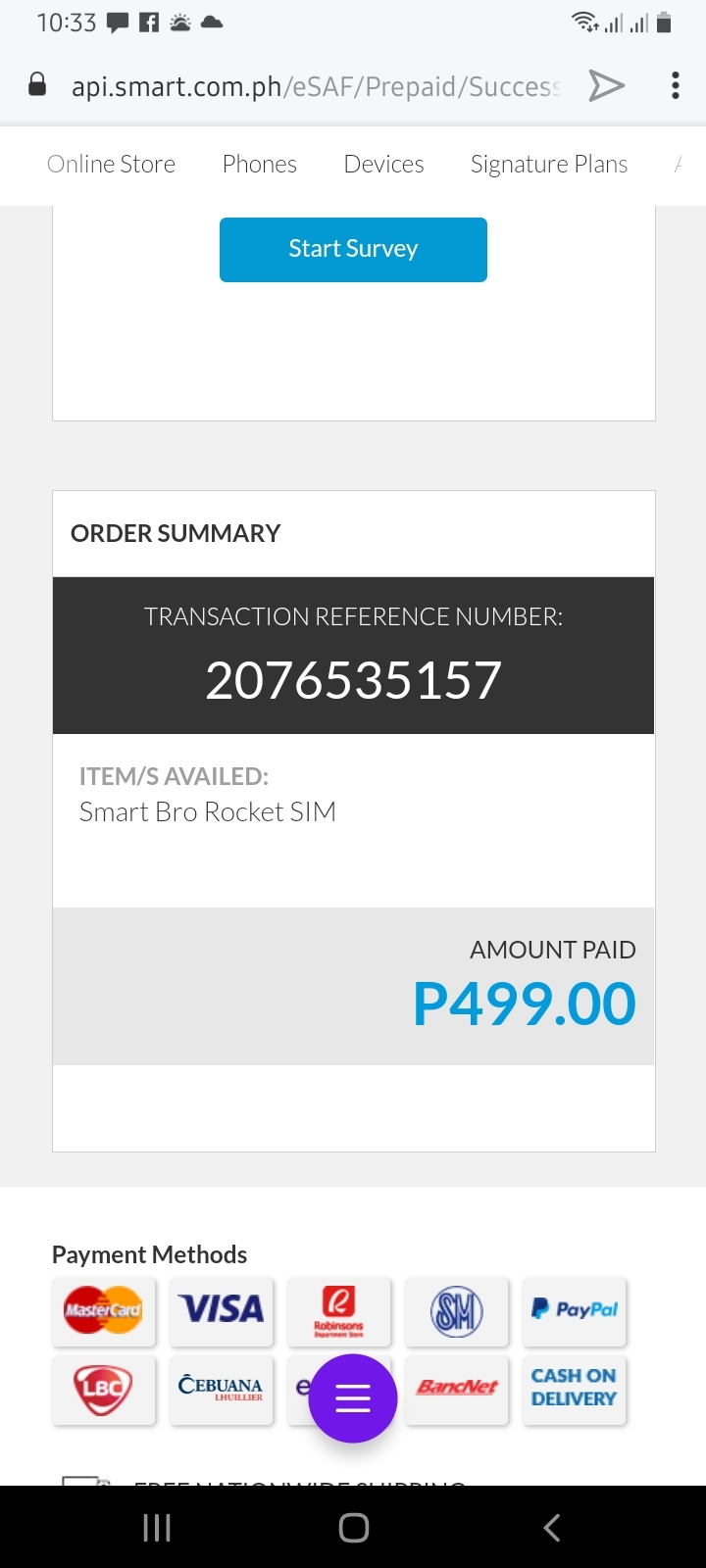

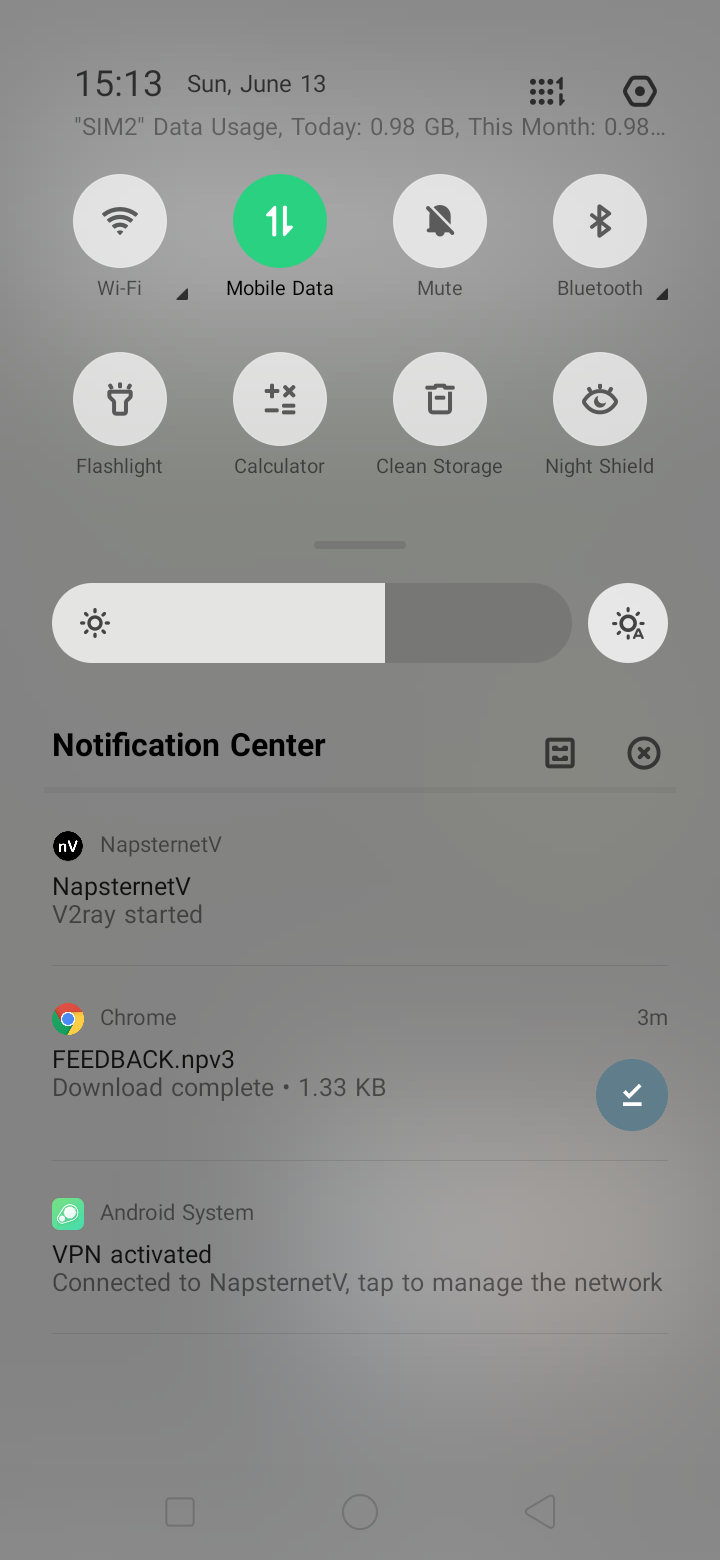
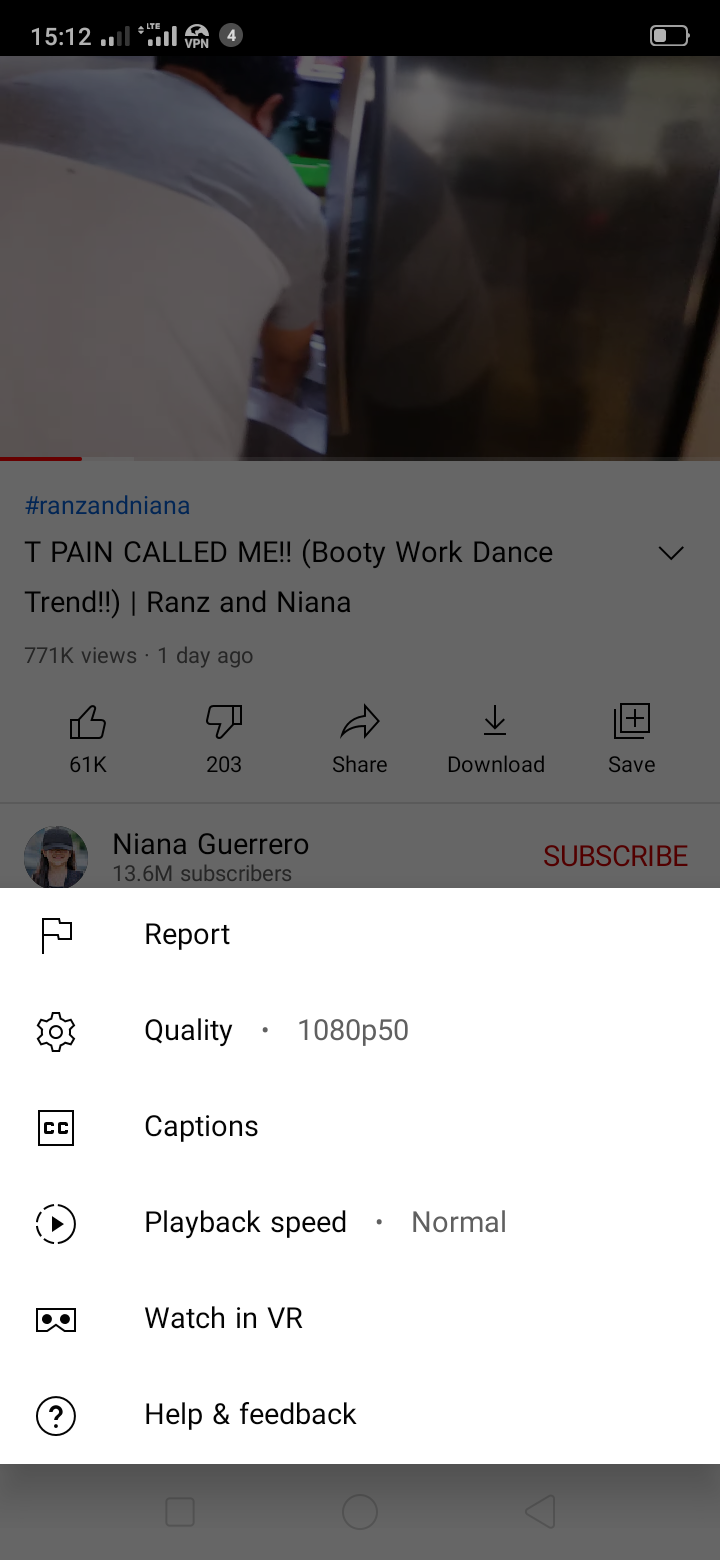
Account
Navigation
Search
Configure browser push notifications
Chrome (Android)
- Tap the lock icon next to the address bar.
- Tap Permissions → Notifications.
- Adjust your preference.
Chrome (Desktop)
- Click the padlock icon in the address bar.
- Select Site settings.
- Find Notifications and adjust your preference.
Safari (iOS 16.4+)
- Ensure the site is installed via Add to Home Screen.
- Open Settings App → Notifications.
- Find your app name and adjust your preference.
Safari (macOS)
- Go to Safari → Preferences.
- Click the Websites tab.
- Select Notifications in the sidebar.
- Find this website and adjust your preference.
Edge (Android)
- Tap the lock icon next to the address bar.
- Tap Permissions.
- Find Notifications and adjust your preference.
Edge (Desktop)
- Click the padlock icon in the address bar.
- Click Permissions for this site.
- Find Notifications and adjust your preference.
Firefox (Android)
- Go to Settings → Site permissions.
- Tap Notifications.
- Find this site in the list and adjust your preference.
Firefox (Desktop)
- Open Firefox Settings.
- Search for Notifications.
- Find this site in the list and adjust your preference.