rageme08
Special Member
-
Joined
-
Last visited
Everything posted by rageme08
-
sige lang
-
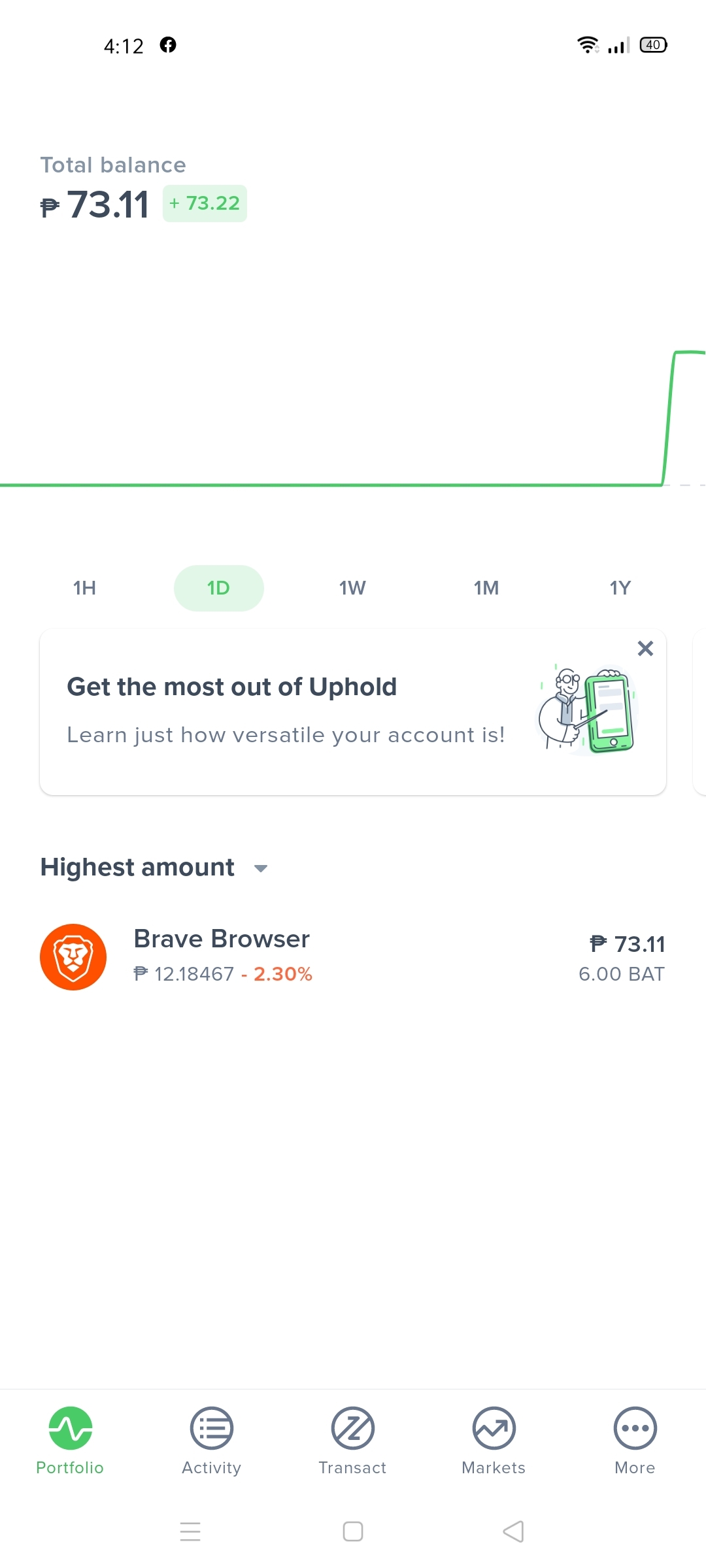
wala naman log in sa brave kapag mag cash out ka saka mo lang i link uphold account
-
na download mo na ba brave browser?
-
pwede gcash through coinsph. Pwede pc and android
-
No problem sa uphold then coins ph
-
download mo lang link tapos yan na gamitin mo browser kesa sa chrome na wala kita haha
-
no prob
-
mas malaki pa kita ko sana kung sa brave ako nag fb and youtube kaso hati sa chrome eh haha
-
nice thanks bossThanks for sharingsounds interesting, thanksewan pero parang kontra ibang clues, sagutan nyo na guys para malaman natin hahabat ang hirap? hahacongrats @jesuisMoi Thanks @Tzuyuparang gnun ata pero contradicting sa clue 11 saka sa bonus clue na The team coached by Mr. SmithTeam star player coach country stage g2 esports flaker mr. kim korea playoffs cloud 9 yasuo dogie brazil semis fanatic doublelift mr. smith usa finals skt t1 pokimane sherlock england champion invictus tyler mr. yu phils quartersthanks po sharingthank you po sa instructionshaha nice baka mag try ako, thanks sirpara saan ba yung movies hahahirap hahapatingin, thankssalamat sa pag shareMobilarian and topic is about "Netflix Cookies" ?