




Cosmic
Moderator
-
Joined
-
Last visited
Everything posted by Cosmic
-
Guys, edit ko na ulit original comments ko dun sa blog at topic. Baka may maconfuse na nag eexplore lang sa forum.
-
Haha nakatago sa comment
-
Haha sayang naman!
-
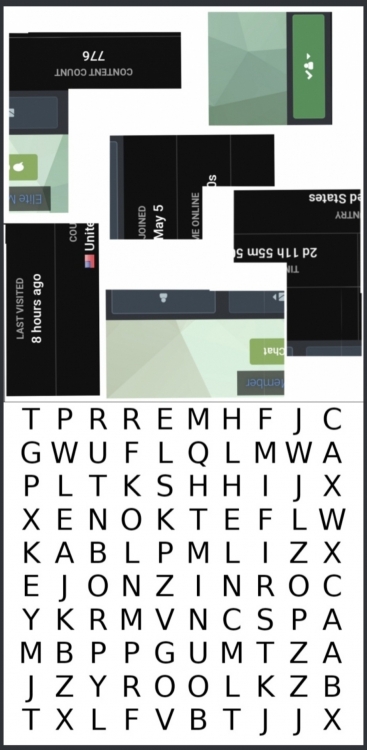
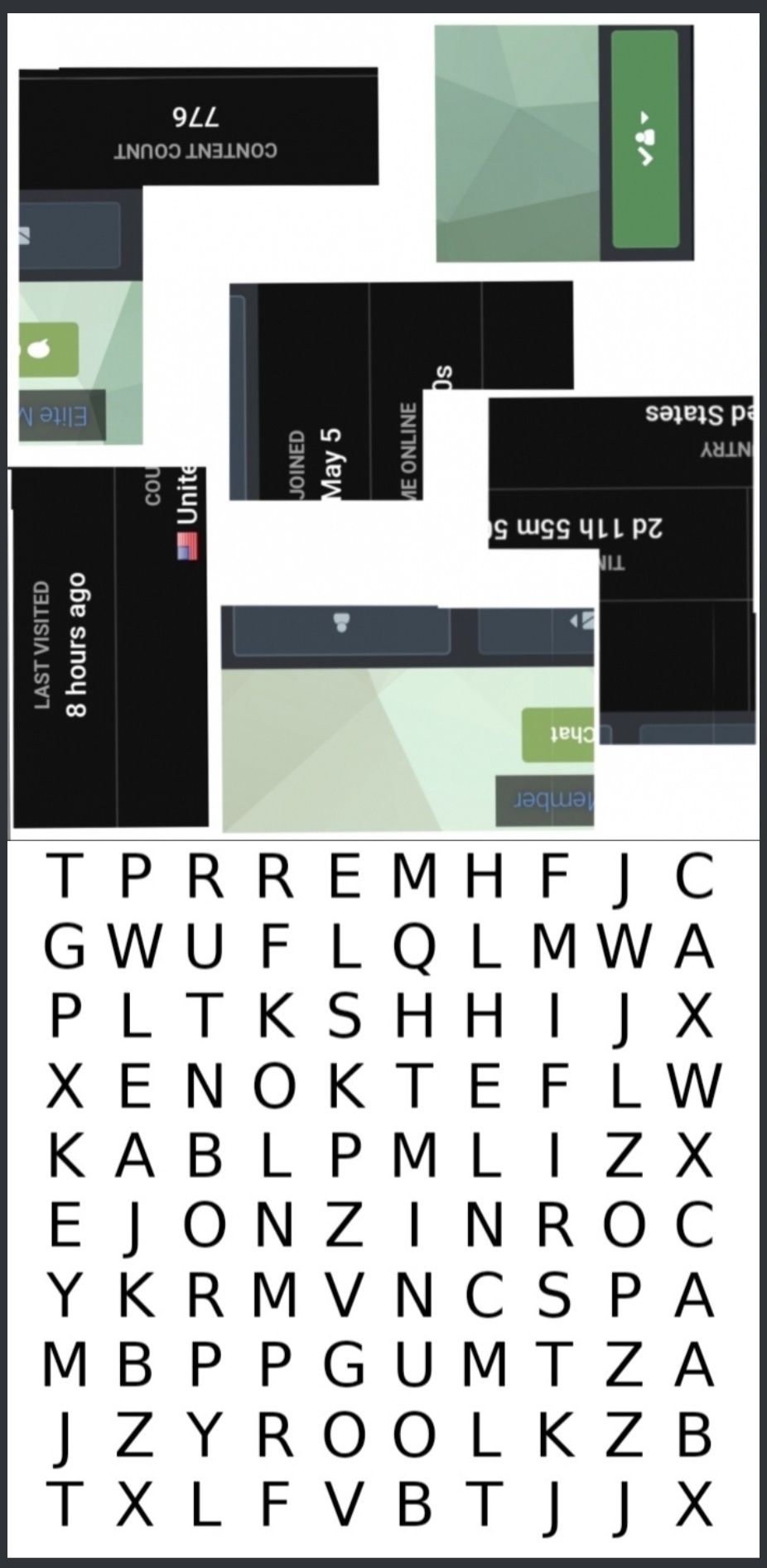
CONGRATS! WINNER: @jesuisMoi STEPS TO ANSWER: How Benlotus Started Go to this blog: You will see a comment with a panda gif. Click it and you will be redirected to this post, In one of my comments there, these images are hidden: First Puzzle Image: Answer is @yesyesyo Second Puzzle Image: Hidden words are FIRST, TOPIC, KEY MEANING -> Go to @yesyesyo's first ever topic, which is this: Then get the key/code there. G_ _ _ _ _ _ A _ _ _ _ _ _ _ _ H _ ANSWER: GV2WLG-2A2HP2-4847H6
-
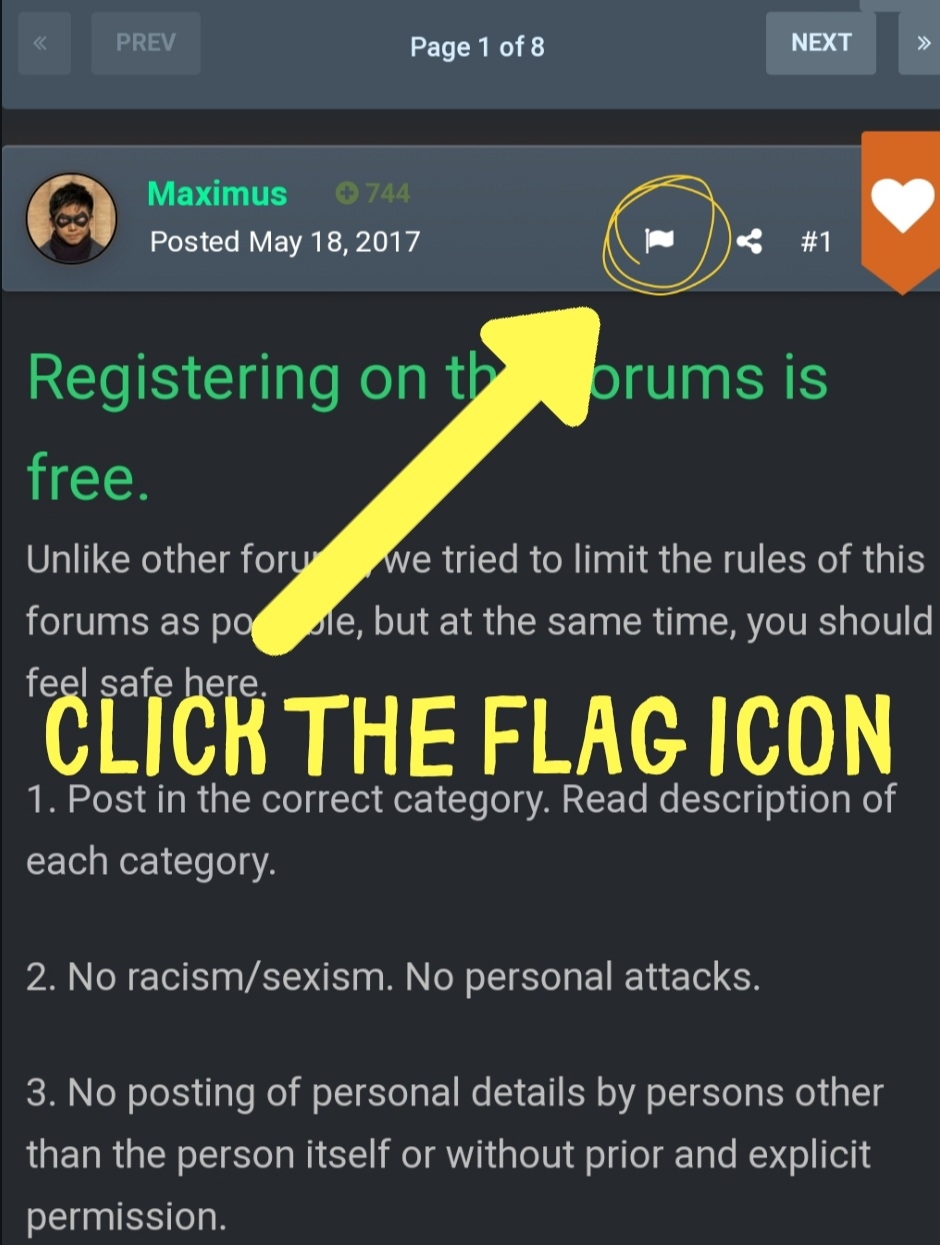
Wala pa pong nakatama. Sa lahat ng sumagot, I will give another chance, you can answer again. CLUE ON HOW TO SOLVE THIS: FORUM MINI GAME #15
-
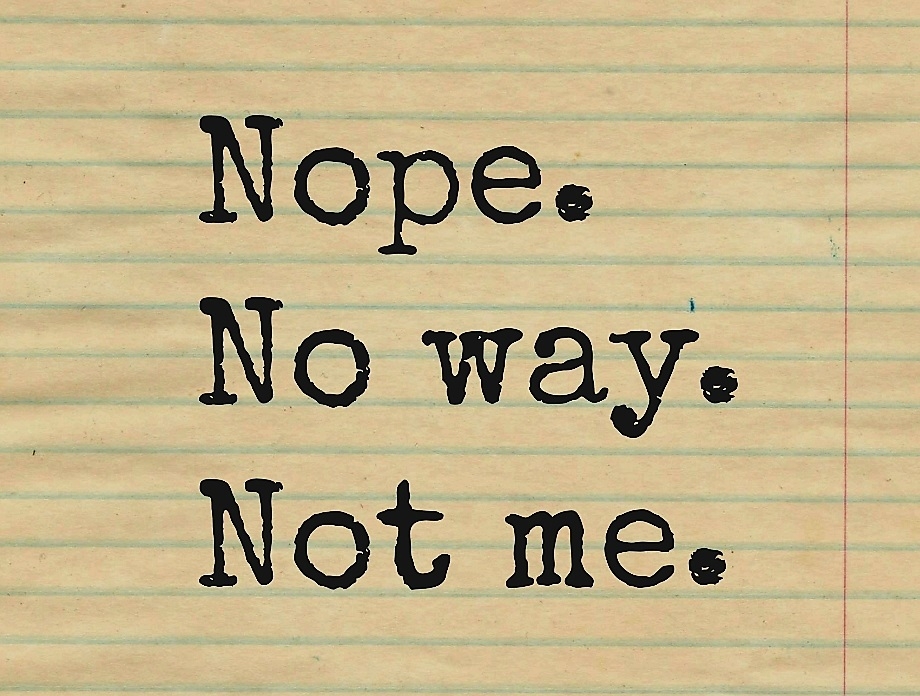
Thanks for sharing @Overlord! You can check these topics ^^Try this one? @MichaelDavidButi wala akong naitama. I forgot about itThanks for taking time in actually reading this post. Konting new members lang pumupunta and nagbabasa sa important links sent via Welcome Message and chat announcement. lol8, 16, 24, 32, 40Post updated! Quick access to emojis.Move ko rin eto sa World Wide Web section nalang ha, @KageyamaMoved to a different section. Thanks for sharing!Move ko ng section. Thanks for sharing!Sige gawa ulit ako ganitong game. Sana maabutan mo next timePinakawrong sa lahat ng answers dito@JiroDavid Amazinggg. Di ko inexpect na sasali ka. Hahaha. Tama ka, sa status nakaredirect ang link from the first image. NOPE NO WAY NOT ME Means hindi yun yung image na dapat idecode. Yung image tinago ko sa comment ko sa status. Bale ang winner is @AnkoKitashirakawa. Haha. ANSWER: FORUM GAMESAy hindi ko alam yan.Answer carefully! You can only answer once.Haha. Okay na. Gulat ako nandun sa Marketplace.







Account
Navigation
Search
Configure browser push notifications
Chrome (Android)
- Tap the lock icon next to the address bar.
- Tap Permissions → Notifications.
- Adjust your preference.
Chrome (Desktop)
- Click the padlock icon in the address bar.
- Select Site settings.
- Find Notifications and adjust your preference.
Safari (iOS 16.4+)
- Ensure the site is installed via Add to Home Screen.
- Open Settings App → Notifications.
- Find your app name and adjust your preference.
Safari (macOS)
- Go to Safari → Preferences.
- Click the Websites tab.
- Select Notifications in the sidebar.
- Find this website and adjust your preference.
Edge (Android)
- Tap the lock icon next to the address bar.
- Tap Permissions.
- Find Notifications and adjust your preference.
Edge (Desktop)
- Click the padlock icon in the address bar.
- Click Permissions for this site.
- Find Notifications and adjust your preference.
Firefox (Android)
- Go to Settings → Site permissions.
- Tap Notifications.
- Find this site in the list and adjust your preference.
Firefox (Desktop)
- Open Firefox Settings.
- Search for Notifications.
- Find this site in the list and adjust your preference.