




Cosmic
Moderator
-
Joined
-
Last visited
Everything posted by Cosmic
-
Take note nalang, may reported post ka rin kasi.
-
-
Tried some sites. Working! Tip: To get rid of ads, use Brave Browser to explore the sites.
-
Welcome! Glad to see you all active in the forum.
-
Welcome, pls feedback how it went for u or if u need any help
-
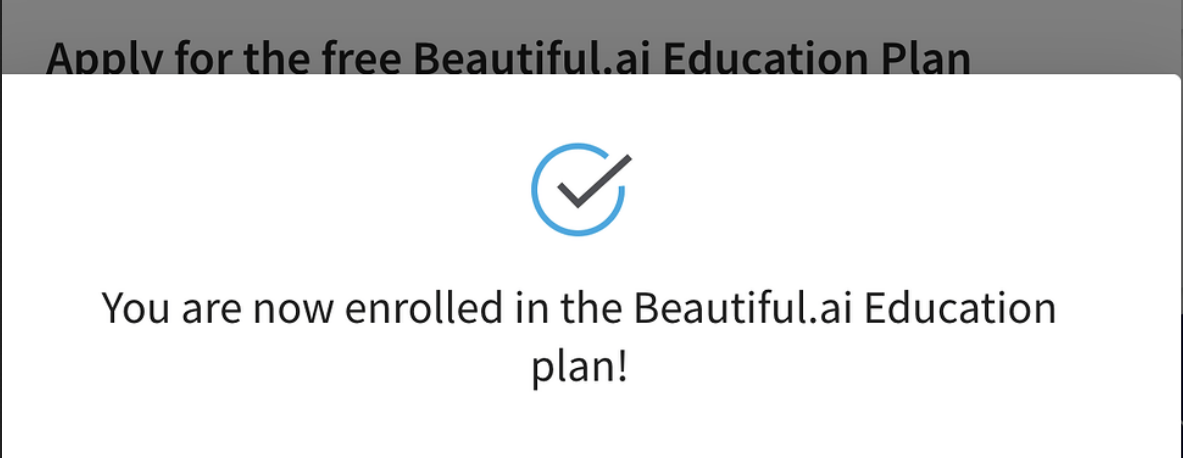
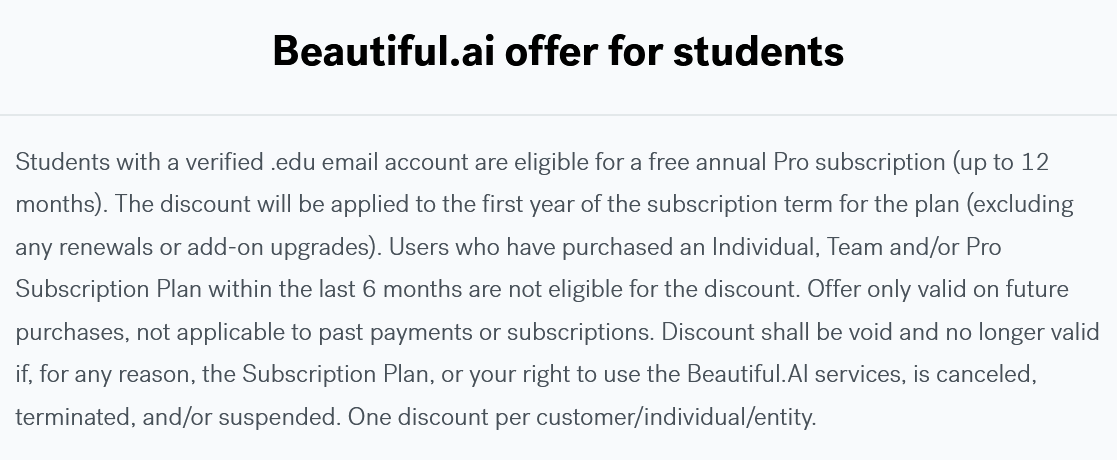
Welcome, feedback kayo here if gumana sa ibang sites for edu plans. Tried on Notion and beautiful.ai, working
-
Hi! Good to see you here. Feedback ka if napagana mo rin.
-
Congrats! Try mo rin same method sa Notion.
-
Thanks sa feedback, @tutskie
-
Welcome, sana magstay active ka na ulit sa forum
-
Welcome, feedback ka here if gumana sa ibang sites for edu plansWill do. Feedback ka if ever magamit mo yung apps.Welcome! It works for Canva edu (apply with teachers proof), notion and other sites.Welcome! Try niyo explore saang sites gagana for edu freebiesThanks for the feedback!Yes, it will not work on github and prime. It works for Canva edu (apply with teachers proof), notion and other sites.Trade your BCash! (To check your BCASH Balance, go to your profile and look for BCASH) Trade your bcash to any premium/items in the bcash shop: Netflix, Spotify, VPN, Load Recharge, Moviebox, etc. https://forums.benlotus.com/membersshop/ Or trade your Bcash to me! Trade it to me for any premiums/items (All items listed in the bcash shop plus others not listed): Load Any Network (Regular 10) - 15 Bcash Load Any Network (Regular 20) - 25 Bcash Load Any Network (Regular 50) - 55 Bcash Load Any Network (Regular 100) - 105 Bcash Netflix Solo Account (30 Days) - 250 Bcash Netflix Solo Profile (30 Days) - 80 Bcash Netflix Solo Profile (14 Days) - 40 Bcash Spotify Premium (30 Days) - 15 Bcash Spotify Premium (60 Days) - 30 Bcash Spotify Premium (120 Days) - 45 Bcash VPN, Canva, etc ...and many more! Just PM me. @BenLotus Member @Special Member @Epic Member @Forum Adept @Forum Guru @Forum Master @Forum Legend @Forum Veteran @LifetimeStreamerAgain, wrong forum section.Wrong forum sectionNasa rewards and logs. Nakita ko naka 55+ ka na bcash for the last 24 hrs.CLUB BCASH GIVEAWAY #3: Prizes: 3 winners: 100 BCash each 3 winners: 50 BCash each 4 winners: 25 BCash each How to join: Tagging qualified members: @Special Member @Epic Member @Forum Adept @Forum Guru @Forum Master @Forum Legend @Forum Veteran @LifetimeStreamer





Account
Navigation
Search
Configure browser push notifications
Chrome (Android)
- Tap the lock icon next to the address bar.
- Tap Permissions → Notifications.
- Adjust your preference.
Chrome (Desktop)
- Click the padlock icon in the address bar.
- Select Site settings.
- Find Notifications and adjust your preference.
Safari (iOS 16.4+)
- Ensure the site is installed via Add to Home Screen.
- Open Settings App → Notifications.
- Find your app name and adjust your preference.
Safari (macOS)
- Go to Safari → Preferences.
- Click the Websites tab.
- Select Notifications in the sidebar.
- Find this website and adjust your preference.
Edge (Android)
- Tap the lock icon next to the address bar.
- Tap Permissions.
- Find Notifications and adjust your preference.
Edge (Desktop)
- Click the padlock icon in the address bar.
- Click Permissions for this site.
- Find Notifications and adjust your preference.
Firefox (Android)
- Go to Settings → Site permissions.
- Tap Notifications.
- Find this site in the list and adjust your preference.
Firefox (Desktop)
- Open Firefox Settings.
- Search for Notifications.
- Find this site in the list and adjust your preference.