Skip to content
View in the app

A better way to browse. Learn more.

BenLotus

A full-screen app on your home screen with push notifications, badges and more.

To install this app on iOS and iPadOS
  1. Tap the Share icon in Safari
  2. Scroll the menu and tap Add to Home Screen.
  3. Tap Add in the top-right corner.
To install this app on Android
  1. Tap the 3-dot menu (⋮) in the top-right corner of the browser.
  2. Tap Add to Home screen or Install app.
  3. Confirm by tapping Install.

zanjoe20

Elite Member
  • Joined

  • Last visited

Everything posted by zanjoe20

  1. zanjoe20 replied to Jmrie_'s topic in General Discussion
    May mga pagames dito idol join ka thanks
  2. Gumagana pa ba ang tricks nto hehehe
  3. Salamat sa pagbahagi ng kaalaman na ito
  4. Meron pa ba idol?
  5. Sayang pang android lng hehe
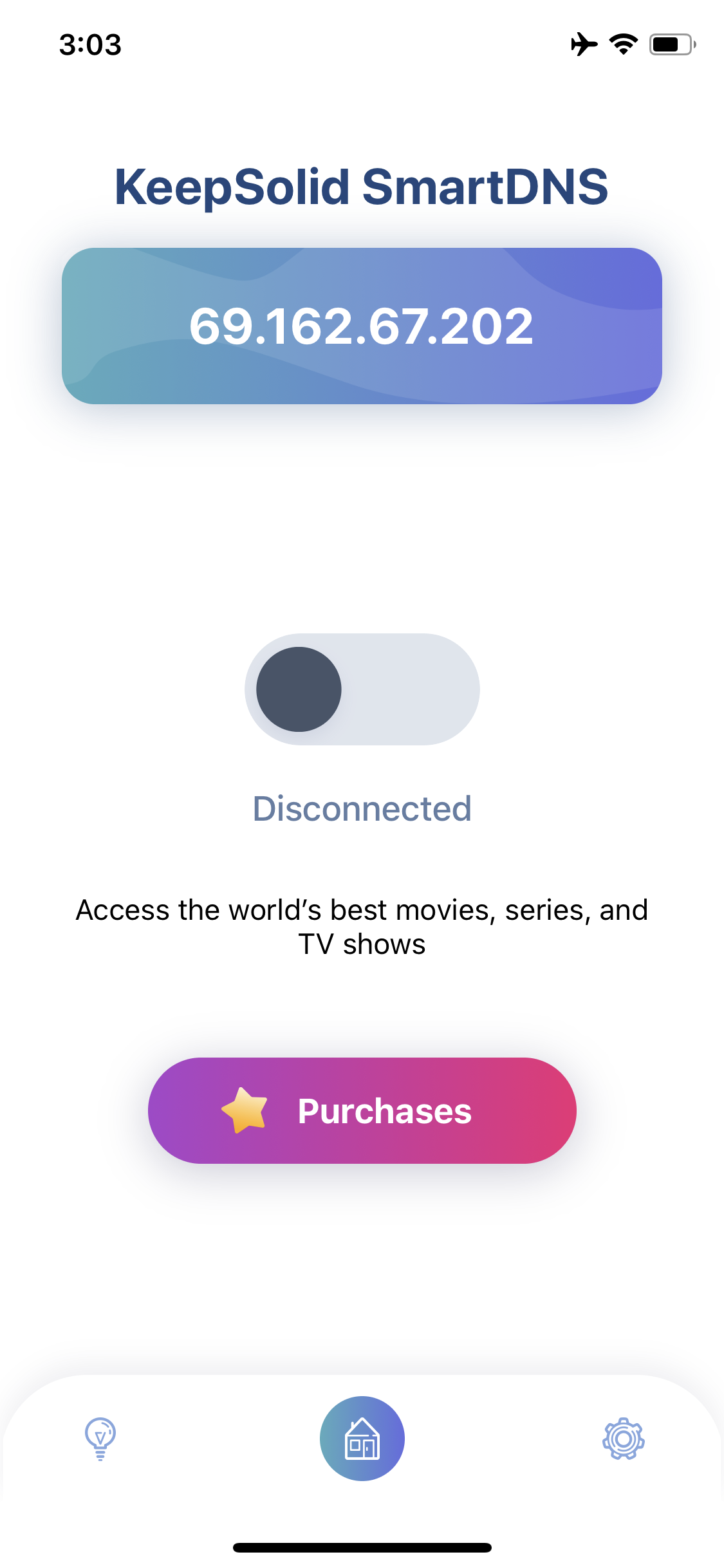
  6. Yes idol android tv sya, may account nko sa keepsolid smartdns ang lang ako marunong magconfigure neto hehe
  7. Paano gamitin idol ang keepsolidVPN? Gagamitin ko sna sa sony bravia smart tv namin pra makapanood sa hulu at disney
  8. Pasilip idol hehhe
  9. Pasilip baka sakaling makuha ko pass ng wifi ng kapitbahay namin???
  10. Pasilip idol hehhee
  11. Thanks for sharing
  12. Have you ever tested this app sir?

Account

Navigation

Search

Search

Configure browser push notifications

Chrome (Android)
  1. Tap the lock icon next to the address bar.
  2. Tap Permissions → Notifications.
  3. Adjust your preference.
Chrome (Desktop)
  1. Click the padlock icon in the address bar.
  2. Select Site settings.
  3. Find Notifications and adjust your preference.