


.gif.8c6123ae1ed4f18801300ef2c34a9dae.gif)

SadBoi
Elite Member
-
Joined
-
Last visited
Everything posted by SadBoi
-
Thanks for sharing po
-
Delete account ka po then register ulit
-
Sige lang po hehe
-
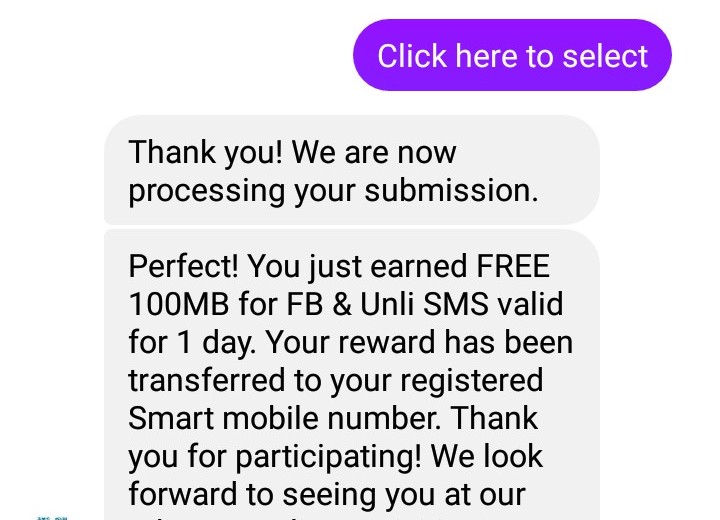
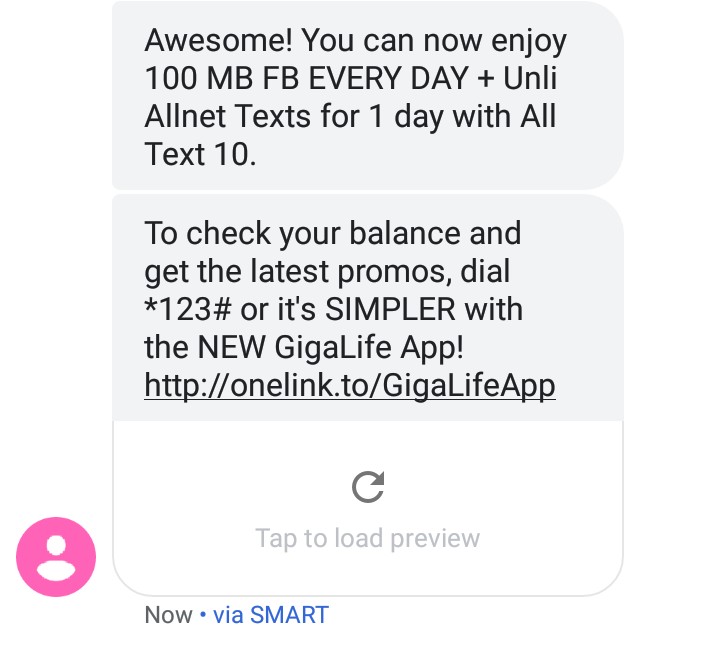
Repeatable po siya until maka earn ka ng 60 gigapoints per sim. Delete mo lang po yung account mo then register again until maka-earn kang 60pts. And then pwd mo ulit siya gawin sa isamong sim
-
Welcome everyone. Hurry before this method gets patched ?
-
Sige lang lods
-
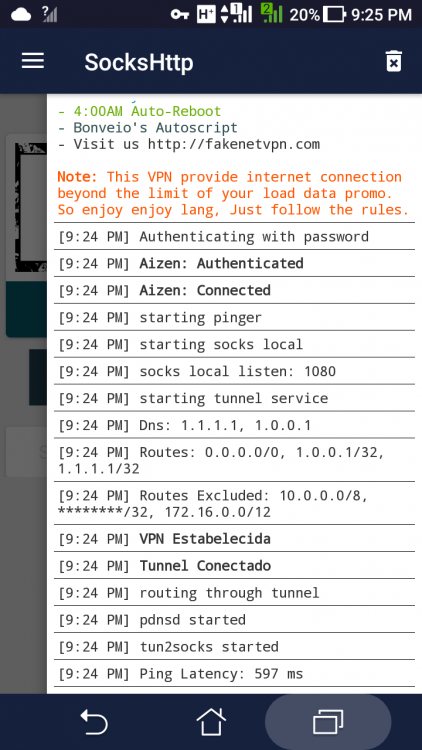
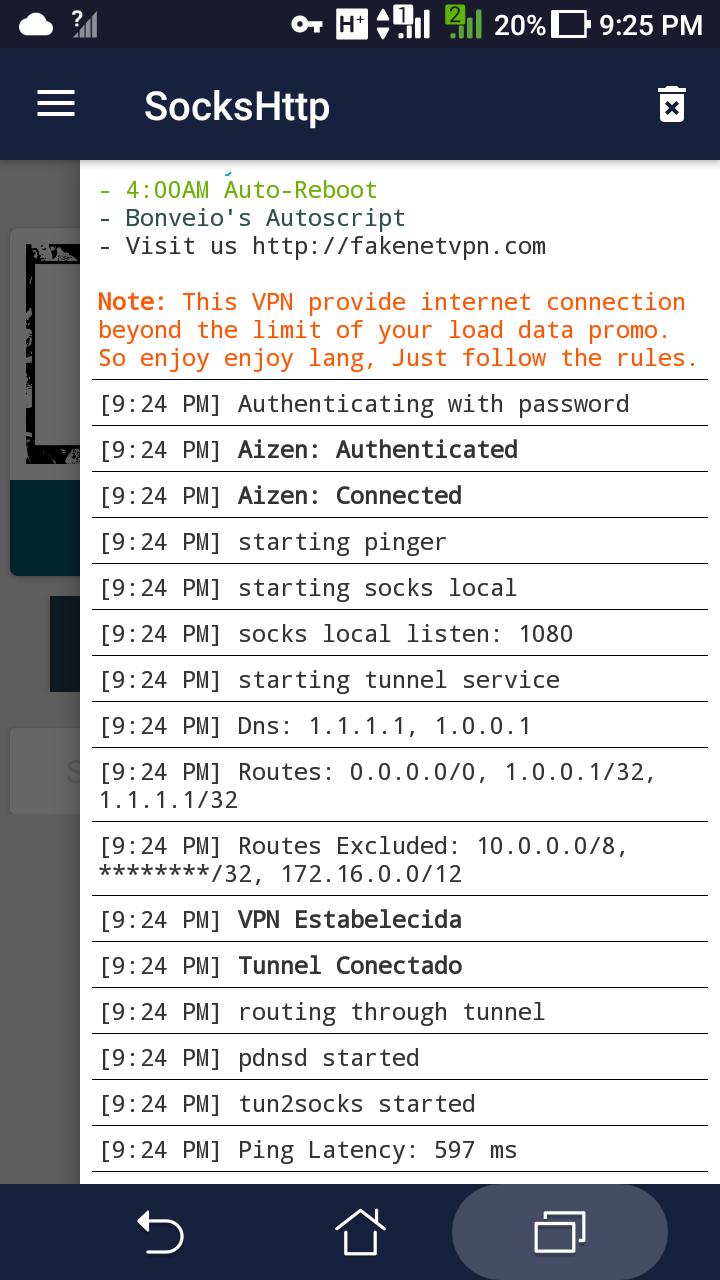
I tried it, I switched to my globe sim which has no data for internet and it's working po. Thankss
 Keep sharing poThankss for sharing. Patry po akoCheck, maybe the cookies have expired alreadyThankss Maam Cosmic ? Pajoin po ako. Thankss po





Account
Navigation
Search
Configure browser push notifications
Chrome (Android)
- Tap the lock icon next to the address bar.
- Tap Permissions → Notifications.
- Adjust your preference.
Chrome (Desktop)
- Click the padlock icon in the address bar.
- Select Site settings.
- Find Notifications and adjust your preference.
Safari (iOS 16.4+)
- Ensure the site is installed via Add to Home Screen.
- Open Settings App → Notifications.
- Find your app name and adjust your preference.
Safari (macOS)
- Go to Safari → Preferences.
- Click the Websites tab.
- Select Notifications in the sidebar.
- Find this website and adjust your preference.
Edge (Android)
- Tap the lock icon next to the address bar.
- Tap Permissions.
- Find Notifications and adjust your preference.
Edge (Desktop)
- Click the padlock icon in the address bar.
- Click Permissions for this site.
- Find Notifications and adjust your preference.
Firefox (Android)
- Go to Settings → Site permissions.
- Tap Notifications.
- Find this site in the list and adjust your preference.
Firefox (Desktop)
- Open Firefox Settings.
- Search for Notifications.
- Find this site in the list and adjust your preference.