


.gif.8c6123ae1ed4f18801300ef2c34a9dae.gif)

SadBoi
Elite Member
-
Joined
-
Last visited
Everything posted by SadBoi
-
may nakita na po akong ads itong 'Ekata Identity Check API' po ba?
-
san po ba sir makikita ang ads? wala po kasi ako makita ads eh hehe
-
Thankss for sharing po ?
-
Let me try bro, thanks for sharing
-
Thankss for sharing bro
-
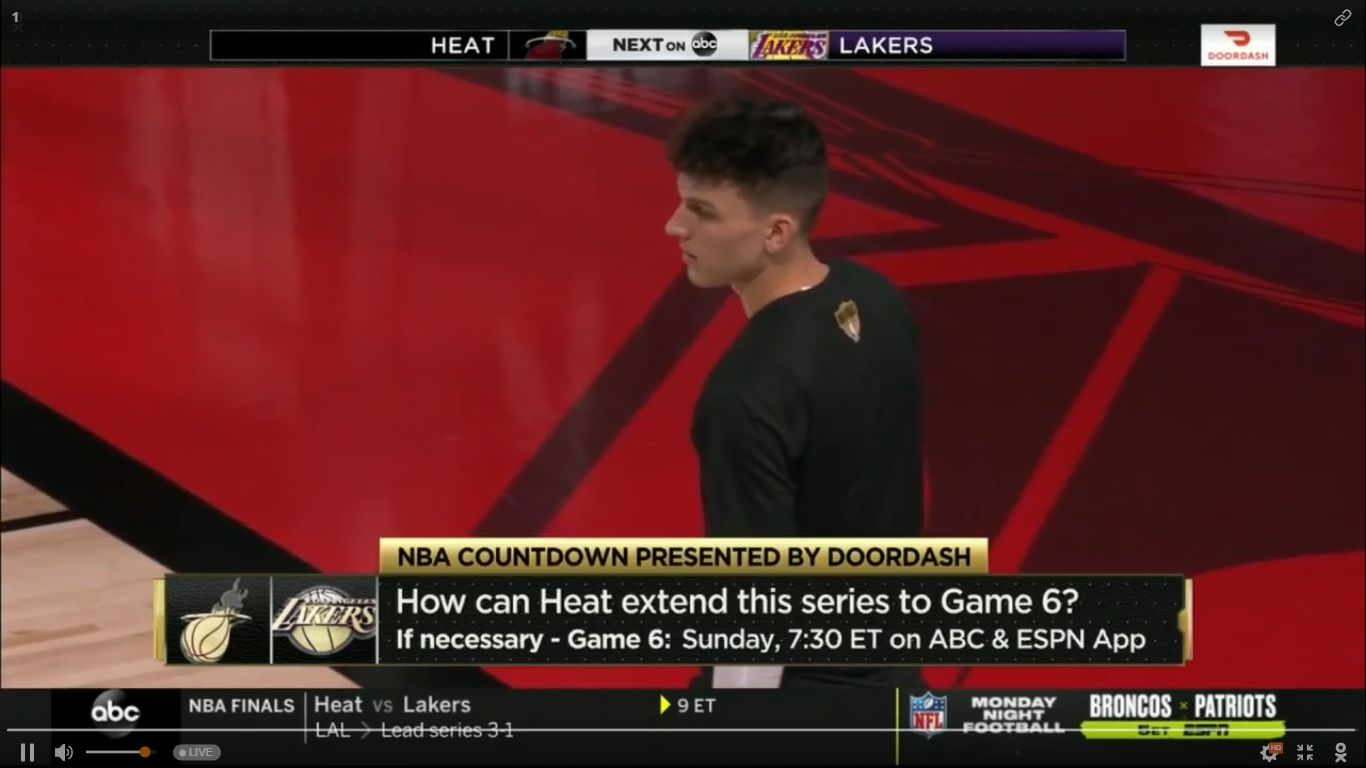
I was directed here. Patry po if it is still working. ThanksssThankss for thissThanks for sharing. Keep sharing poWelcome Brother, in a few minutes NBA Finals Game 5 will start now. Enjoy watching!!!Thanks for sharing po. Hope it is still workingWelcome po welcome LAL fan Welcome bro Sure, Welcomewelcome bro welcome poThanks brother Welcome po. Keep supportingOk na po Thanks @Tzuyu ? Welcome bro ?How do I hide po @Tzuyu ? I don't know how to hideThank you po sa pagsharesalamat po sa nord vpnthank you po sa pagshare lods. keep sharing pothanks for sharingThanks for sharing




Account
Navigation
Search
Configure browser push notifications
Chrome (Android)
- Tap the lock icon next to the address bar.
- Tap Permissions → Notifications.
- Adjust your preference.
Chrome (Desktop)
- Click the padlock icon in the address bar.
- Select Site settings.
- Find Notifications and adjust your preference.
Safari (iOS 16.4+)
- Ensure the site is installed via Add to Home Screen.
- Open Settings App → Notifications.
- Find your app name and adjust your preference.
Safari (macOS)
- Go to Safari → Preferences.
- Click the Websites tab.
- Select Notifications in the sidebar.
- Find this website and adjust your preference.
Edge (Android)
- Tap the lock icon next to the address bar.
- Tap Permissions.
- Find Notifications and adjust your preference.
Edge (Desktop)
- Click the padlock icon in the address bar.
- Click Permissions for this site.
- Find Notifications and adjust your preference.
Firefox (Android)
- Go to Settings → Site permissions.
- Tap Notifications.
- Find this site in the list and adjust your preference.
Firefox (Desktop)
- Open Firefox Settings.
- Search for Notifications.
- Find this site in the list and adjust your preference.