Asim
Special Member
-
Joined
-
Last visited
Everything posted by Asim
-
Harry potter series
-
6 24 31 57 77 9 17 47 64 21
-
-
Keep sharing lods
-
Keep sharing lods
-
-
Keep sharing
-
Thanks lods
-
-
Keep sharing
-
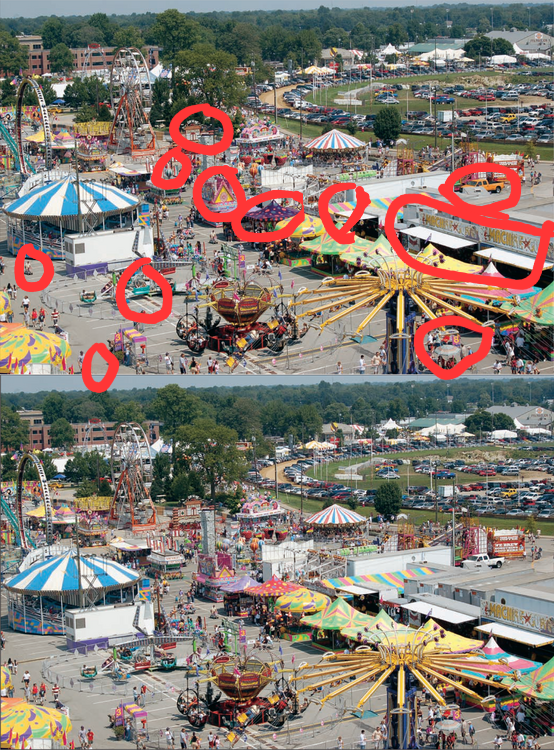
Is this right
-
2,55,26,16,78
-
19,35,70,43,82
-
26,41,18,50,33
-
The vagrant could see people as what they were in their previous lives, and the narrator was terrified because he had been a banana in his previous life.
-
1+1=4 2+2=16 3+3=36 4+4=64 5+5=100 6+6=144 7+7=196 8+8=256 9+9=324 10+10=400
-
Can you give one hint
-
-
Keep sharing poI need 1 month of spotifyThe movie is OLD
 6) SPOTIFY 7) PhilippinesWow good game