Skip to content
View in the app

A better way to browse. Learn more.

BenLotus

A full-screen app on your home screen with push notifications, badges and more.

To install this app on iOS and iPadOS
  1. Tap the Share icon in Safari
  2. Scroll the menu and tap Add to Home Screen.
  3. Tap Add in the top-right corner.
To install this app on Android
  1. Tap the 3-dot menu (⋮) in the top-right corner of the browser.
  2. Tap Add to Home screen or Install app.
  3. Confirm by tapping Install.

sebolok

BenLotus Member
  • Joined

  • Last visited

Everything posted by sebolok

  1. Daming nag view..pero dalawa lang gumamit sa code ko ?
  2. meron akong website pero hindi updated globetm dot net.. wala akong mailagay nacontent eh
  3. oneplus andriod phone boss try mo.
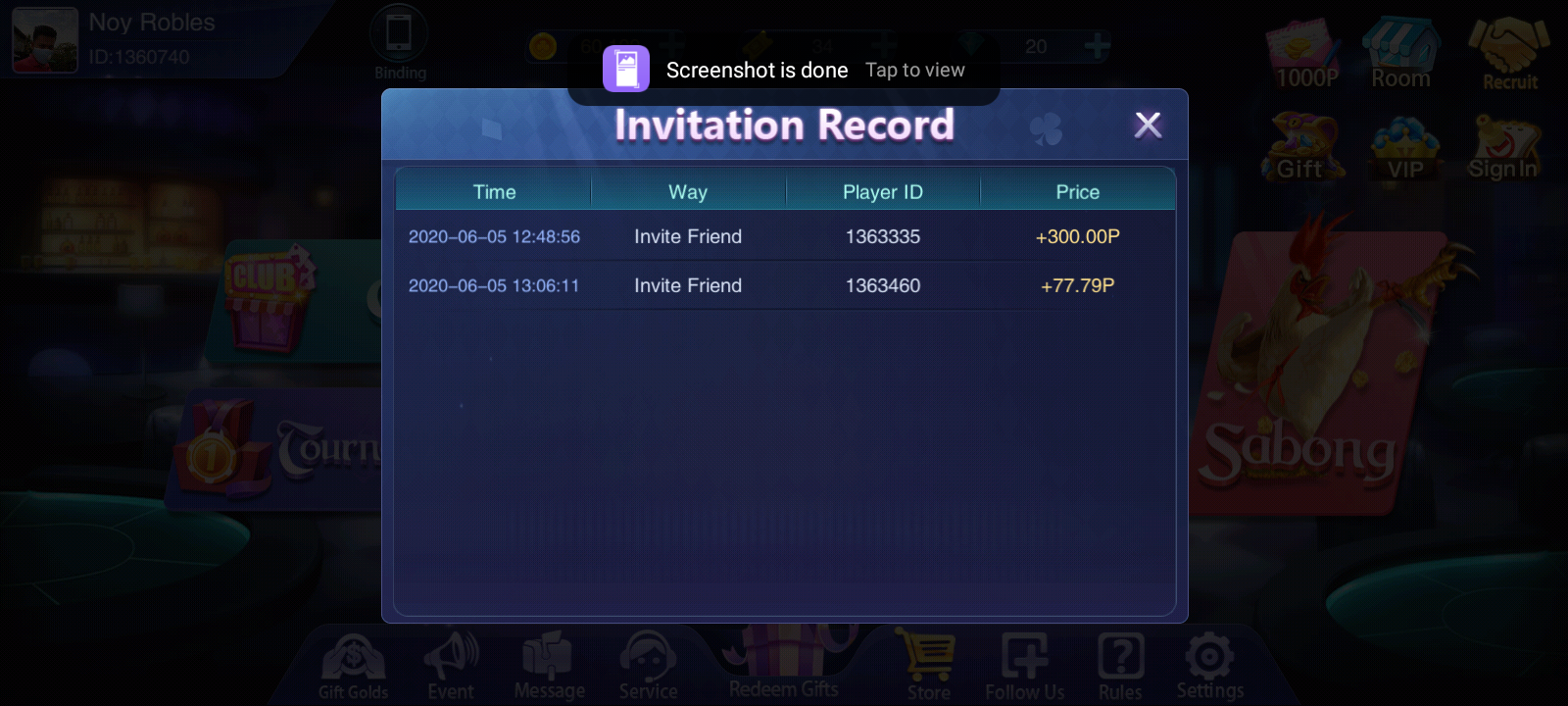
  4. my dalawa under my code 300+ sya..
  5. sino nakapag try na..hindi ba nakakabanned ng account yan?
  6. oo nga boss tnt or sun sana na no load..salamat
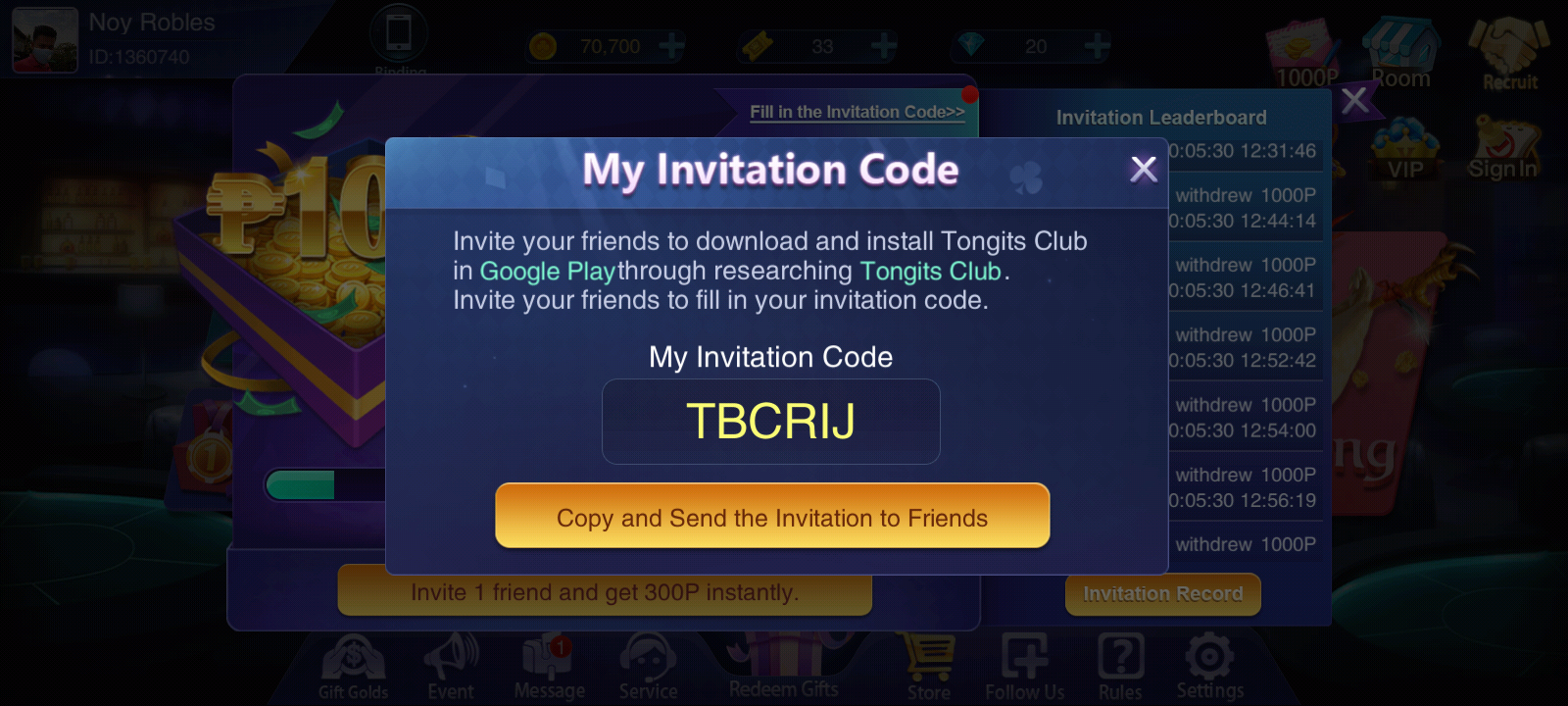
  7. boss paki use na lang code ko tnx
  8. ito https://play.google.com/store/apps/details?id=com.pepolicity.tongitsclubs&hl=en
  9. pasilip po ako boss
  10. na suspend agad account ko, hindi ko pana trytry sa ML eh.
  11. hindi pa po pero yung payment proof ko galing sa kabilang forum sa phc..use mo na lang code ko tulong mo na rin sa akin.. tnx
  12. At etong maganda first 3 mong invite 500 pesos agad
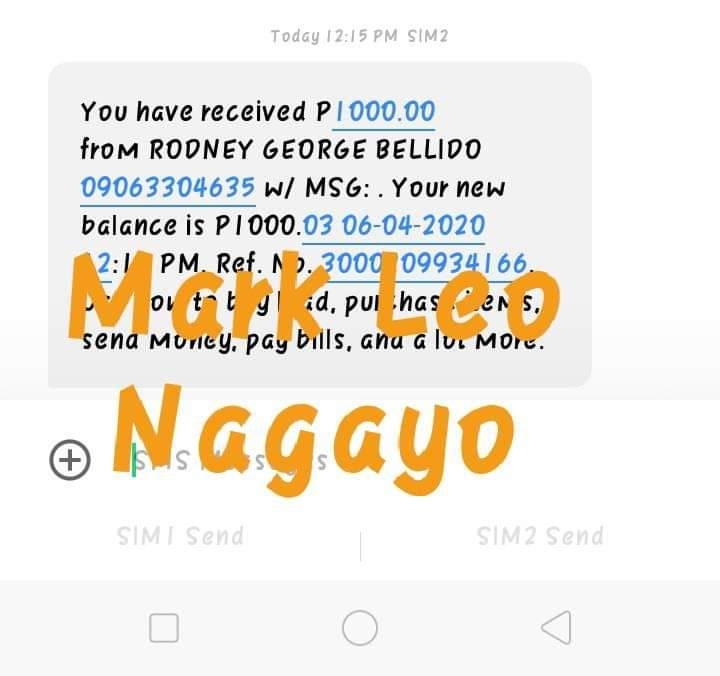
  13. 1000 pesos po,,parang lazada pero hindi sya nagrereset..basta mareach mo yung 1000 pesos ok na.
  14. pasilip ako boss.
  15. Gumana nga hirap pa intindihin..kailangan pa ng google translator
  16. ito kailangan ko para sa ML drop. salamat sa pag share boss
  17. thanks boss keep on sharing
  18. Hi po bago lang din ako dito

Account

Navigation

Search

Search

Configure browser push notifications

Chrome (Android)
  1. Tap the lock icon next to the address bar.
  2. Tap Permissions → Notifications.
  3. Adjust your preference.
Chrome (Desktop)
  1. Click the padlock icon in the address bar.
  2. Select Site settings.
  3. Find Notifications and adjust your preference.