Skip to content
View in the app

A better way to browse. Learn more.

BenLotus

A full-screen app on your home screen with push notifications, badges and more.

To install this app on iOS and iPadOS
  1. Tap the Share icon in Safari
  2. Scroll the menu and tap Add to Home Screen.
  3. Tap Add in the top-right corner.
To install this app on Android
  1. Tap the 3-dot menu (⋮) in the top-right corner of the browser.
  2. Tap Add to Home screen or Install app.
  3. Confirm by tapping Install.

admin001

BenLotus Member
  • Joined

  • Last visited

  1. pasilip tanks
  2. salamat sa pagbaHAGI
  3. Philippian - yun kasi tawag ng iilan sa mga foreigner satin.
  4. Ayos yan sir. Pero nasa user parin yan.
  5. Ano to papsi? Di masyado. Unpredictable presyo ng btc
  6. Haha you're welcome. ??
  7. Oo sobrang sakit. ? Akala ko nga mamamatay na si Armin. Buti nalang napukaw yung damdamin ni Levi. Oo this year.
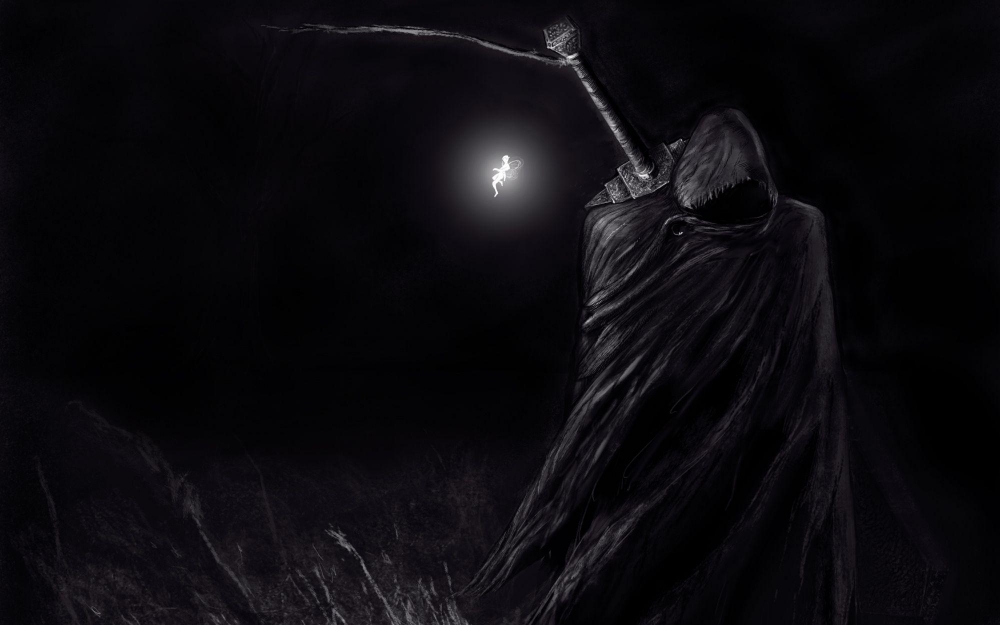
  8. Haha bet mo pala yan? Great to know. Maganda talaga berserk. Idol talaga si guts ? Pwede mo mapanuod dito ? https://gogoanime.pro/anime/berserk-the-golden-age-arc-iii-the-advent-dub-zq52 Enjoy ?

Account

Navigation

Search

Search

Configure browser push notifications

Chrome (Android)
  1. Tap the lock icon next to the address bar.
  2. Tap Permissions → Notifications.
  3. Adjust your preference.
Chrome (Desktop)
  1. Click the padlock icon in the address bar.
  2. Select Site settings.
  3. Find Notifications and adjust your preference.