-
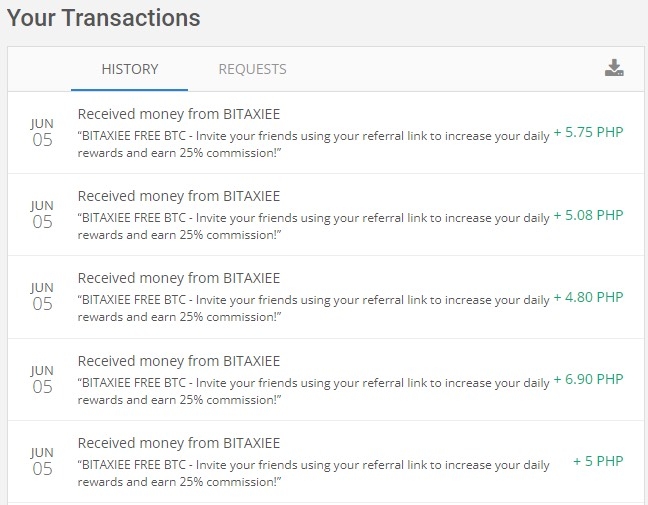
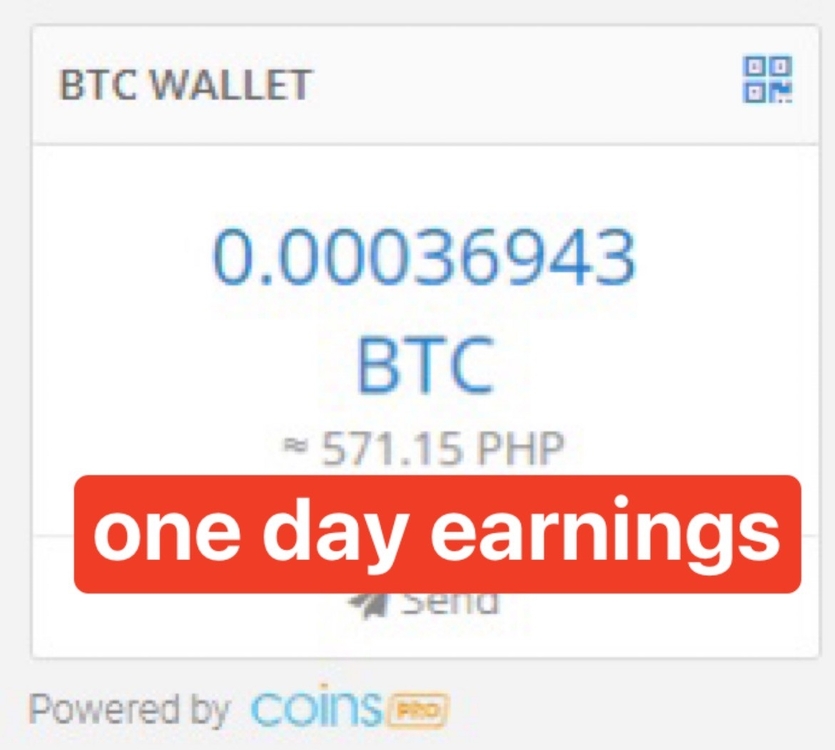
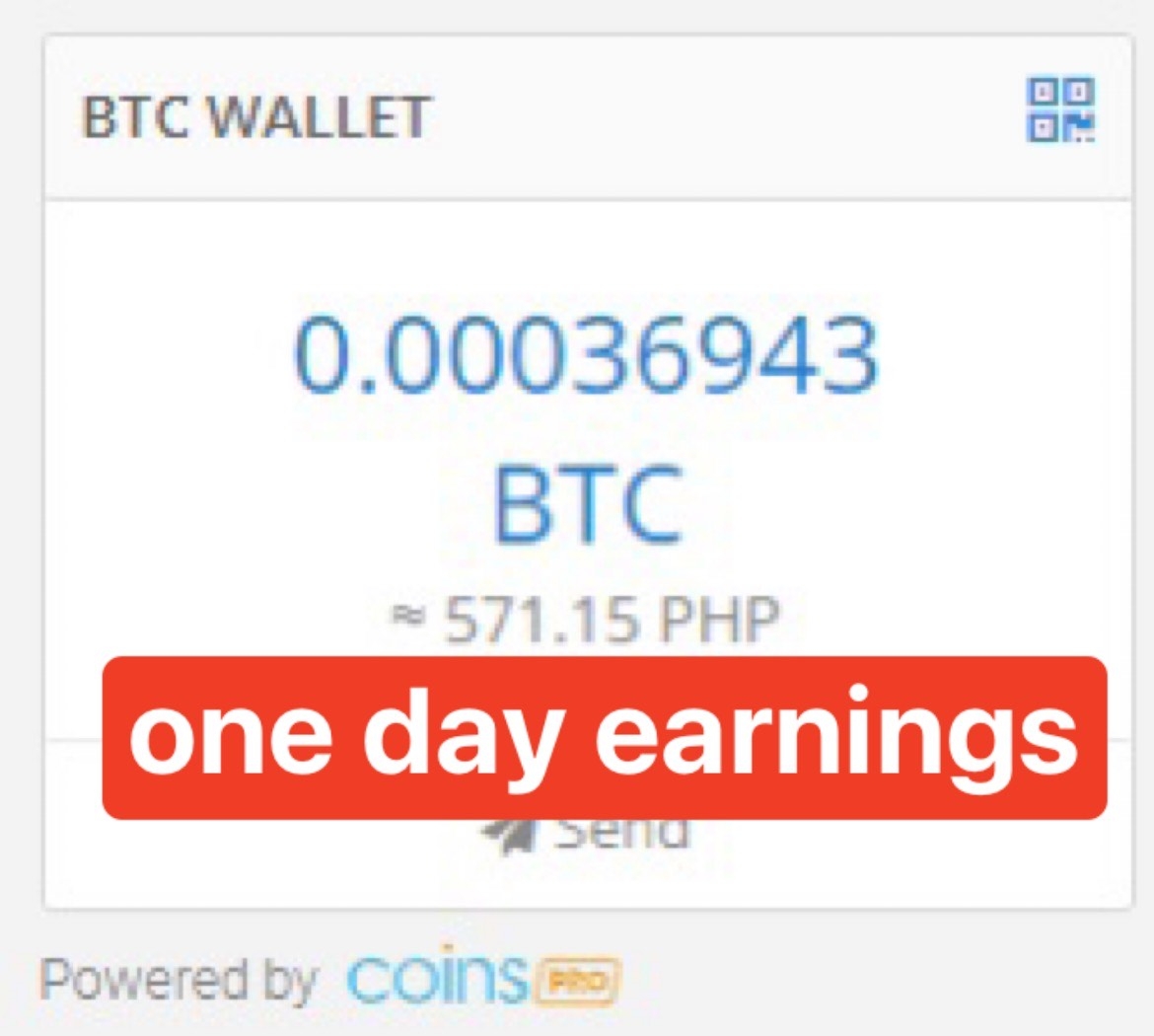
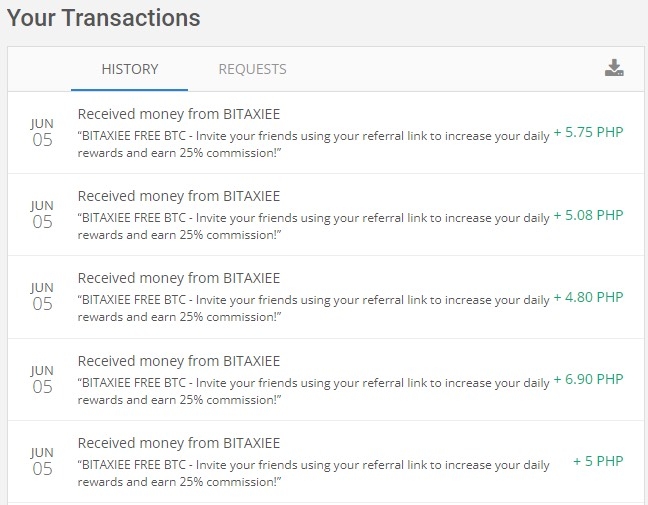
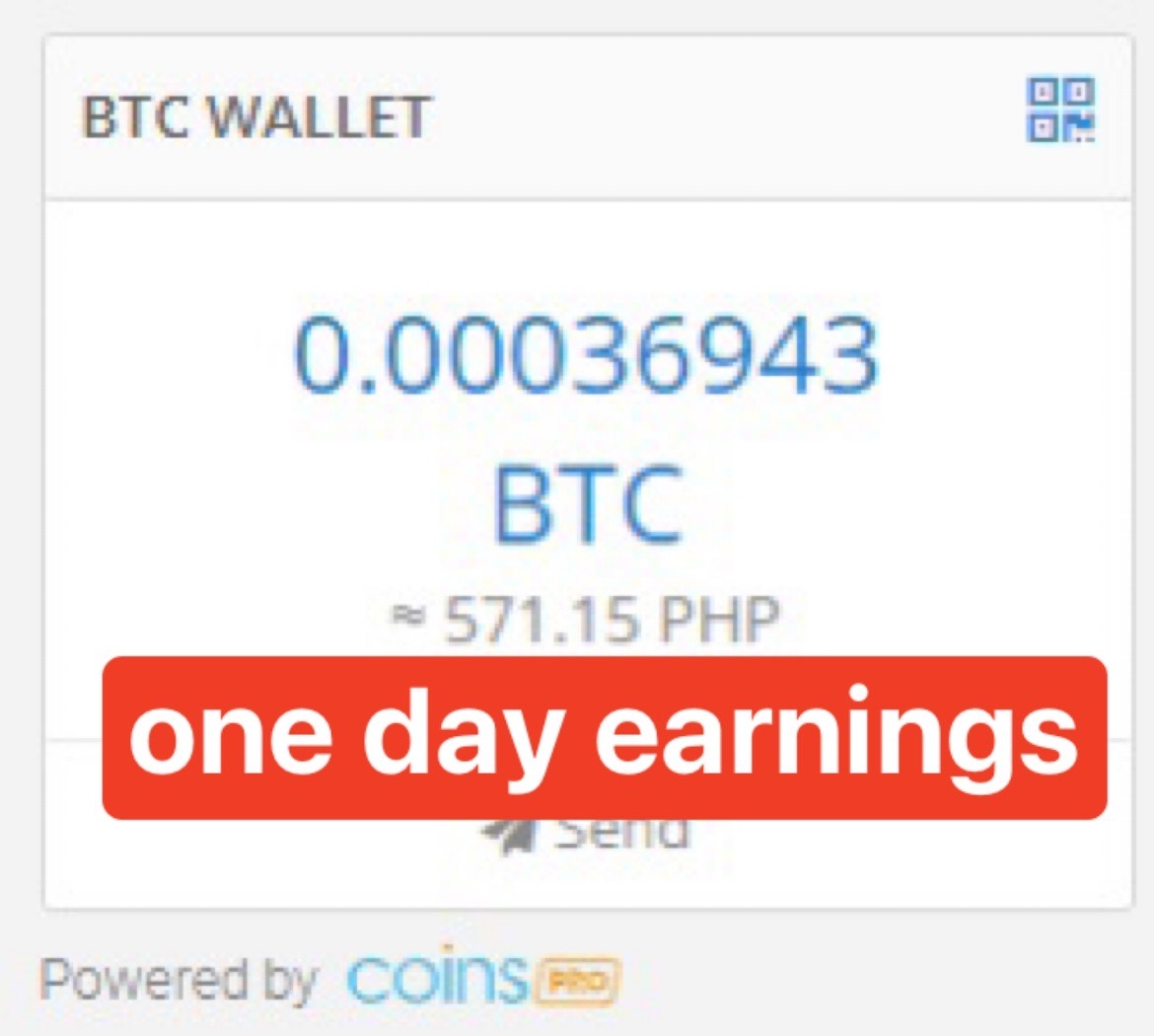
free 5 pesos for coinsph users!! - 100% legit with payment proof
welcome po..
-
free 5 pesos for coinsph users!! - 100% legit with payment proof
pwede lods basta coinsph btc address gamit mo, then pwede ka din mag refer 25% commission nila. unli un
-
free 5 pesos for coinsph users!! - 100% legit with payment proof
no problem sir. free lang po yan.. pwede pa kayo mag earn ng mas malki through referral program nila.
-
free 5 pesos for coinsph users!! - 100% legit with payment proof
-
free 5 pesos for coinsph users!! - 100% legit with payment proof
- BitYeezy Free Bitcoin Giveaway - 100% LEGIT direct to wallet earnings!
payout from BitYeezy Investments +0.0010192 BTC- BitYeezy Free Bitcoin Giveaway - 100% LEGIT direct to wallet earnings!
another payment from BitYeezy- BitYeezy Free Bitcoin Giveaway - 100% LEGIT direct to wallet earnings!
received payout from BitYeezy!- BitYeezy Free Bitcoin Giveaway - 100% LEGIT direct to wallet earnings!
- BitYeezy Free Bitcoin Giveaway - 100% LEGIT direct to wallet earnings!
leo92
BenLotus Member
-
Joined
-
Last visited
Account
Navigation
Search
Configure browser push notifications
Chrome (Android)
- Tap the lock icon next to the address bar.
- Tap Permissions → Notifications.
- Adjust your preference.
Chrome (Desktop)
- Click the padlock icon in the address bar.
- Select Site settings.
- Find Notifications and adjust your preference.
Safari (iOS 16.4+)
- Ensure the site is installed via Add to Home Screen.
- Open Settings App → Notifications.
- Find your app name and adjust your preference.
Safari (macOS)
- Go to Safari → Preferences.
- Click the Websites tab.
- Select Notifications in the sidebar.
- Find this website and adjust your preference.
Edge (Android)
- Tap the lock icon next to the address bar.
- Tap Permissions.
- Find Notifications and adjust your preference.
Edge (Desktop)
- Click the padlock icon in the address bar.
- Click Permissions for this site.
- Find Notifications and adjust your preference.
Firefox (Android)
- Go to Settings → Site permissions.
- Tap Notifications.
- Find this site in the list and adjust your preference.
Firefox (Desktop)
- Open Firefox Settings.
- Search for Notifications.
- Find this site in the list and adjust your preference.