




Cosmic
Moderator
-
Joined
-
Last visited
Everything posted by Cosmic
-
-
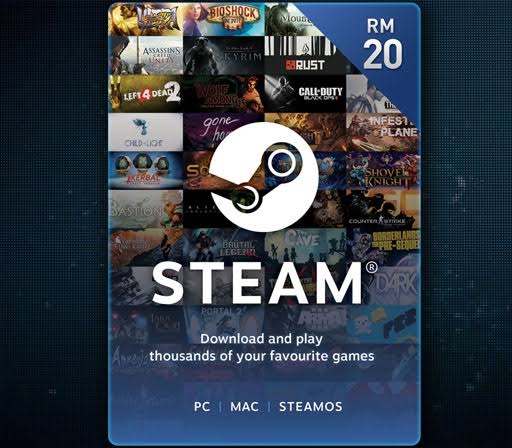
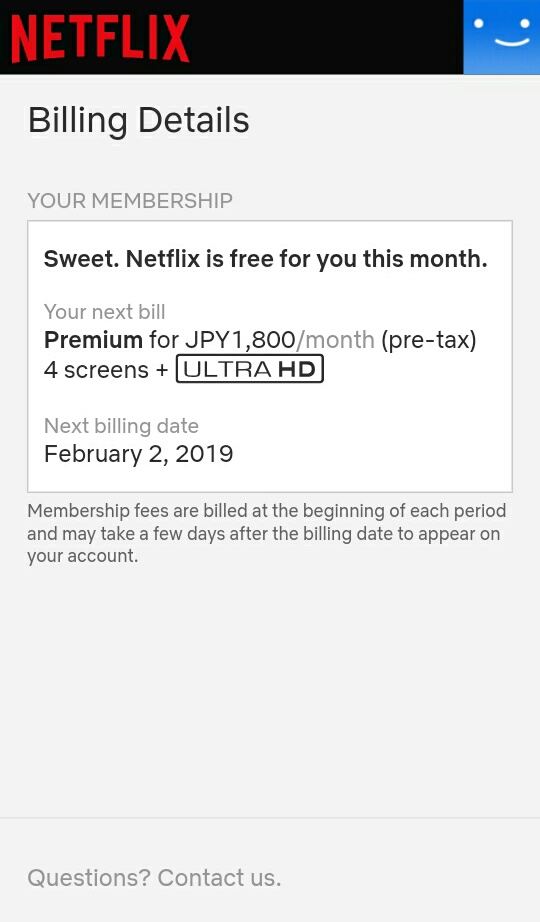
Tama. May friends ako sa upwork. Legit yan.Maganda rin yung Autodesk for sketches and digi arts.Available na ba yung Converge sa inyo? Samin kasi hindi pa daw sakop. Pero mas okay ata yung Converge.Abang na.Gamit ka po premium VPN like NordVPN or Vyprvpn. Working sa Netflix to unlock country-dependent contents like movies.BUMP. Changed the price.Ur welcomeEto yun? http://www.drivertoolkit.com Pagkadownload mo sendan kita ng license key. Try mo if working.Flowers and chocolates never get old. Also mga something that would let her know na alam mo mga faves niya, like album ng fav band niya or tshirt, etc.


.jpeg.2240e71bc0a75cd2f88e1a02d471ee19.jpeg)
Account
Navigation
Search
Configure browser push notifications
Chrome (Android)
- Tap the lock icon next to the address bar.
- Tap Permissions → Notifications.
- Adjust your preference.
Chrome (Desktop)
- Click the padlock icon in the address bar.
- Select Site settings.
- Find Notifications and adjust your preference.
Safari (iOS 16.4+)
- Ensure the site is installed via Add to Home Screen.
- Open Settings App → Notifications.
- Find your app name and adjust your preference.
Safari (macOS)
- Go to Safari → Preferences.
- Click the Websites tab.
- Select Notifications in the sidebar.
- Find this website and adjust your preference.
Edge (Android)
- Tap the lock icon next to the address bar.
- Tap Permissions.
- Find Notifications and adjust your preference.
Edge (Desktop)
- Click the padlock icon in the address bar.
- Click Permissions for this site.
- Find Notifications and adjust your preference.
Firefox (Android)
- Go to Settings → Site permissions.
- Tap Notifications.
- Find this site in the list and adjust your preference.
Firefox (Desktop)
- Open Firefox Settings.
- Search for Notifications.
- Find this site in the list and adjust your preference.