Cosmic
Moderator
-
Joined
-
Last visited
Everything posted by Cosmic
-
Topic moved.
-
Club invite sent. ^^
-
BCASH Giveaway #3 for Contributors Club members is now posted. Free VPN access to contributors is also updated: If you haven't joined the club yet, just request and we will approve you if you are active, trusted, and qualified. @Special Member @Elite Member @Epic Member @Forum Adept @Forum Guru @Forum Legend @Forum Master @Forum Veteran @LifetimeStreamer
-
Your game prize should be 10 Bcash (it is optional for you to add other premium accounts/prizes) Once you have a winner, i will send you 20 bcash and i will send 10 bcash to your winner. @Broofi @angelmary @-KHAN-
-
Gamehosts: @Broofi @angelmary @-KHAN- Host 1 game (today or this weekend) Tag me or send me a link of your post. When you have a winner, send me their usernames. Have fun!
-
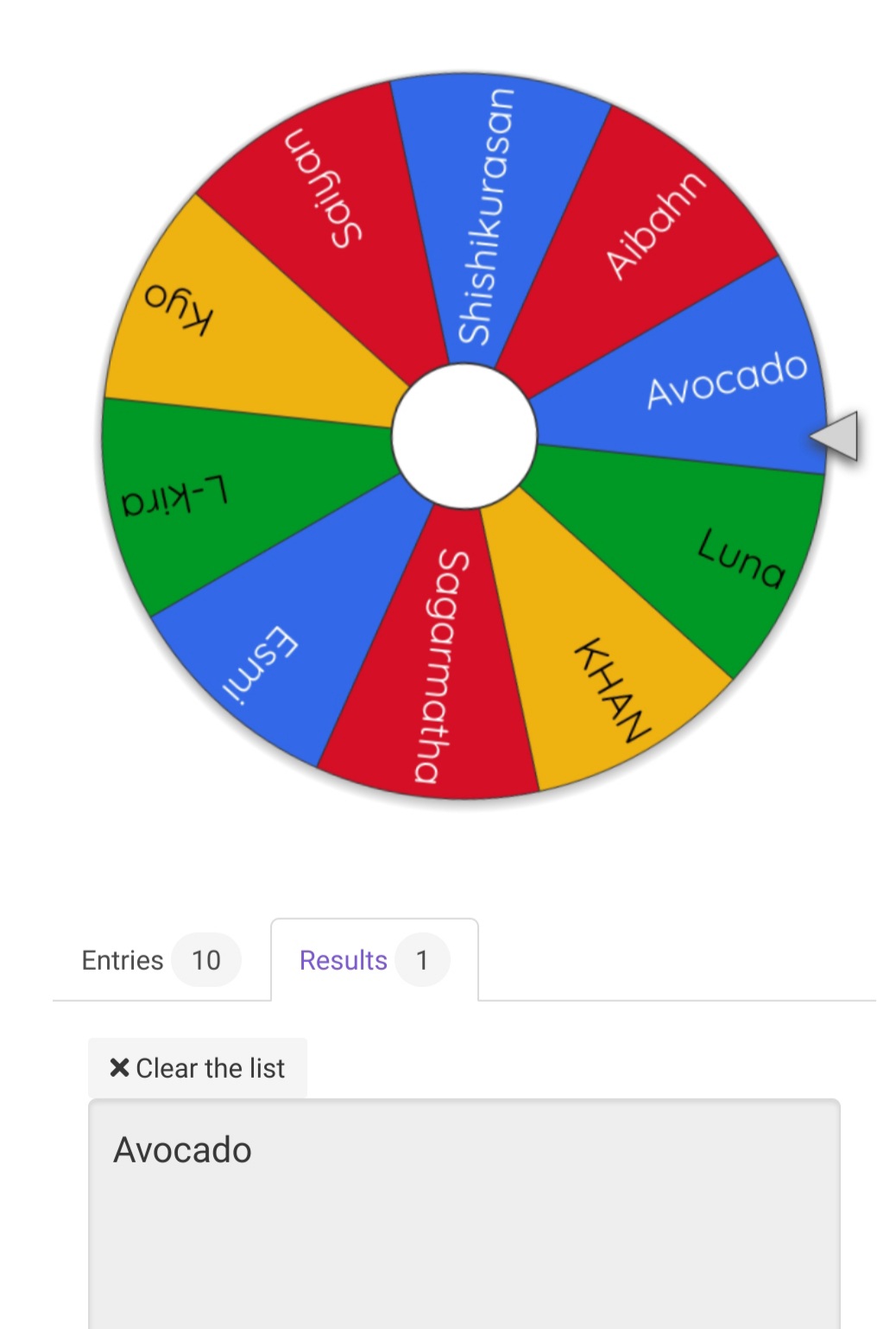
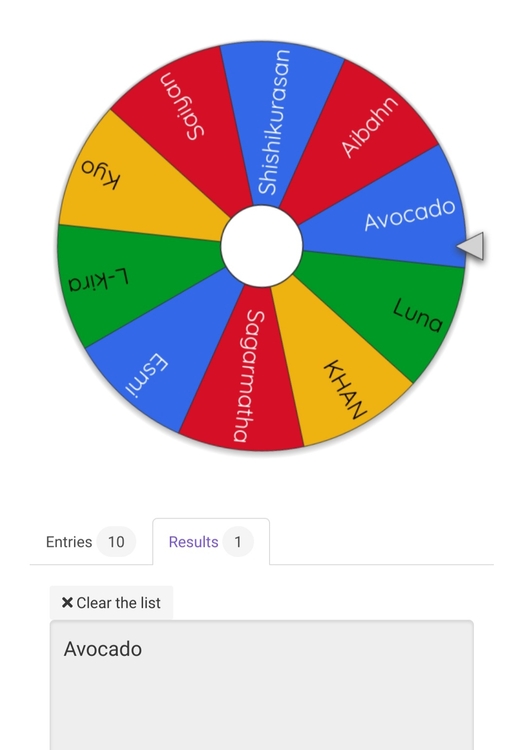
The forum has a music library too. Checkout the musicbox: https://forums.benlotus.com/musicbox/Spotify club is a little bit on hiatus right now. But we do share spotify links to the Contributors Club as well.@sgbarnz Trusted members are usually those with colored usernames, because it means they have been in the forum for a long time. Anyway, for secured transactions within the forum, you can add a moderator/staff member in your conversation to serve as a middleman in your transactions.Winners, please double check if i have sent the right bcash prize.Thanks for the 5 entries! There were a lot of cool posts in the forum recently, hopefully next time more members will join the contest. WINNERS: 1st - @Avocado 100 BCash 2nd - @-KHAN- 30 BCash 3rd - @L-Kira @Kyo @Sagarmatha 20 BCash eachApproved.Free Netflix #10 for Contributors Club members is now updated. @Special Member @Elite Member @Epic Member @Forum Adept @Forum Guru @Forum Legend @Forum Master @Forum Veteran @LifetimeStreamer Free VPN access to contributors: If you haven't joined the club yet, just request and we will approve you if you are TRUSTED and qualified.4 entries pa lang. Auto winIkaw pala yan mandalorian. Thanks for always sharing.Freebies for Netflix Club Members Examples: Spotify Hulu VPN Canva Pro Disney+ Showtime Crunchyroll VRV Deezer HOW TO REQUEST A FREEBIE ACCOUNT: - Go to Benlotus Public Chatbox - Type /CosmicFreebie - You will then receive the CURRENT FREEBIE ACCOUNT in your inbox: https://forums.benlotus.com/messenger/ - You can only request again after I update a new TYPE of account FOR EXAMPLE: If you already availed a shared hulu account this month, you can only request again in the chatbox after i announce in the club that I uploaded a new account like crunchyroll FREEBIE RULES: - ALL ACCOUNTS ARE SHARED ACCOUNT - 5 members will share 1 Freebie account - Do not change the PASSWORD - Do not change the EMAIL - For spotify, you will only be receiving invite link and address, you will need to make your own account. If you need help, you can contact me - Club membership will be nulled once proven guilty of changing the password.WINNER: @Avocado Congrats! I will send the prize now.
 Join ka for month of June.Youre welcome! Keep sharing sa forum. ?Thanks for sharing content and games to the forum. ? Good luck!Come back to this post after posting a topic. Then comment the link.Your topic should be posted this day or tomorrow. - Previous topics that you posted BEFORE this game are INVALID.Hello! Sorry eto yung nasa rule: - Previous topics that you posted BEFORE this game are INVALID.@Sagarmatha you can also join here.