




Cosmic
Moderator
-
Joined
-
Last visited
Everything posted by Cosmic
-
CORRECT FINALLY! haha. Send me ur number and the forum game #
-
Follow the instructions po.Mali po guys. CLUE: Thread dapat yung link.
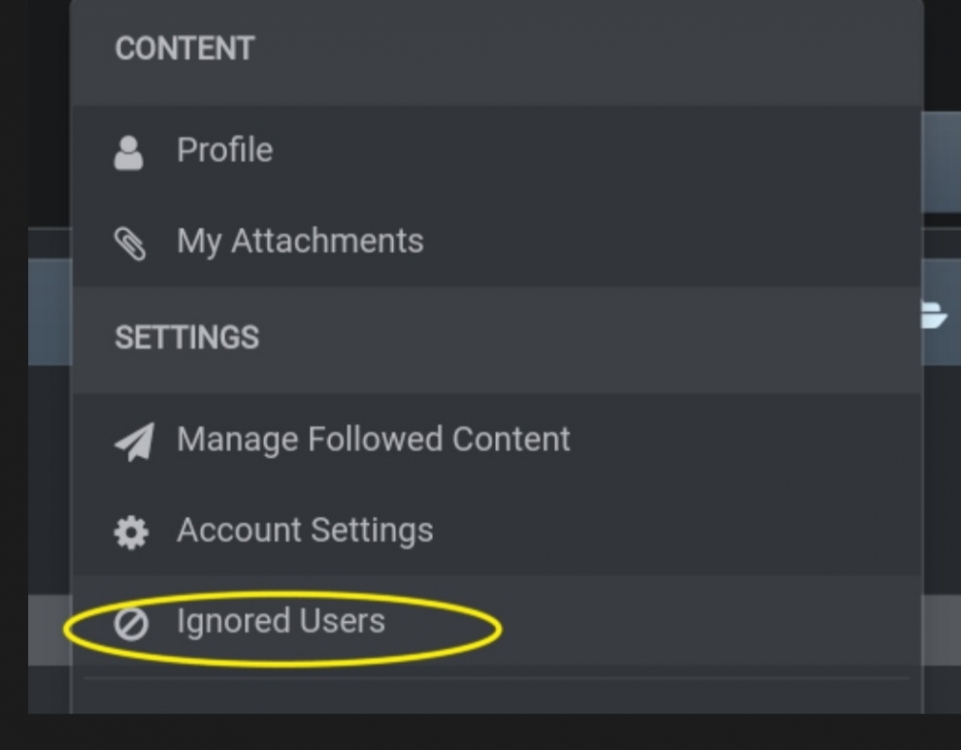 Mali po.Wrong answers guys. Merong yellow circle yung nasa photo. Wala yun sa links na binibigay niyo. Also put 3 layers of spoilerWrong answers. try againHaha alam mo sagot?CORRECT Complete pattern. Send me ur number and the forum game #CORRECT Nice one. Send me ur number and the forum game #CORRECT W at #3 instruction. Send me ur number and the forum game #Kulang ang pattern.CORRECT Ang bilis haha. Send me ur number and the forum game #Have you tried making a new one? With android phones, you can make gmail accounts but there's a limit of account creations per day.Thank you @yesyesyo! Ang bait mo naman. ? Sige post na ulit ako spotify giveaways mamaya.Si Darkcoder Since you could only assign False to the contradicting statements, you'll come up with Darkcoder as the one telling the truthI think depende na yun sa decision ng mga magpapagames. And ang target din naman ng games ay yung mga active members sa forum. So stay active nalang sa forum. Enjoy! Pwede mo rin follow yung nga contributors para magnotif sayo pag nagpost sila.Nasa Netflix?





Account
Navigation
Search
Configure browser push notifications
Chrome (Android)
- Tap the lock icon next to the address bar.
- Tap Permissions → Notifications.
- Adjust your preference.
Chrome (Desktop)
- Click the padlock icon in the address bar.
- Select Site settings.
- Find Notifications and adjust your preference.
Safari (iOS 16.4+)
- Ensure the site is installed via Add to Home Screen.
- Open Settings App → Notifications.
- Find your app name and adjust your preference.
Safari (macOS)
- Go to Safari → Preferences.
- Click the Websites tab.
- Select Notifications in the sidebar.
- Find this website and adjust your preference.
Edge (Android)
- Tap the lock icon next to the address bar.
- Tap Permissions.
- Find Notifications and adjust your preference.
Edge (Desktop)
- Click the padlock icon in the address bar.
- Click Permissions for this site.
- Find Notifications and adjust your preference.
Firefox (Android)
- Go to Settings → Site permissions.
- Tap Notifications.
- Find this site in the list and adjust your preference.
Firefox (Desktop)
- Open Firefox Settings.
- Search for Notifications.
- Find this site in the list and adjust your preference.