




JiroDavid
Moderator
-
Joined
-
Last visited
Everything posted by JiroDavid
-
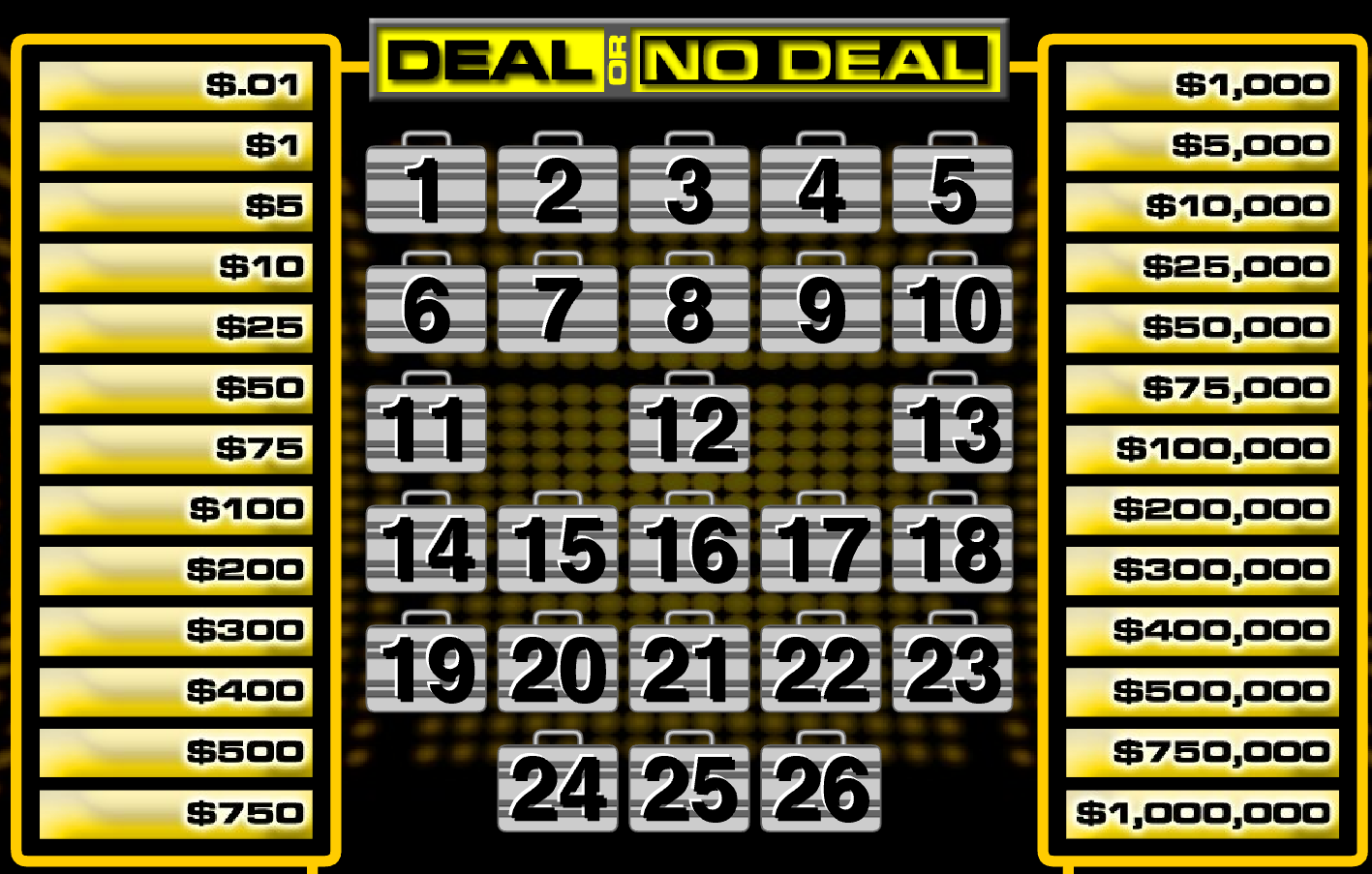
@Kyooot You are in. Kailan gusto mo mag laro ng Deal or No Deal? Pwede ka mag set ng time and I'll let you know when I am available then we can agree to a time.
-
Kung sino mag join sya din mag decide ng time tapos I-post. Kung gusto mag join either 50 Bcash or 5 topics, Tapos need mo din MovieBox.
-
Don't forget you can also watch movies here.Welcome back po sir or madamKaka-post ko lang, check mo nalang sa chatbox.Photoshop CC 2019 ok na yan. Pero meron din ako 2024, baka di kaya ng PC mo, yun lang.Anong version ang gusto mo?Welcome to BenLotus Family.Thank you for this.Claim your winning at the Public Chatbox located at: https://forums.benlotus.com If you edit your number on your post, I can see you edited it, therefore I will not considered your number.
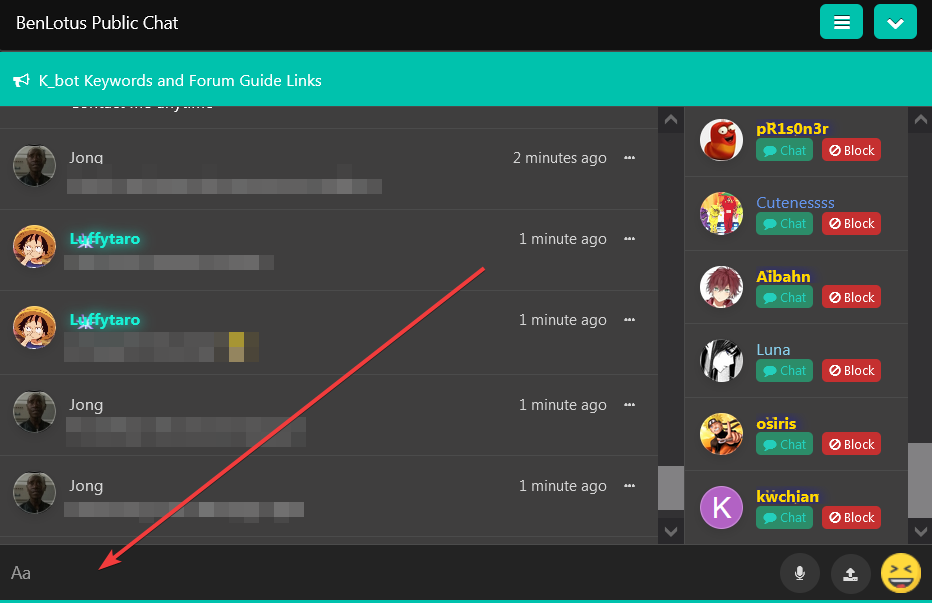 Hindi pa sila qualified. 50 post requirements. hahah.Thank you po! lol Nandito na din sa board @MaximusWelcome to BenLotus Family.I am doing good. Thank you for asking !Moved to the correct section.The Result for this drawing is Claim your winning at the Public Chatbox located at: https://forums.benlotus.com If you edit your number on your post, I can see you edited it, therefore I will not considered your number.
Thanks for sharing. Do not hide post in this section.Thank you for sharing, but please post in the correct section.The result for this lottery is: Claim your winning at the Public Chatbox located at: https://forums.benlotus.com If you edit your number on your post, I can see you edited it, therefore I will not considered your number.
Here's the result: Claim your winning at the Public Chatbox located at: https://forums.benlotus.com Please respond within 24 hours of this post to claim your prize. If you edit your number on your post, I can see you edited it, therefore I will not considered your number.
Hindi pa sila qualified. 50 post requirements. hahah.Thank you po! lol Nandito na din sa board @MaximusWelcome to BenLotus Family.I am doing good. Thank you for asking !Moved to the correct section.The Result for this drawing is Claim your winning at the Public Chatbox located at: https://forums.benlotus.com If you edit your number on your post, I can see you edited it, therefore I will not considered your number.
Thanks for sharing. Do not hide post in this section.Thank you for sharing, but please post in the correct section.The result for this lottery is: Claim your winning at the Public Chatbox located at: https://forums.benlotus.com If you edit your number on your post, I can see you edited it, therefore I will not considered your number.
Here's the result: Claim your winning at the Public Chatbox located at: https://forums.benlotus.com Please respond within 24 hours of this post to claim your prize. If you edit your number on your post, I can see you edited it, therefore I will not considered your number.








Account
Navigation
Search
Configure browser push notifications
Chrome (Android)
- Tap the lock icon next to the address bar.
- Tap Permissions → Notifications.
- Adjust your preference.
Chrome (Desktop)
- Click the padlock icon in the address bar.
- Select Site settings.
- Find Notifications and adjust your preference.
Safari (iOS 16.4+)
- Ensure the site is installed via Add to Home Screen.
- Open Settings App → Notifications.
- Find your app name and adjust your preference.
Safari (macOS)
- Go to Safari → Preferences.
- Click the Websites tab.
- Select Notifications in the sidebar.
- Find this website and adjust your preference.
Edge (Android)
- Tap the lock icon next to the address bar.
- Tap Permissions.
- Find Notifications and adjust your preference.
Edge (Desktop)
- Click the padlock icon in the address bar.
- Click Permissions for this site.
- Find Notifications and adjust your preference.
Firefox (Android)
- Go to Settings → Site permissions.
- Tap Notifications.
- Find this site in the list and adjust your preference.
Firefox (Desktop)
- Open Firefox Settings.
- Search for Notifications.
- Find this site in the list and adjust your preference.