




JiroDavid
Moderator
-
Joined
-
Last visited
Everything posted by JiroDavid
-
This is incorrect Do not try again until others have tried. This is still not correct
-
This is not correct This is also not correct Everyone can try again now.
-
This is correct. I am sending you 50 Bcash now.
-
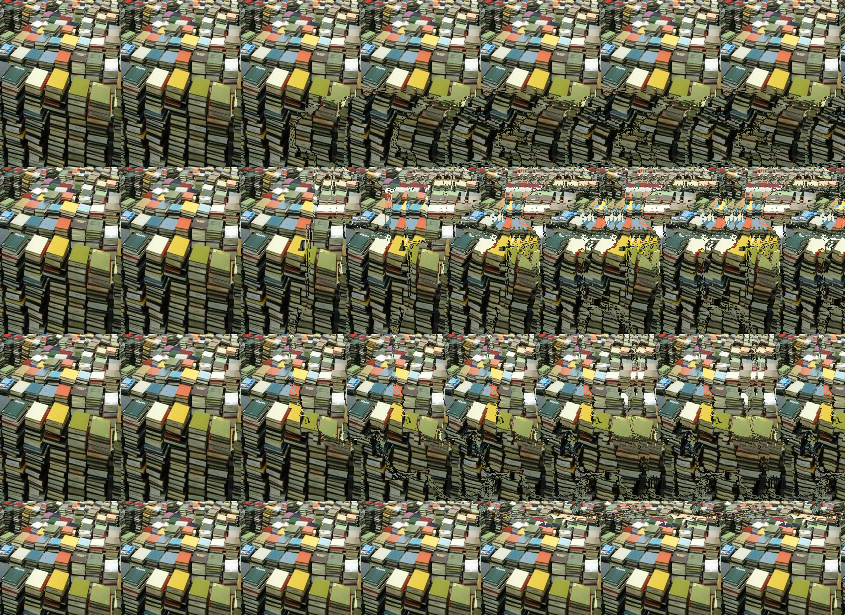
Not correct. Not correct. Why letter F?Incorrect. The clue is on the title. You can try again after someone answered and it is still incorrect.kailangan mo mag pa duling ang Mata bago mo makita. Serious yanTry this Epson L3110 Resetter.zip @AibahnThis is correct. Now that all of the question are correct. I will now send the 30 Bcash to each of the winning players.wrong You can try again now. Hand is correct.all correct. Will be sending 30 Bcash each after all got it correctly.This is correct! Thank you for joining. Sending 80GCash. Thank you everyone else for joining. I will post another soon.This is not correct. So far everyone got it all wrong!This is not correct. This is not correct. This is not correct.Claim your winning at the Public Chatbox located at: https://forums.benlotus.com If you edit your number on your post, I can see you edited it, therefore I will not considered your number.
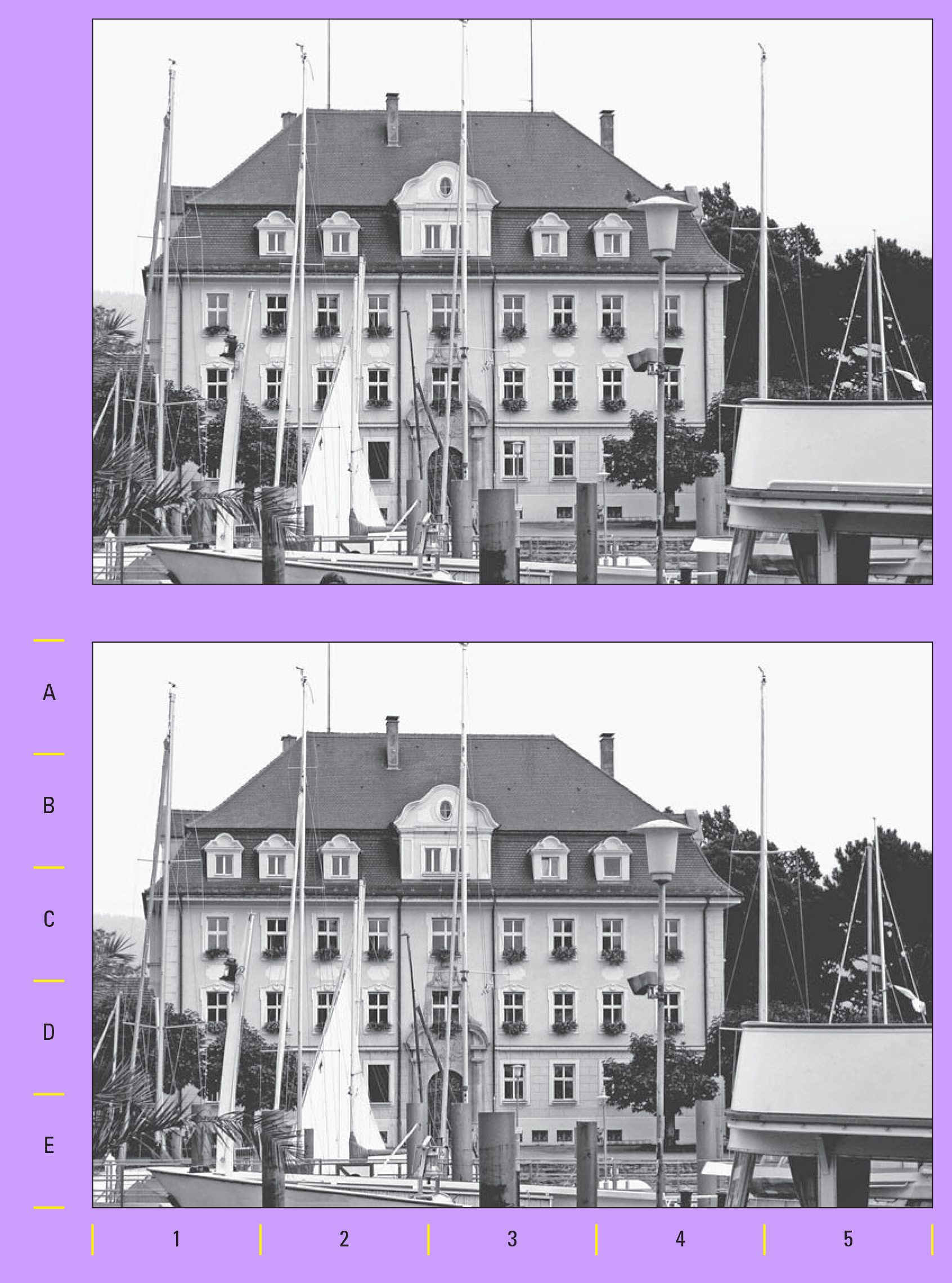
 You got this correct, this could have won, but since I didn't added the rule that we can only use one pic, either one or the other, so @Asmodeus is winning.I checked this and you got it correctly. But next time please use only one pic to mark your answer thank you sending 80BCashNot correct. Not correct. Send email if you still want the invite. send me a private message of the email you wanted to get the invitation. Send email if you still want the invite. send me a private message of the email you wanted to get the invitation.I will check this tomorrow as I don't have the answer key right now.


.jpg.b38df89a885cf66d6d1f5d54bba7fd25.jpg)
.jpg.d4ec4032c749605e251e990e776a7168.jpg)
.jpg.192eaec43f0e44566183db3de3a965ab.jpg)
.jpg.08809162d6e2a949cc7857592573036e.jpg)


Account
Navigation
Search
Configure browser push notifications
Chrome (Android)
- Tap the lock icon next to the address bar.
- Tap Permissions → Notifications.
- Adjust your preference.
Chrome (Desktop)
- Click the padlock icon in the address bar.
- Select Site settings.
- Find Notifications and adjust your preference.
Safari (iOS 16.4+)
- Ensure the site is installed via Add to Home Screen.
- Open Settings App → Notifications.
- Find your app name and adjust your preference.
Safari (macOS)
- Go to Safari → Preferences.
- Click the Websites tab.
- Select Notifications in the sidebar.
- Find this website and adjust your preference.
Edge (Android)
- Tap the lock icon next to the address bar.
- Tap Permissions.
- Find Notifications and adjust your preference.
Edge (Desktop)
- Click the padlock icon in the address bar.
- Click Permissions for this site.
- Find Notifications and adjust your preference.
Firefox (Android)
- Go to Settings → Site permissions.
- Tap Notifications.
- Find this site in the list and adjust your preference.
Firefox (Desktop)
- Open Firefox Settings.
- Search for Notifications.
- Find this site in the list and adjust your preference.