
Skip to content
View in the app

A better way to browse. Learn more.

BenLotus

A full-screen app on your home screen with push notifications, badges and more.

To install this app on iOS and iPadOS
  1. Tap the Share icon in Safari
  2. Scroll the menu and tap Add to Home Screen.
  3. Tap Add in the top-right corner.
To install this app on Android
  1. Tap the 3-dot menu (⋮) in the top-right corner of the browser.
  2. Tap Add to Home screen or Install app.
  3. Confirm by tapping Install.

Maks

Elite Member
  • Joined

  • Last visited

Everything posted by Maks

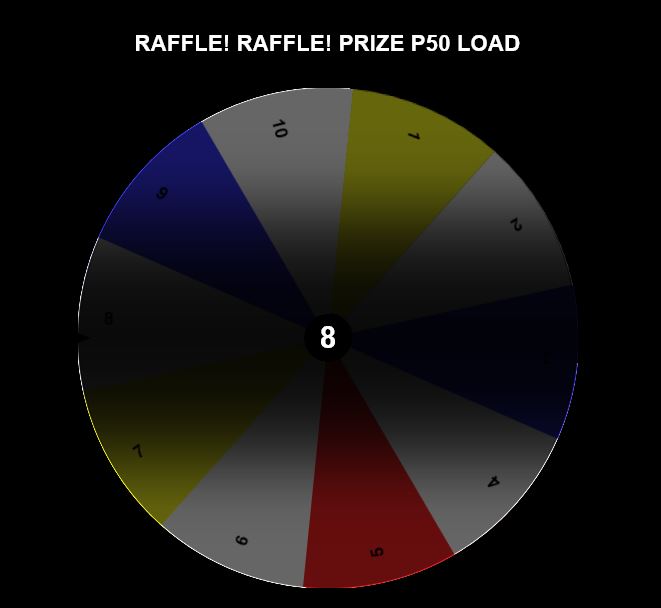
  1. Dalawang number nalang 1 and 5.
  2. Isang number lang po pwedeng piliin @kdl21
  3. Salamat dito paps Keep sharing
  4. Hello po @Octopussy Welcome po dito sa forums, opo may free netflix po dito. Mabuti naman po at na amazed ka Punta kapo dito sa topic ni idol hero para magkafree netflix ka, Enjoy kapo!
  5. Hi

    Maks replied to Arcuied's topic in New Members Introduction
    Hello @Arcuied, welcome to the forums. Enjoy bud!
  6. Ingat ka rin po
  7. Sige lang po mga ates walang anuman po..
  8. Walang bago ehh pero pagmay nahanap ako, ishare ko lang din sa inyo
  9. Makikisilong lang po Magandang gabi..
  10. Ohh sige po, welcome welcome welcome..
  11. Cute nga po talaga yan, kasing cute natin Hakhak
  12. @Mackaizer wer na u? jajaja
  13. Magandang gabi mga kaigan
  14. May mga anak at asawa napo ata sila idol hero Hahah djoke
  15. Welcome po dito sa forums @ebaking Enjoy sa free netflix at iba pa
  16. Sa mga gusto ng scribd account dyan, premium for 2 months pa, saan kapa Chance nyo na to..
  17. Mabuti naman po magandang gabi rin po sa inyong lahat..
  18. Magandang hapon po mga kaigan
  19. Woahh Ewan ko lang ba, yun ang sabi ni mac ehh Pero di magtatagal, magpaparamdam din po yan dito heheh
  20. Ayos lang naman po ako Ikaw po?
  21. Ahhh kaya pala Okay..

Account

Navigation

Search

Search

Configure browser push notifications

Chrome (Android)
  1. Tap the lock icon next to the address bar.
  2. Tap Permissions → Notifications.
  3. Adjust your preference.
Chrome (Desktop)
  1. Click the padlock icon in the address bar.
  2. Select Site settings.
  3. Find Notifications and adjust your preference.