


BEN-MASUOKA
BenLotus Member
-
Joined
-
Last visited
Everything posted by BEN-MASUOKA
-
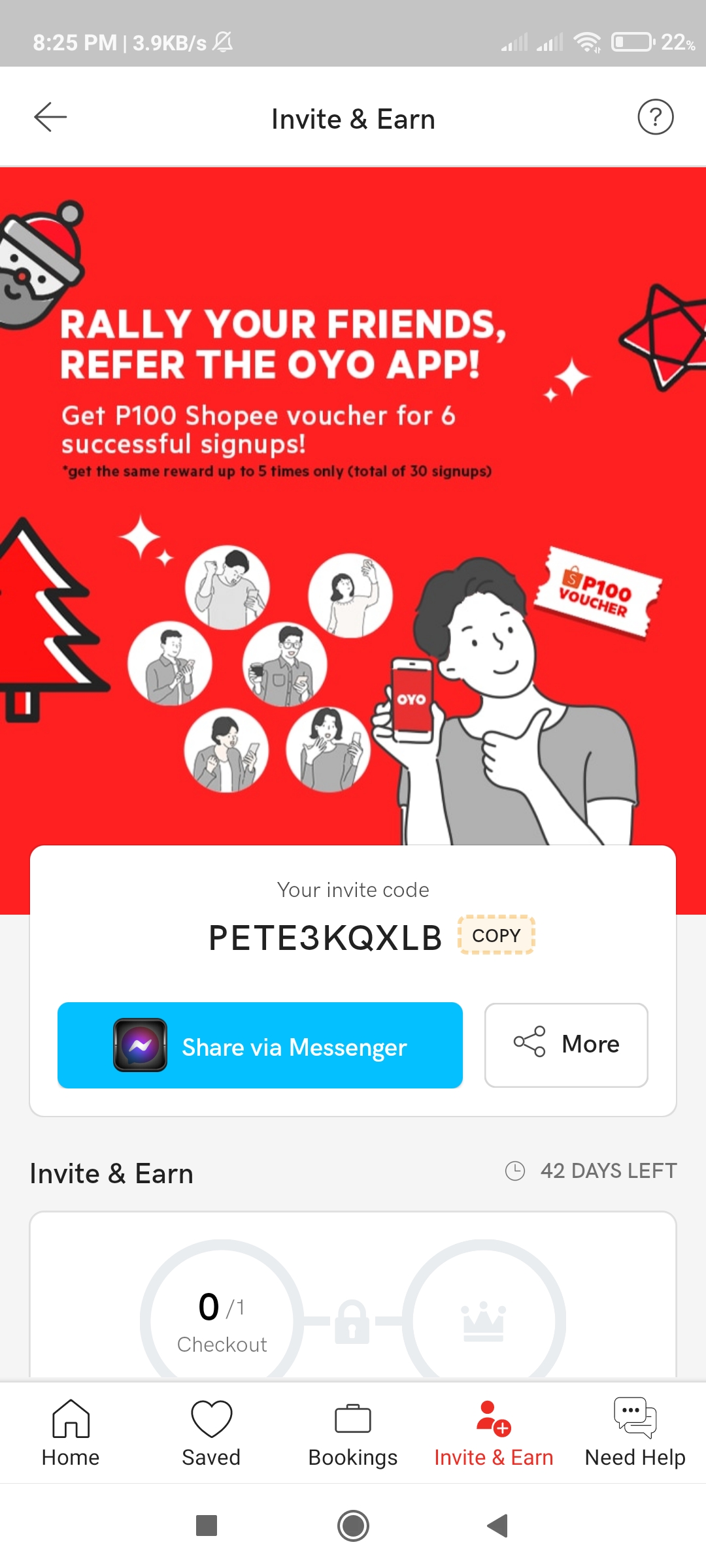
Pwedeng langbili nang load yung 100 voucher sa shopeePwede rin yang i farm kung marami kayong sim,pagamit nalang po nang code ko or click link sa unang reg nyo..then second reg link nyo na ,pag marami kayong sim?Pasilip poGusto mo bang mag invest paps?Thank you posalamat bossSalamat poSalaamat popaano po kung ma hold yung netflix account? ma renew lpo ba boss? baka kasi magreklamo sakin yung mga inivite ko?maka invite nga sa fb? salamat po?wala po eh,matagal na yung mga post?

Account
Navigation
Search
Configure browser push notifications
Chrome (Android)
- Tap the lock icon next to the address bar.
- Tap Permissions → Notifications.
- Adjust your preference.
Chrome (Desktop)
- Click the padlock icon in the address bar.
- Select Site settings.
- Find Notifications and adjust your preference.
Safari (iOS 16.4+)
- Ensure the site is installed via Add to Home Screen.
- Open Settings App → Notifications.
- Find your app name and adjust your preference.
Safari (macOS)
- Go to Safari → Preferences.
- Click the Websites tab.
- Select Notifications in the sidebar.
- Find this website and adjust your preference.
Edge (Android)
- Tap the lock icon next to the address bar.
- Tap Permissions.
- Find Notifications and adjust your preference.
Edge (Desktop)
- Click the padlock icon in the address bar.
- Click Permissions for this site.
- Find Notifications and adjust your preference.
Firefox (Android)
- Go to Settings → Site permissions.
- Tap Notifications.
- Find this site in the list and adjust your preference.
Firefox (Desktop)
- Open Firefox Settings.
- Search for Notifications.
- Find this site in the list and adjust your preference.