




PhantomRhythm
Special Member
-
Joined
-
Last visited
Everything posted by PhantomRhythm
-
Haha truth yan, CLAYGO (Clean As You Go)
-
Gising, Kain, Linis, Watch Movie, Maligo, Basa sa mga furoms at gaming haha
-
Chicago Typewriter, at Burning. About sa burning dun ako napabilib, dahil yung ay about sa gatsby, countryside boy, at isang babae. yung story*
-
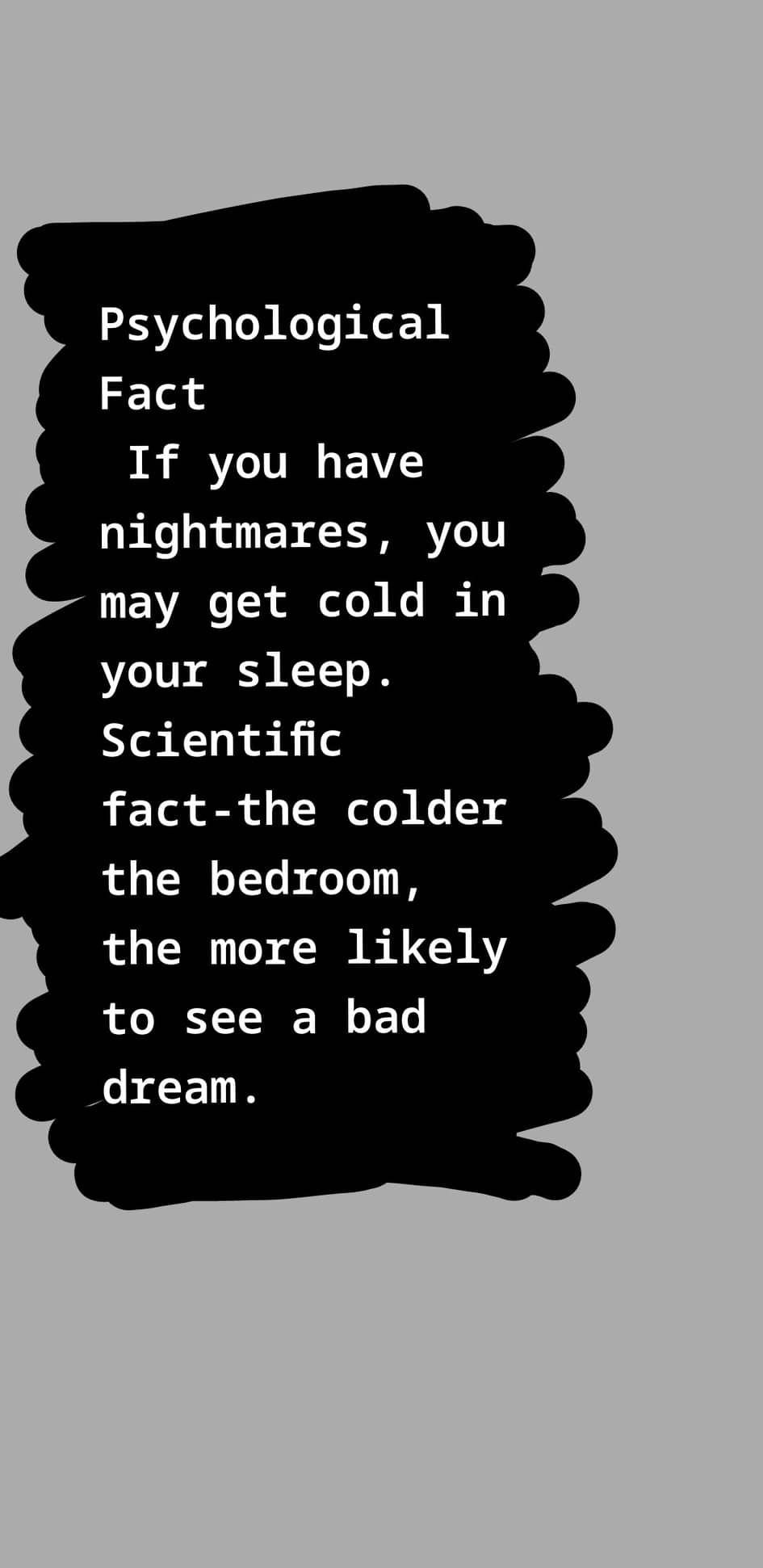
hehe thank you pohaha, matulog kalang sa right side mo. mas lapitin kasi sa nightmares kapag nasa left side.hahaha,mabuti na yun. iwas bangungot.haha, same tayo. sana all may airconnoted hehesige po salamatyes naman, salamat poExtraction, Artemis Fowl, Red Shoes and 7dwarfs, In Time, and Kingsmen series.




Account
Navigation
Search
Configure browser push notifications
Chrome (Android)
- Tap the lock icon next to the address bar.
- Tap Permissions → Notifications.
- Adjust your preference.
Chrome (Desktop)
- Click the padlock icon in the address bar.
- Select Site settings.
- Find Notifications and adjust your preference.
Safari (iOS 16.4+)
- Ensure the site is installed via Add to Home Screen.
- Open Settings App → Notifications.
- Find your app name and adjust your preference.
Safari (macOS)
- Go to Safari → Preferences.
- Click the Websites tab.
- Select Notifications in the sidebar.
- Find this website and adjust your preference.
Edge (Android)
- Tap the lock icon next to the address bar.
- Tap Permissions.
- Find Notifications and adjust your preference.
Edge (Desktop)
- Click the padlock icon in the address bar.
- Click Permissions for this site.
- Find Notifications and adjust your preference.
Firefox (Android)
- Go to Settings → Site permissions.
- Tap Notifications.
- Find this site in the list and adjust your preference.
Firefox (Desktop)
- Open Firefox Settings.
- Search for Notifications.
- Find this site in the list and adjust your preference.