-KHAN-
MovieBox Uploader
-
Joined
-
Last visited
Everything posted by -KHAN-
-
C. Hero Won 4-2 (Larva Lost 2-4) F. Larva Won 4-1 (Hero Lost 1-4)
-
thanks lot
-
No I think. Can you name the page they created to your fb account?
-
Do you mean did I create a Facebook page using my account earlier? Yes, long ago
-
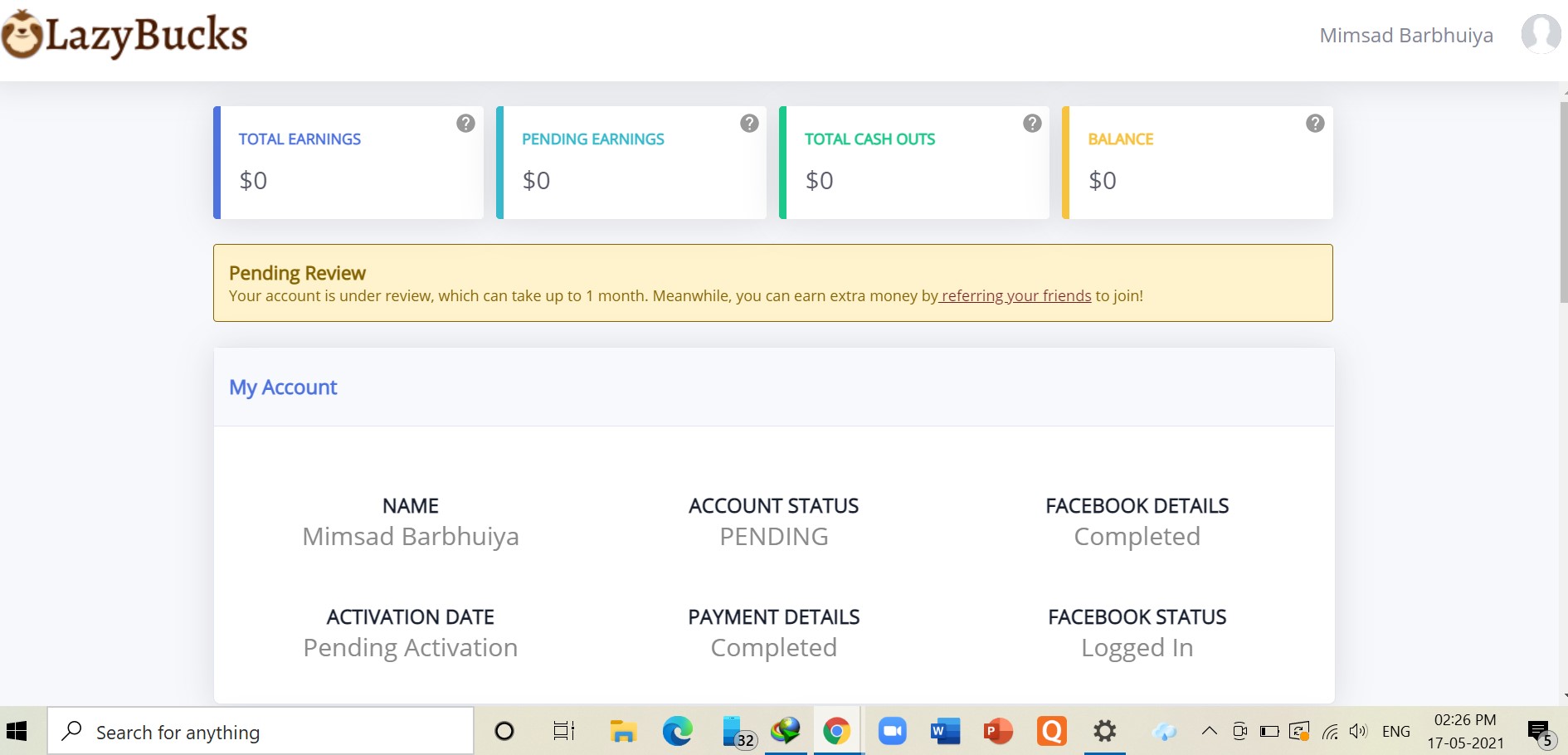
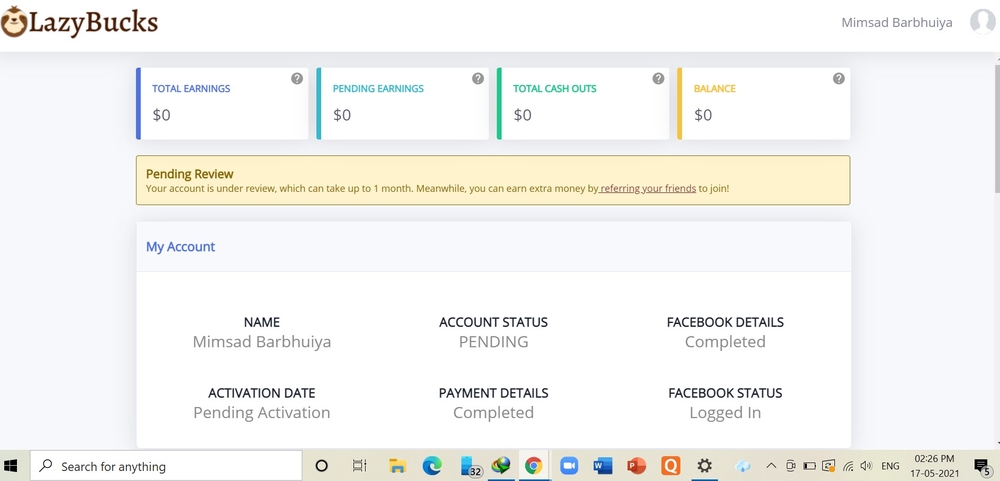
yes. every steps done. review pending
-
I signed up on the very first day you posted. Till now it's not verified and not activated. I have contacted them. Then also. Sad?
-
Hello BCash. What's up? It's BCash season. Keep sharing @Cosmic
-
time to try it. thanks for sharing
-
Do I need to use the browser to earn ?
-
can't send message to contact us as it is showing some error
-
thanks sandy
-
Thanks for sharing this
-
Thank you❤️Only applies to Netflix mobile plan bought from Phillipines or all other countries?Thanks a lotThanks for trickInterested to joinOops.I am late to see the postThanks For The Game Maam @CosmicPasilip poPasilip po. Thanks