Skip to content
View in the app

A better way to browse. Learn more.

BenLotus

A full-screen app on your home screen with push notifications, badges and more.

To install this app on iOS and iPadOS
  1. Tap the Share icon in Safari
  2. Scroll the menu and tap Add to Home Screen.
  3. Tap Add in the top-right corner.
To install this app on Android
  1. Tap the 3-dot menu (⋮) in the top-right corner of the browser.
  2. Tap Add to Home screen or Install app.
  3. Confirm by tapping Install.

Cl4ude_

MovieBox
  • Joined

  • Last visited

Everything posted by Cl4ude_

  1. Salamat sir jiro, kahit di nanalo hehe bawi sa susunod ?
  2. Mark Harmon?
  3. Pa try po heheeh
  4. Pa try po ?
  5. Cl4ude_ replied to Cl4ude_'s topic in Android Apps
    Sige lang po idol ?
  6. Cl4ude_ replied to Cl4ude_'s topic in Android Apps
  7. Cl4ude_ replied to Cl4ude_'s topic in Android Apps
    Opo hehhee edit ko po thanks po ?
  8. Cl4ude_ replied to Cl4ude_'s topic in Android Apps
    Tested na ng iba boss kasi di gaya ng ibang app, ang ganda ng review nya sa playstore kaya nag dl agad ako kanina ?
  9. Cl4ude_ replied to Cl4ude_'s topic in Android Apps
    Kakasimula ko lang din idol, pero madami na nakapag cashout nakita ko sa reviews sa playstore try niyo po ?

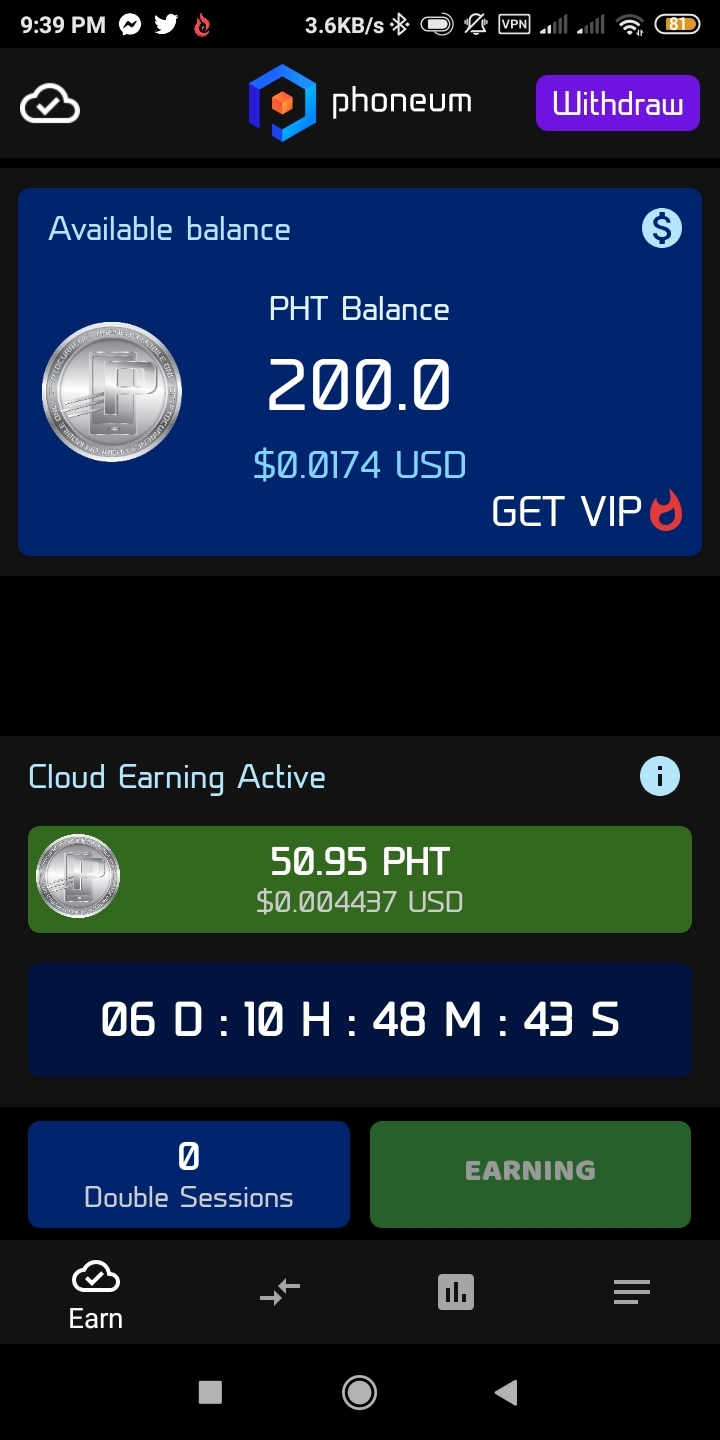
  10. Cl4ude_ posted a topic in Android Apps
  11. Legit po yan gamit ko yan hehehhe malapit na ko makapagwithdraw ,?
  12. Thankyou for sharing
  13. Sa Ph corner ba yun lodi yung sinasabi mo? Haha
  14. Patry lods salamat

Account

Navigation

Search

Search

Configure browser push notifications

Chrome (Android)
  1. Tap the lock icon next to the address bar.
  2. Tap Permissions → Notifications.
  3. Adjust your preference.
Chrome (Desktop)
  1. Click the padlock icon in the address bar.
  2. Select Site settings.
  3. Find Notifications and adjust your preference.