


.jpg.795b7e4ac887a0640541dc23d9378238.jpg)

El_mer
Elite Member
-
Joined
Everything posted by El_mer
-
thanks for sharing bropasilip ako bro. salamatano yan?05 21 24 62 71 sir ano po labas dito? nadraw na po ba nung sept 3? 😅08 21 24 57 72ayan sir haha
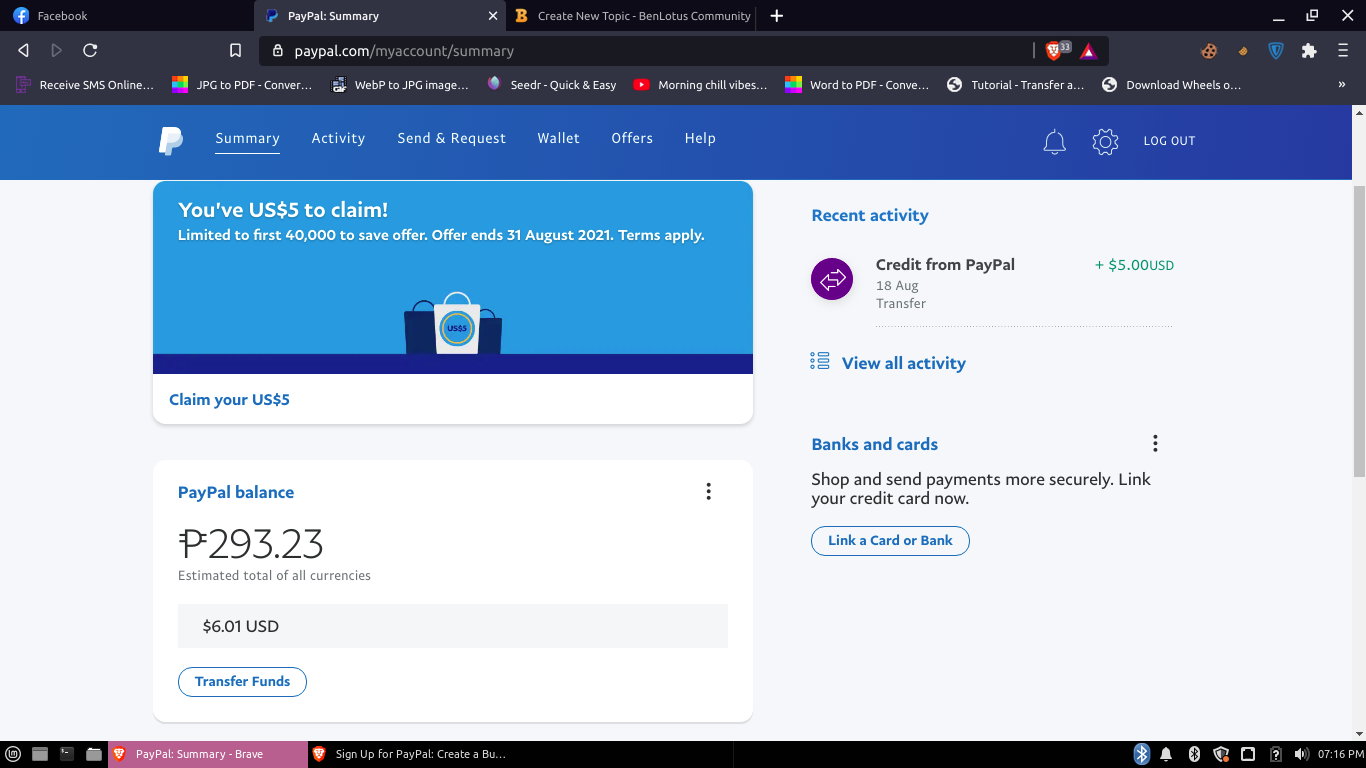
 06 29 48 54 7908, 39, 24, 53, 7516 28 24 49 60Let me see bro08 54 36 66 75 Goodluck to all1+1 =11 2+ 2 =22 3+3 =33 4+4=44 5+5=55 6+6=66 7+7=77 8+8=88 9+9=99 10+10=1010 HAHAHAHAHAH ang hirap naman kasi ng easy game moThanks po boss jiro Mula nung unang palaro nyo na ganto boss wala talaga ako maintindihan HAHAHAket drivers license prii okay lang kaso dapat ang gamit na pp dyan eh existing na pag bagong gawa kasi kadlasan not eligible ehhawww sayang po yung sakin 1click lang tas nasend na agad 5$ kothanks po ma'am maewala pala winning pag dalawa haha sadnu4. contacts haha



Account
Navigation
Search
Configure browser push notifications
Chrome (Android)
- Tap the lock icon next to the address bar.
- Tap Permissions → Notifications.
- Adjust your preference.
Chrome (Desktop)
- Click the padlock icon in the address bar.
- Select Site settings.
- Find Notifications and adjust your preference.
Safari (iOS 16.4+)
- Ensure the site is installed via Add to Home Screen.
- Open Settings App → Notifications.
- Find your app name and adjust your preference.
Safari (macOS)
- Go to Safari → Preferences.
- Click the Websites tab.
- Select Notifications in the sidebar.
- Find this website and adjust your preference.
Edge (Android)
- Tap the lock icon next to the address bar.
- Tap Permissions.
- Find Notifications and adjust your preference.
Edge (Desktop)
- Click the padlock icon in the address bar.
- Click Permissions for this site.
- Find Notifications and adjust your preference.
Firefox (Android)
- Go to Settings → Site permissions.
- Tap Notifications.
- Find this site in the list and adjust your preference.
Firefox (Desktop)
- Open Firefox Settings.
- Search for Notifications.
- Find this site in the list and adjust your preference.