




FreyaUser
BenLotus Member
-
Joined
-
Last visited
Everything posted by FreyaUser
-
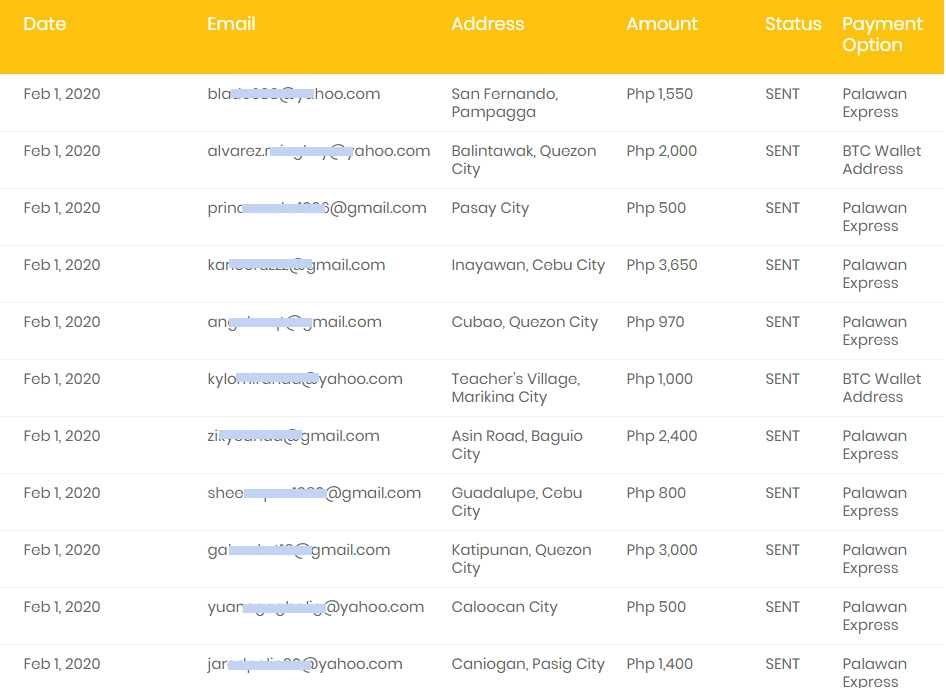
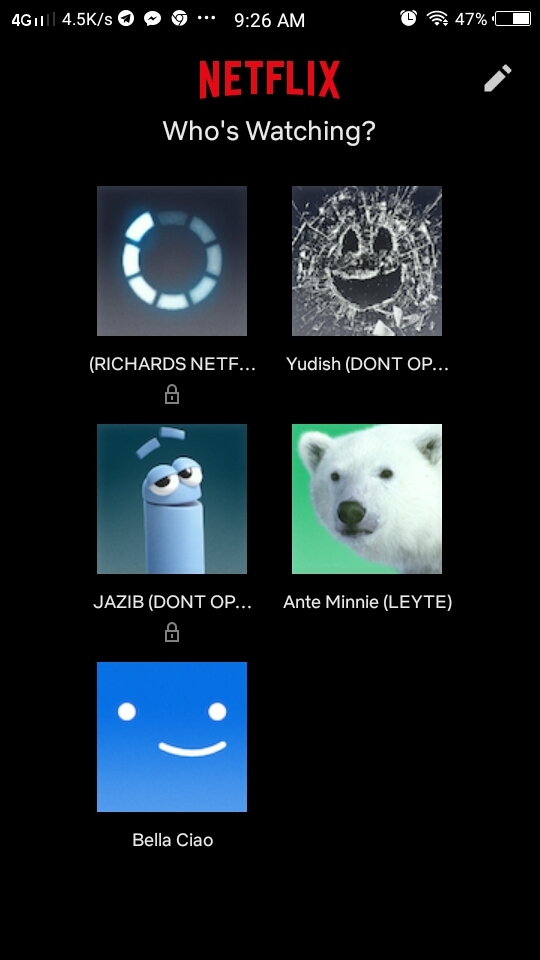
Hi Im FreyaUser You Maybe Saw My Post On Tele? Feel Free To Explore Here On BENLOTUS Were Glad Youre Here Enjoy And Godbless Bro?Hello Im FreyaUser Welcome To Benlotus? We Have Many Premium Accounts Tricks And Tips Here Feel Free To Explore If You Have Any Questions Feel Free To Ask?Explore The Forums Here @HimuWelcome To BENLOTUS @Himu? Im FreyaUser? You Came To The Right Place @Himu? Enjoy We Have Many Giveaways,Useful Stuffs,Tricks,Tips,Free Premium Accounts, You Are Always Welcome Here?Yes bro there is bitcoin you can earn also in india this is worldwideCousin Ng Classmate Ko Naka CashOut Na?Why My Referrals Are Not Reflecting? Your referrals need to verify their accounts by completing at least 3 surveys. Unverified accounts are not counted They also need to be active for a while. This is to confirm that the account is active and not a dummy accountSorry what vps po tinutukoy nyo?





Account
Navigation
Search
Configure browser push notifications
Chrome (Android)
- Tap the lock icon next to the address bar.
- Tap Permissions → Notifications.
- Adjust your preference.
Chrome (Desktop)
- Click the padlock icon in the address bar.
- Select Site settings.
- Find Notifications and adjust your preference.
Safari (iOS 16.4+)
- Ensure the site is installed via Add to Home Screen.
- Open Settings App → Notifications.
- Find your app name and adjust your preference.
Safari (macOS)
- Go to Safari → Preferences.
- Click the Websites tab.
- Select Notifications in the sidebar.
- Find this website and adjust your preference.
Edge (Android)
- Tap the lock icon next to the address bar.
- Tap Permissions.
- Find Notifications and adjust your preference.
Edge (Desktop)
- Click the padlock icon in the address bar.
- Click Permissions for this site.
- Find Notifications and adjust your preference.
Firefox (Android)
- Go to Settings → Site permissions.
- Tap Notifications.
- Find this site in the list and adjust your preference.
Firefox (Desktop)
- Open Firefox Settings.
- Search for Notifications.
- Find this site in the list and adjust your preference.