joram007
BenLotus Member
-
Joined
-
Last visited
Everything posted by joram007
-
thank you sa shared lods
-
pa try ako
-
thanks po sa shared
-
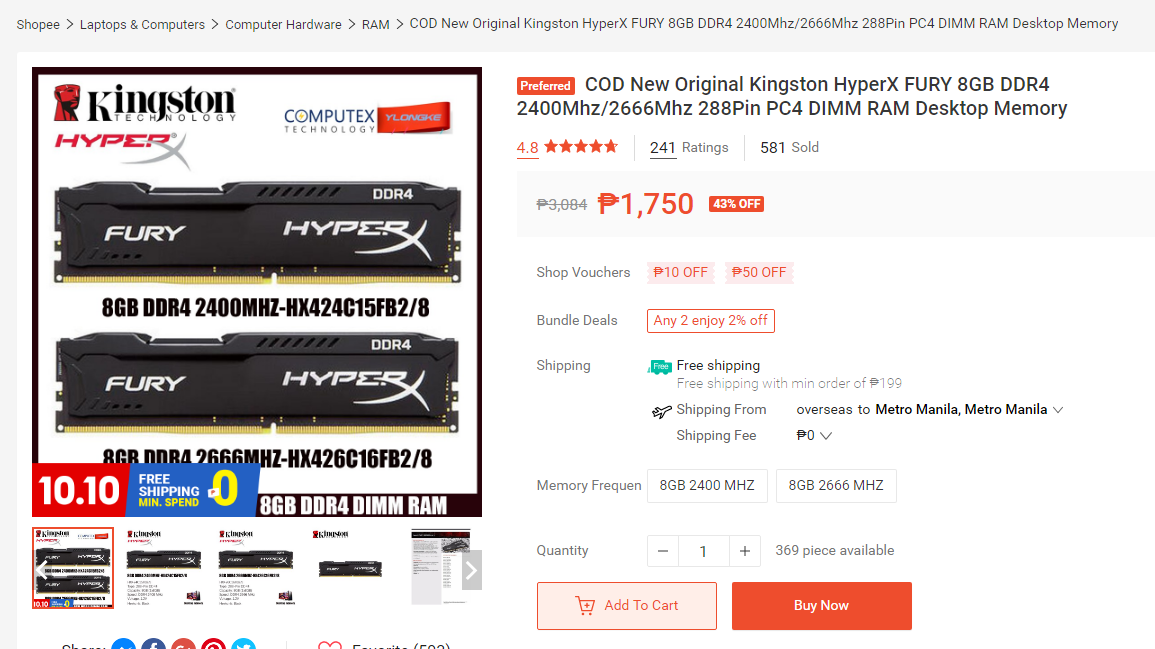
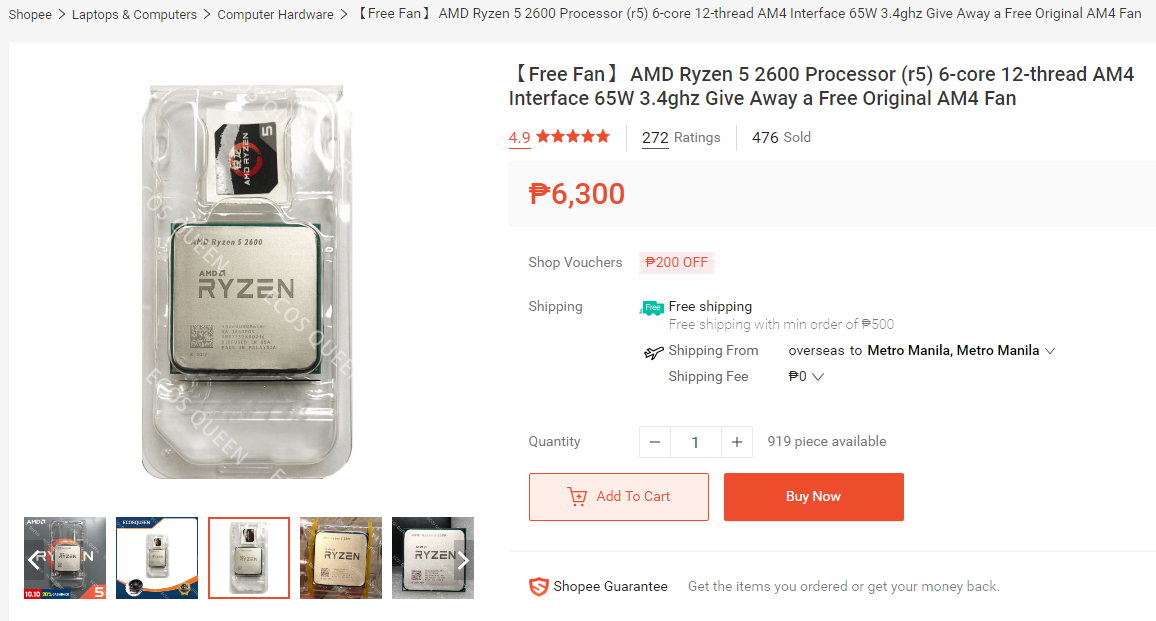
salamat sir.. ito mga list na papalitan ko at dapat bilihin SSD+ryzen r5 2600+ram 8g ddr4. salamatito ba ipapalit ko RAM dalawang 8gb ddr4?
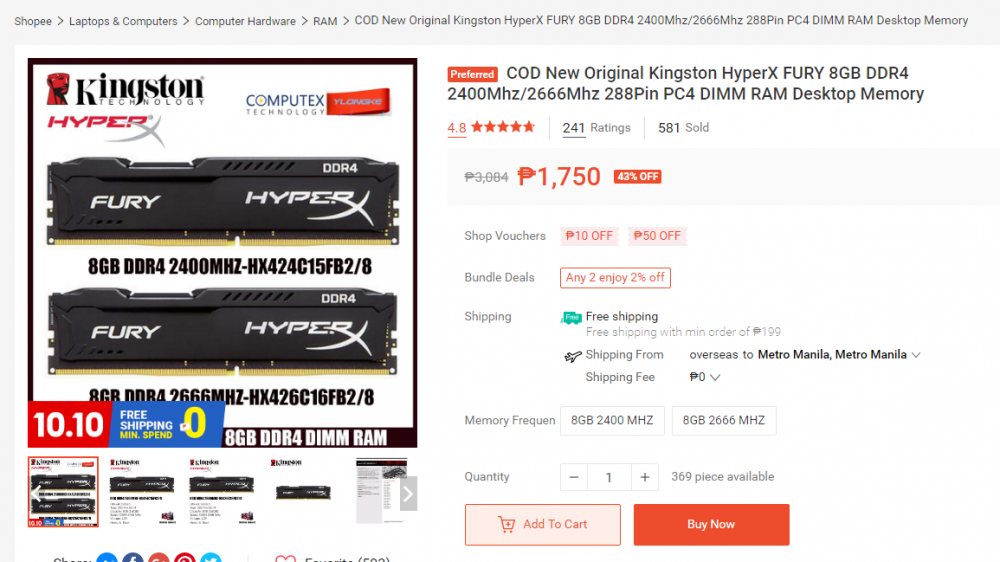 ITO Sir okay ba ito?
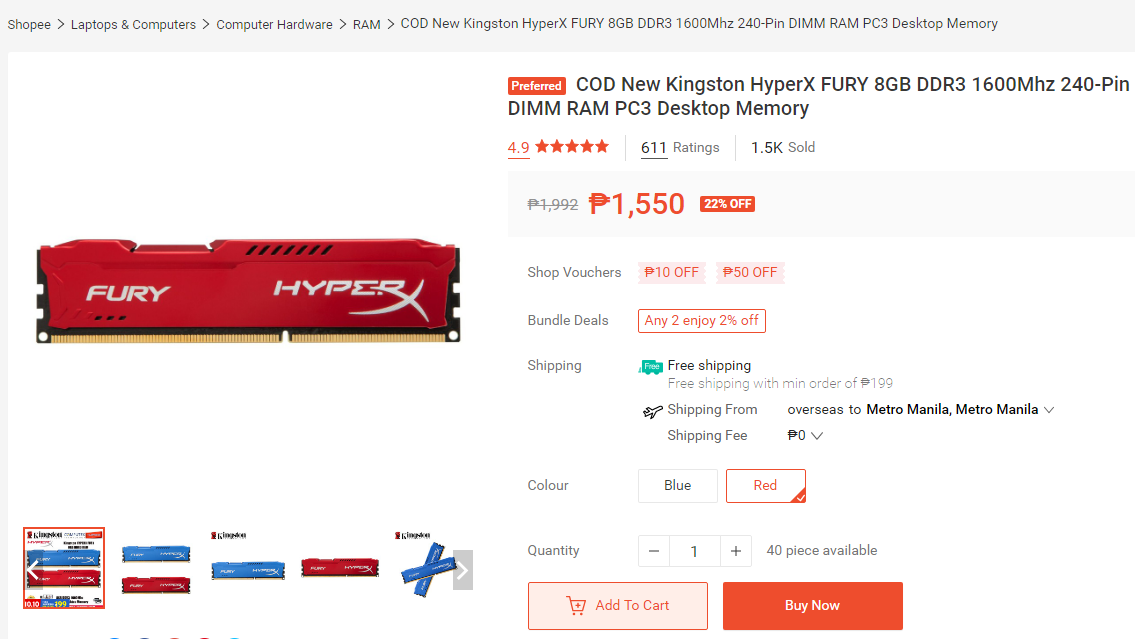
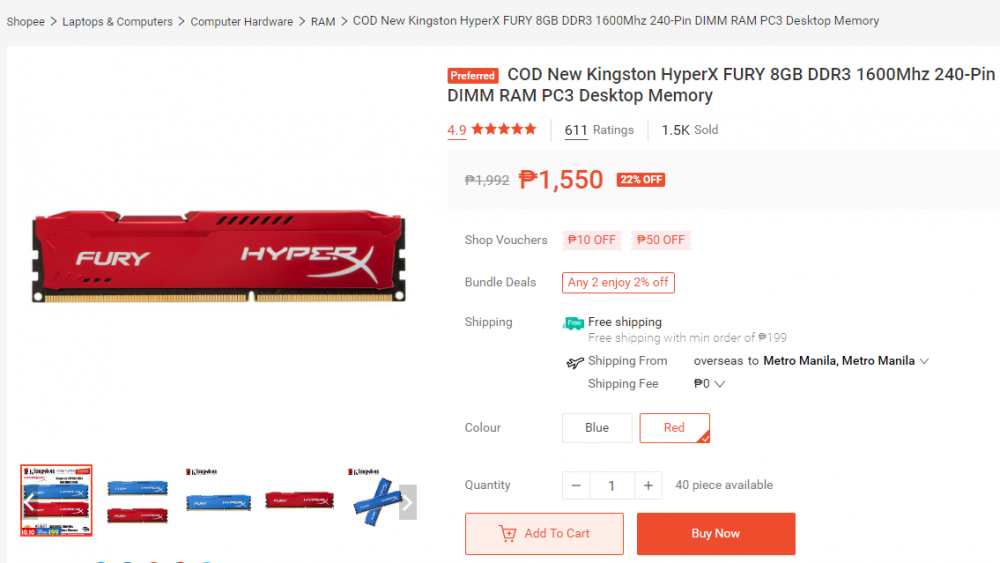
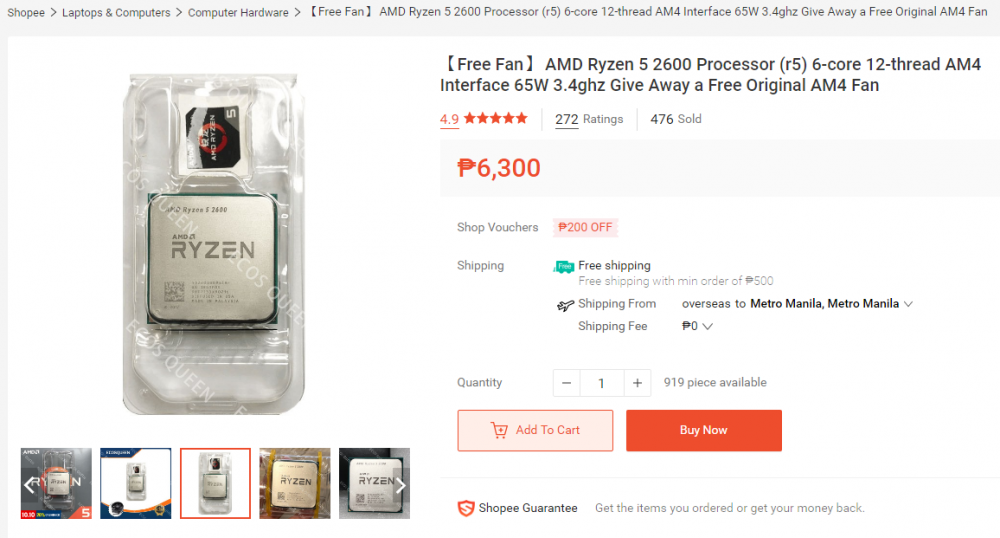 yung sa ram sir ddr3 lang sa akin pwede kuba ipalit agad ddr4? dalawang 8gb?pwede ba sa akin yan sir??
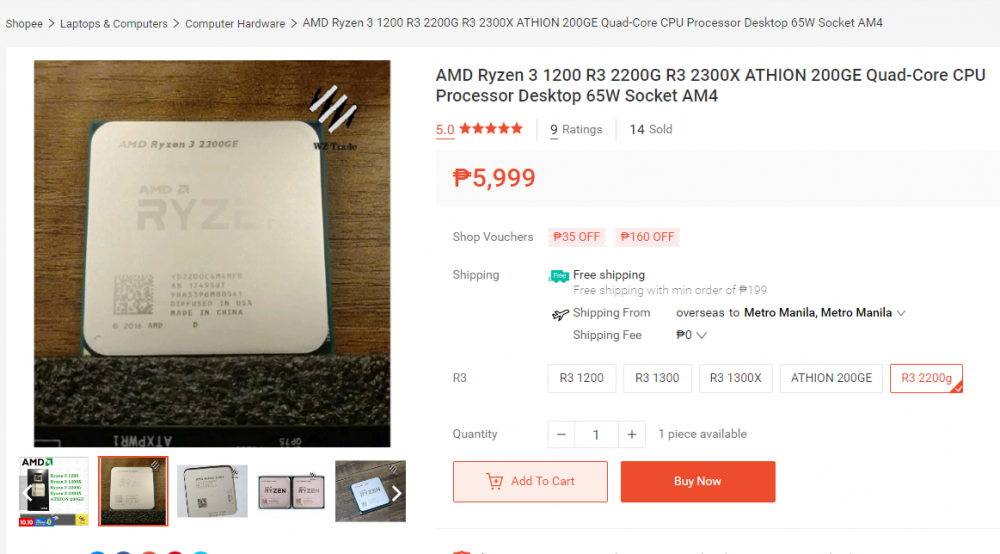 ano po kaya compatible na ryzen sa pc ko sir??BIbili pa naman sana ako ng processor na i5 4gen. para mapalitan yun. kaya ba mga sir???dota2 valorant at csgo kaya ba ng pc ko sir?pwede naman ata update chipset sir diba ano mas okay?Sir ano mas okay dalawang 8gb ram bilhin or isa lang??
 zotac GeForce GTX 1050 (2GB) GPU Architecture Pascal NVIDIA CUDA® Cores 640 Frame Buffer 2 GB GDDR5 Memory Speed 7 Gbps Boost Clock 1455 MHz ayan sa akin sir pwede naba yan for mid gaming?sorry sir naka HDD500gb ako sir. balak ko sana bumuli ng ssd250gb. mid gaming sana sir at office work