Skip to content
View in the app

A better way to browse. Learn more.

BenLotus

A full-screen app on your home screen with push notifications, badges and more.

To install this app on iOS and iPadOS
  1. Tap the Share icon in Safari
  2. Scroll the menu and tap Add to Home Screen.
  3. Tap Add in the top-right corner.
To install this app on Android
  1. Tap the 3-dot menu (⋮) in the top-right corner of the browser.
  2. Tap Add to Home screen or Install app.
  3. Confirm by tapping Install.

joram007

BenLotus Member
  • Joined

  • Last visited

Everything posted by joram007

  1. pasilip paps
  2. error kapg extract ko
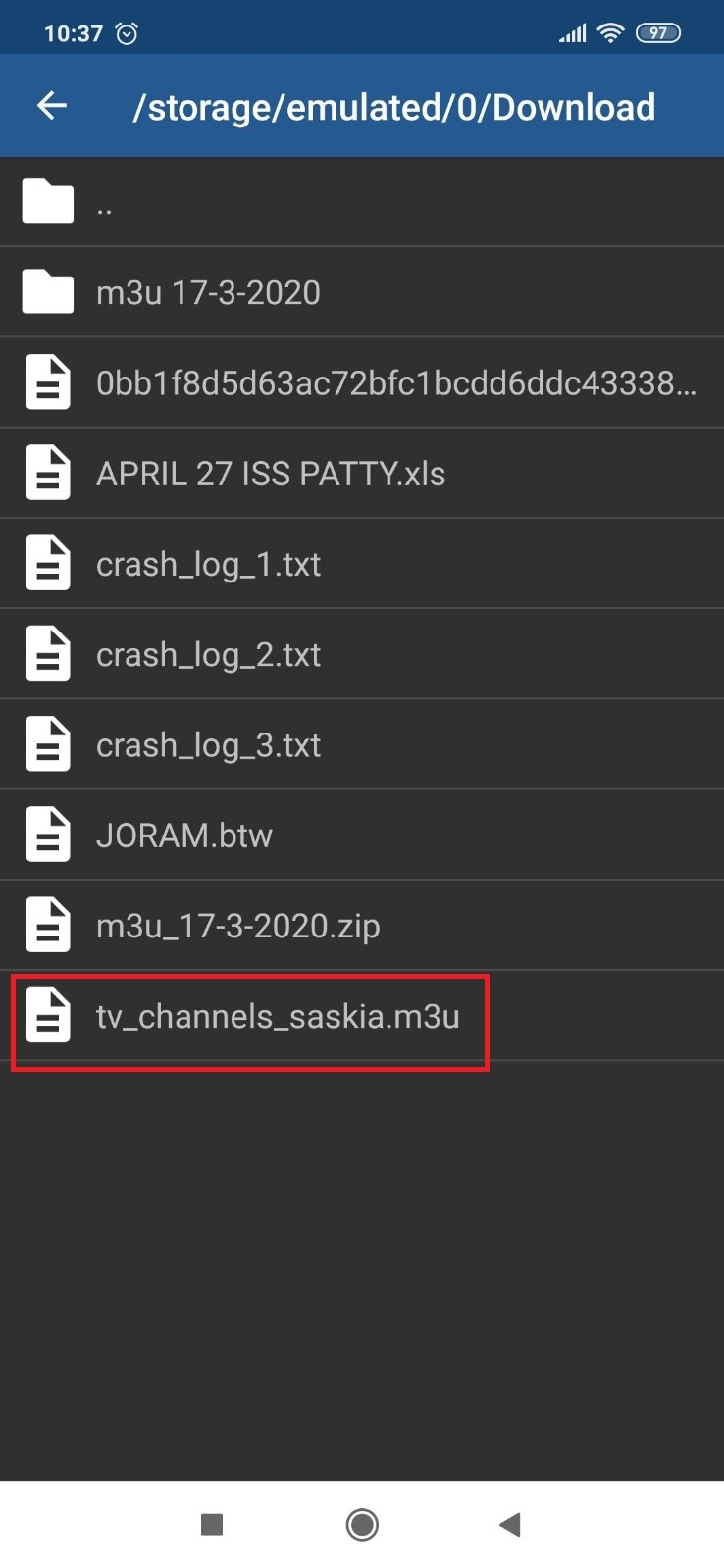
  3. sir naka rar talaga pagimport? or need pa extract?
  4. welcome sir and enjoy
  5. nakalog in ako kaso d na ako makaconnect sobra na daw acount. exceed na. hahaha baka meron pa kayo dyan.
  6. gusto ko si PRD dahil grabe malasakit nya sa tao. yung mga kasama nya lang talaga nationalgovernment ang pasaway. kaya damay narin siya..
  7. patry ako
  8. "I LOVE YOU" ang tamang sagot. hahaha ?????
  9. meron naba nakakuha ng tamang sagot?

Account

Navigation

Search

Search

Configure browser push notifications

Chrome (Android)
  1. Tap the lock icon next to the address bar.
  2. Tap Permissions → Notifications.
  3. Adjust your preference.
Chrome (Desktop)
  1. Click the padlock icon in the address bar.
  2. Select Site settings.
  3. Find Notifications and adjust your preference.