




JENNIE
Elite Member
-
Joined
-
Last visited
Everything posted by JENNIE
-
naol may kakilala haha ??
-
17 | 11 | 24 | 16 | 28
-
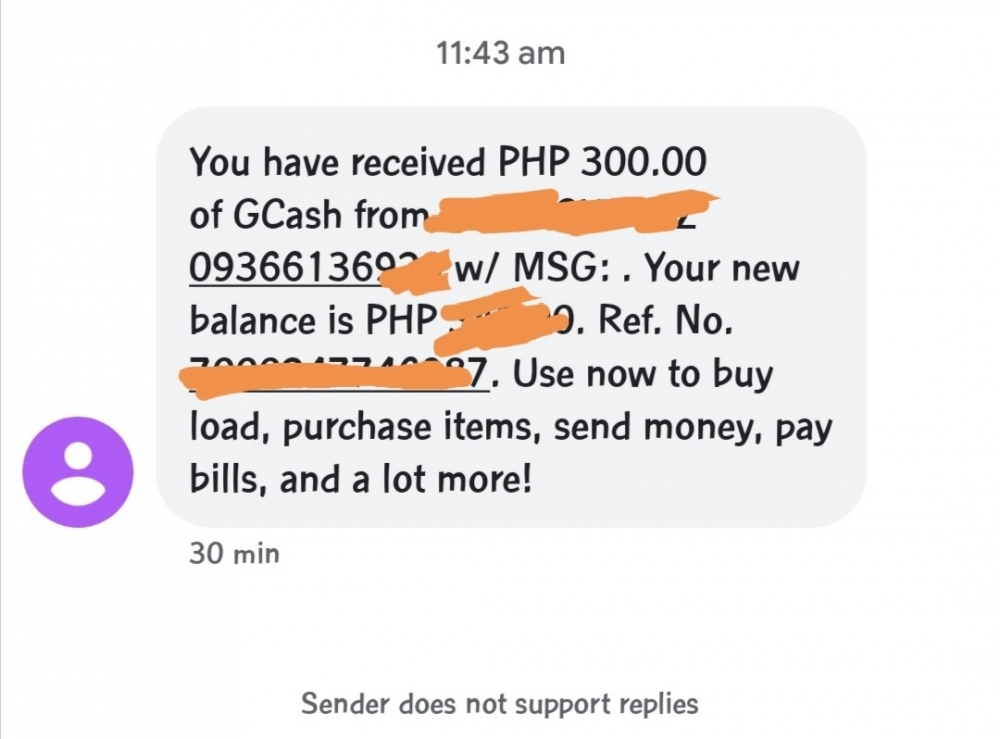
nakararanas ako ng "connected, no internet access" hmmf kaya nagpapaload nalang ako pag mag lalaro? btw pabuhat! ??siz kaw pa naman biglang ighost tas makita mo nalang sa selpon ng iba picture nila nakapost ng di mo nakikita.. ??? ahh thank you so much po ? noted!Maraming salamat po! dahil sa inyo hindi boring ang quarantine namin ??? LABLOTS!! ❤️sana all huhu .. thanks po sa palaro!!pasilip po.. thanks poA S D F Garat laro po!!! ??grrr i hate him very much like grrr... i want some closure sana kaso ayunn may kalandian ng iba.. awkward na kase pag binalikan ko pa right?,??e anong tawag sa 5 years na panlolokong ginawa nya na sineryoso ko at inakala kong totoo..?gusto ko nang lumisan ?sige nga advice me ??hmmmf nope hahaGirl from nowhere / The Gifted it's actually thai series lol ? but the best for me ?yahhh ify?M I K E Ythanks po! stay safe po? okay lang naman kahit acapella siz o kaya tamang karaoke sa youtube??RECIEVED NA PO!! ?? THANK YOU PO SA BENLOTUS AT SA NAG PACOMPETITION!! ?? STAY SAFE EVERYONE! ❤️
 haha thank you siz!! ?? sali na ikaw sa sunod! ❤️OMG THANK YOU PO!! ???




Account
Navigation
Search
Configure browser push notifications
Chrome (Android)
- Tap the lock icon next to the address bar.
- Tap Permissions → Notifications.
- Adjust your preference.
Chrome (Desktop)
- Click the padlock icon in the address bar.
- Select Site settings.
- Find Notifications and adjust your preference.
Safari (iOS 16.4+)
- Ensure the site is installed via Add to Home Screen.
- Open Settings App → Notifications.
- Find your app name and adjust your preference.
Safari (macOS)
- Go to Safari → Preferences.
- Click the Websites tab.
- Select Notifications in the sidebar.
- Find this website and adjust your preference.
Edge (Android)
- Tap the lock icon next to the address bar.
- Tap Permissions.
- Find Notifications and adjust your preference.
Edge (Desktop)
- Click the padlock icon in the address bar.
- Click Permissions for this site.
- Find Notifications and adjust your preference.
Firefox (Android)
- Go to Settings → Site permissions.
- Tap Notifications.
- Find this site in the list and adjust your preference.
Firefox (Desktop)
- Open Firefox Settings.
- Search for Notifications.
- Find this site in the list and adjust your preference.