Skip to content
View in the app

A better way to browse. Learn more.

BenLotus

A full-screen app on your home screen with push notifications, badges and more.

To install this app on iOS and iPadOS
  1. Tap the Share icon in Safari
  2. Scroll the menu and tap Add to Home Screen.
  3. Tap Add in the top-right corner.
To install this app on Android
  1. Tap the 3-dot menu (⋮) in the top-right corner of the browser.
  2. Tap Add to Home screen or Install app.
  3. Confirm by tapping Install.

Jccc

BenLotus Member
  • Joined

  • Last visited

Everything posted by Jccc

  1. Sige may taya na ako
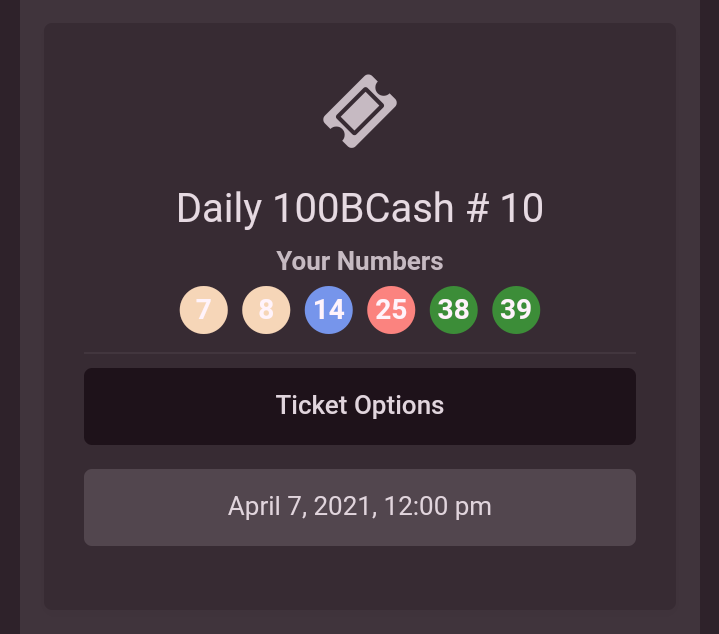
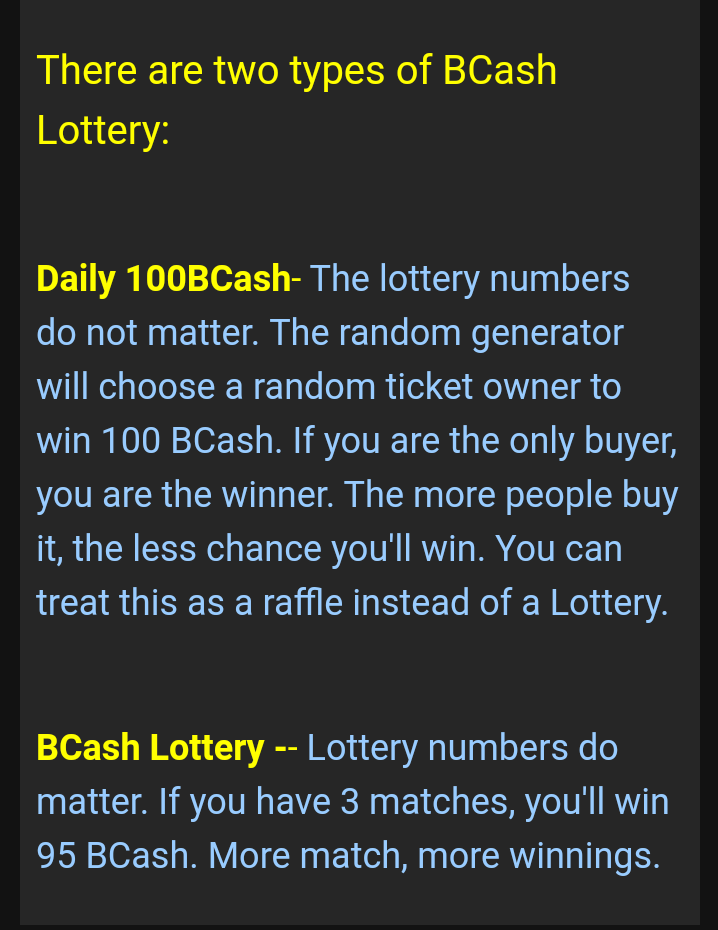
  2. Parang raffle lang po ang Daily Bcash. May isang mananalo lang. Nakuha ko na po haha
  3. I won! @Jccc Amount won: 0 This message is posted automatically by our Lottery system if the player have at least 3 matches.
  4. Panalo po yung isang ticket ko
  5. Yung nakalagay po sa description, parang raffle lang yung daily bcash? Pero bakit po may winning numbers. Di ba po lottery numbers dont matter. Paexplain po pls
  6. Welcome po
  7. Paano maging ticket owner
  8. Hi

    Jccc replied to Sally94k's topic in New Members Introduction
    Welcome
  9. Thanks po try

Account

Navigation

Search

Search

Configure browser push notifications

Chrome (Android)
  1. Tap the lock icon next to the address bar.
  2. Tap Permissions → Notifications.
  3. Adjust your preference.
Chrome (Desktop)
  1. Click the padlock icon in the address bar.
  2. Select Site settings.
  3. Find Notifications and adjust your preference.