




BenlotusForum
BenLotus Member
-
Joined
-
Last visited
Everything posted by BenlotusForum
-
-
-
-
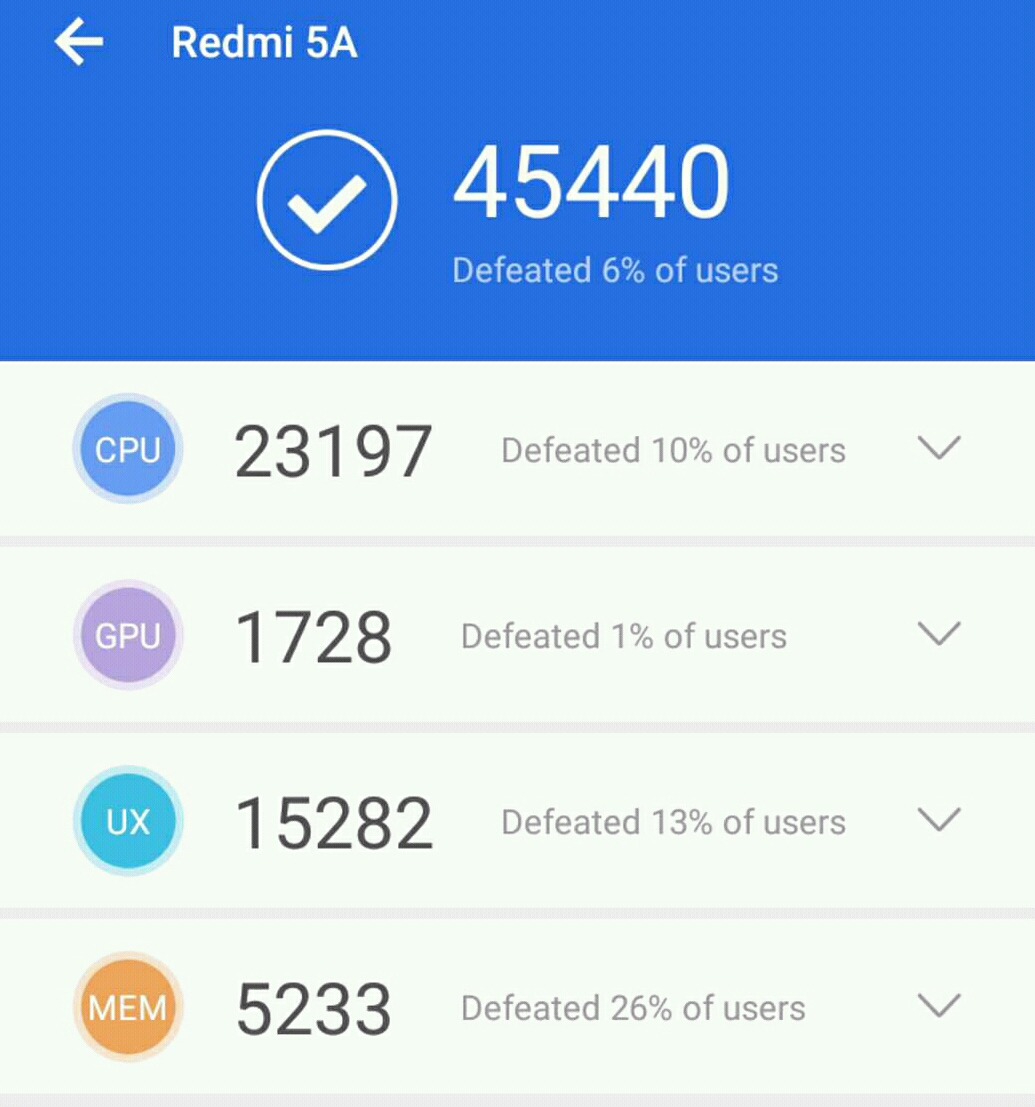
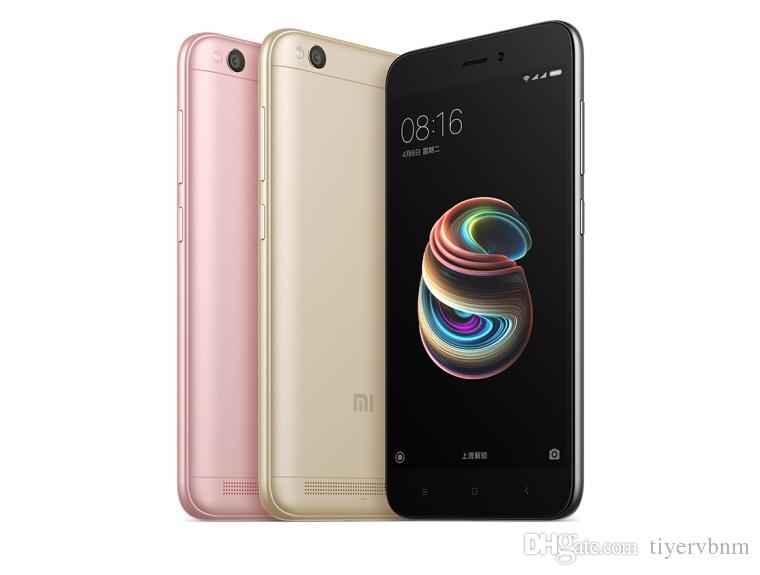
Sensya na now lang naka reply. Sa akin dahil 5 inches screen lang panglalaki dating swak sa akin madali isuksok sa bulsa. Maganda siguro pambabae bigger screen like redmi 6a 5.5 inches ang screen at medyo mataas konti spec price is P4999. Make sure lang sa official store bibili pag xiaomi para walang problema sa warranty in case may factory defect in 1 year.
-
-
-
-
-
Kay sir @Hero pogi na hindi ka pa mawawalan ng netflix account. Ako naman pogi lang pero walang netflix account nanghihingi lang din ako
-
Ayan pakabait po kayo kay Mae, maganda na may netflix ka pa.
-
-
Welcome. Di ko alam paano mo nalaman tong forum pero tingin ko need mo ng isang HeroMagimbita ako ng mga adik sa netflix.Asan mga adik tambay dito? Tara hithit tayo ng sago.Kamusta mga taga norte pinas? Cavite ako malayo sa bagyo pero wasak gate namin sa lakas ng hangin? Ingat!Xiaomi wont void your system for updates even when you are rooted. Root + twrp custom recovery Credit to zeyaan of xda _______________________________ Unlock Bootloader (takes time up to 720 hours when you request from xiaomi) instructions below how to request. Requirements: • Mobile • PC • USB Cable • Internet connection Procedure: • Setup your MIUI account by going to Settings -> Mi Account • Apply for permission here (Use MIUI browser on the phone-Mandatory) (http://en.miui.com/unlock/download_en.html) • Use your phone number with your country prefix to log in (ex. +91 Mobile number, is for India. Ex +91 99999999) • Write why you want to unlock the device in 2-3 sentences (it may take a few days, Be patient. You will receive SMS confirmation if approved) • Download Mi Unlocker from here (http://en.miui.com/unlock/download_en.html) • Enable developer options by going to Settings -> About phone and tap 7 times on MIUI version • Go to Settings -> Additional Settings -> Developer Settings and tick OEM Unlocking and USB debugging • Go to Settings -> Additional Settings -> Developer Settings -> Mi Unlock Status and press Unlock • Turn your Mobile data, Sync , WiFi and GPS on and wait for 5 minutes and don't turn them off afterwards • Go to Mi Cloud by clicking here (https://i.mi.com/) • Login with your phone number • Click on Find device and locate your phone • In the folder where you've extracted the Mi Unlock tool, you will find a program called MiUsbDriver, open it and press Install • Log in to Mi Unlock by opening miflash_unlock on PC with the same phone number you used in obtaining the unlock permission • Switch off your phone and go into Fastboot by pressing Volume down and Power simultaneously and connect your phone to the PC • Once it shows a handset in Mi Unlock click on Unlock button • Wait for a minute and you are done • Your phone's bootloader is now UNLOCKED NOTE: if you are stuck anywhere during this procedure, please start from step 1. The main advantage of this procedure is that you don't need Developer ROM, it will work on Official builds as well. Flashing TWRP Requirement ADB TWRP for Redmi 5A (Riva) (https://forum.xda-developers.com/and...mi-5a-t3712243) LazyFlasher zip https://androidfilehost.com/?fid=673368273298947108 Procedure: 1. Reboot to Fastboot mode by pressing and holding Volume down + power button 2. Connect the phone to the computer with the original usb cable. 3. On your computer download the recovery from the link below and move it to the ADB folder. 4. Now in the adb folder, press shift and right click, select “open command prompt here” 5. Type the following fastboot devices (to check if the computer recognizes the phone) fastboot flash recovery twrp-3.2.1-0-riva.img (Flashes the TWRP to the phone) 6. Reboot the device to recovery. DO NOT BOOT TO SYSTEM YET Use Volume Up + Power to boot to recovery. 7. Flash Lazyflasher to disable dm-verity & forced encryption on MIUI. 8. Reboot to system Now you have TWRP and MIUI.Nakahanap na ata ng forever? Huy isali mo din dito yung forever mo?Tut for VLC Player@pazaway018



Account
Navigation
Search
Configure browser push notifications
Chrome (Android)
- Tap the lock icon next to the address bar.
- Tap Permissions → Notifications.
- Adjust your preference.
Chrome (Desktop)
- Click the padlock icon in the address bar.
- Select Site settings.
- Find Notifications and adjust your preference.
Safari (iOS 16.4+)
- Ensure the site is installed via Add to Home Screen.
- Open Settings App → Notifications.
- Find your app name and adjust your preference.
Safari (macOS)
- Go to Safari → Preferences.
- Click the Websites tab.
- Select Notifications in the sidebar.
- Find this website and adjust your preference.
Edge (Android)
- Tap the lock icon next to the address bar.
- Tap Permissions.
- Find Notifications and adjust your preference.
Edge (Desktop)
- Click the padlock icon in the address bar.
- Click Permissions for this site.
- Find Notifications and adjust your preference.
Firefox (Android)
- Go to Settings → Site permissions.
- Tap Notifications.
- Find this site in the list and adjust your preference.
Firefox (Desktop)
- Open Firefox Settings.
- Search for Notifications.
- Find this site in the list and adjust your preference.