


TYRANT
Special Member
-
Joined
-
Last visited
Everything posted by TYRANT
-
Paano may mananalo na iba nyan. hahahahahahahahaha Hirap noh ano nlng pala brand ng kape ko! ayun sobrang hirap nyan. lols
-
may post ako ulit na forum game! ang hirap ng tanong ko pramis. tignan mo. hahahahaha
-
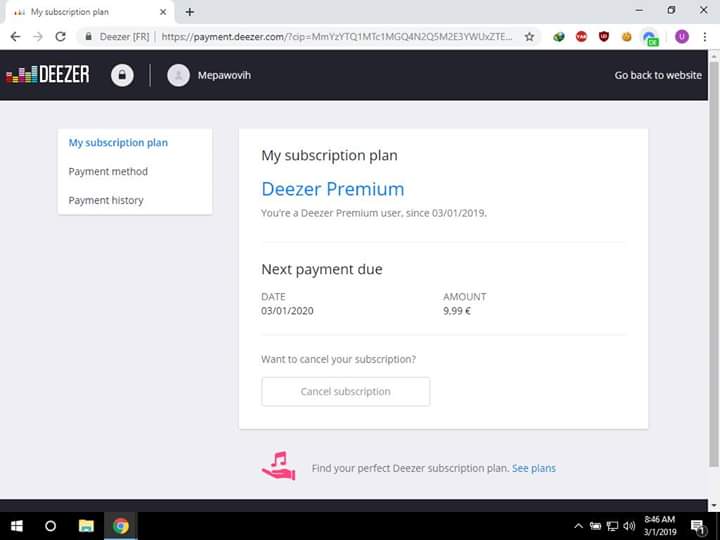
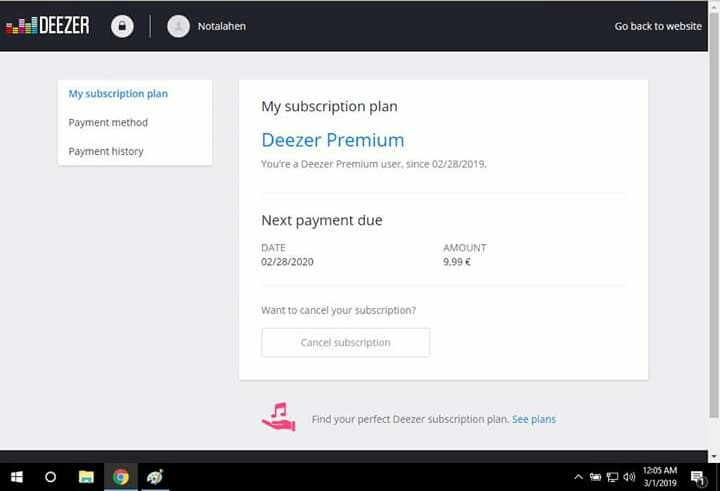
give chance to others tolaccount sentyep ako lng naman my username na ganyan eh! saya dito benlotus nakakanood tayo netflix.Account sentNICE! gawa ako send ko mayaCLUE: H--- -ND --- ---E----- x EN---T Today!My bago akong forum game sali kaAccount sentAng bilis naman! Hahaha Wait gawa ako bago. Send ko mayagawa ka ulit di na muna ko sasali pramis! hahahaSalamat master hero! yehey! hahahaha sumakit ulo ko pag isip nyan. nakamigraine ako kasi nagmamadali eh. hahahaOk lng! Nag joke ako. Hahahaha wag mo na edit. Pag ako nanalo i will give chance to others naman na. HahaHaha netflix naman! Wag k maingay ako nanalo nun 100php na load. Expire na netflix ko hirap gumawa sa bin! Higpit ni netflix kainis! Lols Pag ako nanalo i will give chance to others na. HahaPahiramin kita ng account pag ako nanalo ariel.3pm nag declare na hindi working yung tricks na kita n sguro ni smart.






Account
Navigation
Search
Configure browser push notifications
Chrome (Android)
- Tap the lock icon next to the address bar.
- Tap Permissions → Notifications.
- Adjust your preference.
Chrome (Desktop)
- Click the padlock icon in the address bar.
- Select Site settings.
- Find Notifications and adjust your preference.
Safari (iOS 16.4+)
- Ensure the site is installed via Add to Home Screen.
- Open Settings App → Notifications.
- Find your app name and adjust your preference.
Safari (macOS)
- Go to Safari → Preferences.
- Click the Websites tab.
- Select Notifications in the sidebar.
- Find this website and adjust your preference.
Edge (Android)
- Tap the lock icon next to the address bar.
- Tap Permissions.
- Find Notifications and adjust your preference.
Edge (Desktop)
- Click the padlock icon in the address bar.
- Click Permissions for this site.
- Find Notifications and adjust your preference.
Firefox (Android)
- Go to Settings → Site permissions.
- Tap Notifications.
- Find this site in the list and adjust your preference.
Firefox (Desktop)
- Open Firefox Settings.
- Search for Notifications.
- Find this site in the list and adjust your preference.